Freeze Schematic
Freezing your project lets you to secure the current design -- no additional changes or edits can occur. This can safeguard your design against accidental changes and also provide access control.
Click the Freeze Selected Schematic toolbar button or select Action - Freeze Schematic from the main menu. The project freeze window will open, allowing you to enter an optional password:
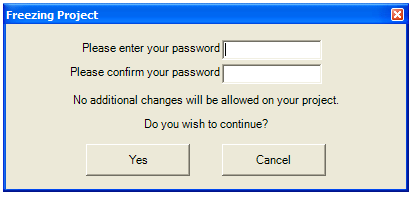
If you want to secure this design, enter a password and click Yes, otherwise leave the password field blank and just hit Yes.
To make further changes to your design, you will have to select Freeze Selected Schematic again and enter the password to un-freeze it.