Aux ADC Input
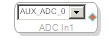
The Auxiliary ADC Input algorithm takes the digital signal from the auxiliary A/D (analog-to-digital converter) and makes it available in the design.
Note: This block is only available for use with DSPs that have auxiliary ADC (e.g. ADAU1701).
Use the block's drop-down list control to select from the available ADC inputs.
- Every enabled input must be connected to an output, else there will be errors on compilation.
- Observe that as you drag more ADC input blocks into the schematic, the number of auxiliary ADCs available in the drop-down decreases because they can only be represented by one block at a time.
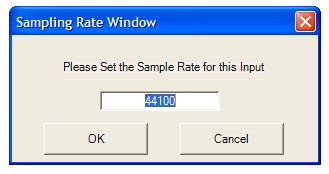
- To change the Sampling Rate for an Aux ADC Input, Right-click the block name and select Set Sampling Rate, which brings up the Sampling Rate window (default is 44.1 kHz):