How to convert DSP type form BF609 to BF606 ?
I want change DSP type in same code. DSP of the current project is BF609, but DSP of the next project is BF606. Both project use same code.
I try that modify some project preferences. System run different results, when use same code in different DSP.
How to setup project preferences, and notice thing??
Hello,
Sorry for late reply.
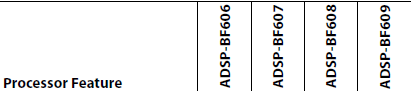
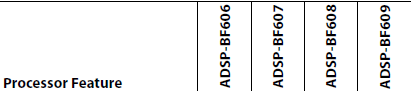
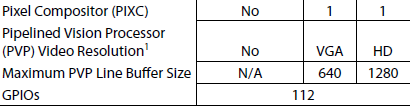
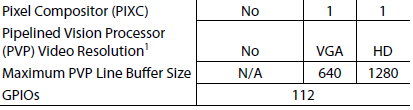
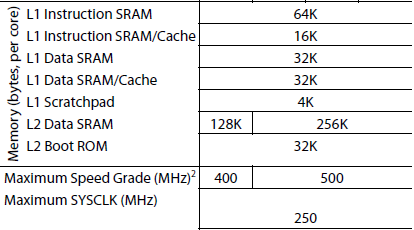
Ideally I would say it should work, but for processor comparison between BF609 and BF606 see BF60x datasheet. For quick reference see below the difference between the two.
1. Make sure that you are not using any component which is not there in BF606 for eg. PIXC and PVP.
2. Since BF606 has 128K L2 Data SRAM, so I would suggest you rebuild you .ldf file.
3. Also BF606 max speed of 400 MHz as compared to 500 MHz for BF609, so make sure you are not programming it to 500MHz.

This question has been assumed as answered either offline via email or with a multi-part answer. This question has now been closed out. If you have an inquiry related to this topic please post a new question in the applicable product forum.
Thank you,
EZ Admin
Please log in to reply.