Alias pins are causing issues
I am having lots of issues with alias pins. I created a designed that used alot of alias pins and when I try to open the schematic after closing the project the program seems to lock up and take almost an hour to open the drawing. The blue bar stops moving at the bottom of the window. To avoid this I tried using more hierarchy boards with custom blocks. However after getting a working design, the alias pins seemed to suddenly get confused and the wrong signal was appearing connected at the corresponding output. 2 signals got crossed. I also experienced sometimes when the alias pin is connected to a block the block no longer would pass signal. If I disconnected the pin from the block the signal would reappear. I tried this with a block that just had an input and a direct connection to the output. Is this normal behavior? If I don't use the alias pins the drawing becomes quite messy and hard to read.
Audio Signal Processors
adau1452
Audio Products
SigmaStudio+ 2.0
SigmaDSP Audio Processors
Hello kernel,
There are some improvements related to Alias pin and hierarchy boards will be supported in upcoming SS+ release expected sometime in SEP 2023.
Regards,
Harish
Thanks for the reply. So are hierarchy boards not supported in the current version? Should I avoid using them and alias pins?
Thanks for the reply. So are hierarchy boards not supported in the current version? Should I avoid using them and alias pins?
Hello kernel,
It's not that the current version doesn't support the hierarchy boards and alias pins. It does support both of them and it's working fine with the projects those I tried. However, as I mentioned some improvements will be made in future release.
If you attach your project in that you are facing issues with boards and alias pins, then I will try to reproduce it.
Regards,
Harish
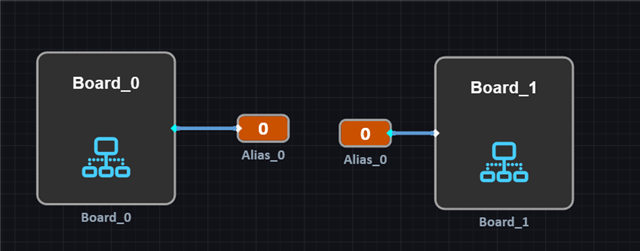
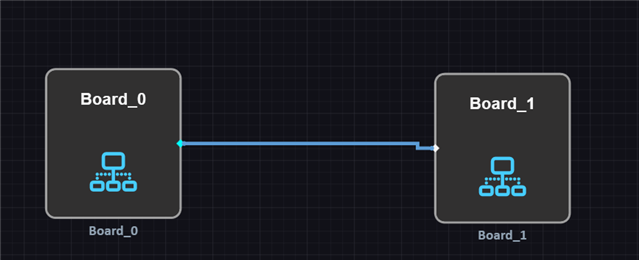
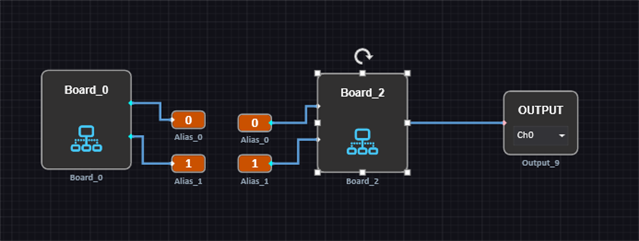
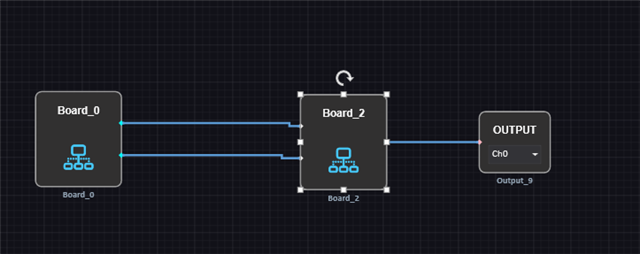
Here is an example of one of the issues I am having. If I use two hierarchy boards and try to use alias pins as interconnects signal does not pass through to the output.
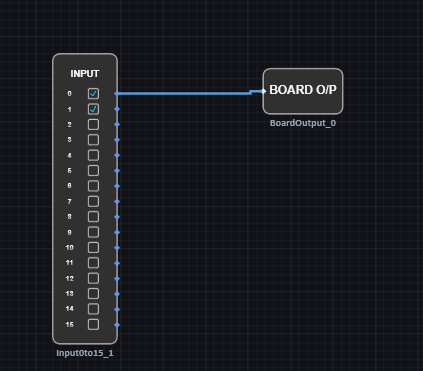
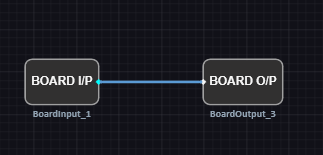
Board_0 just has an input and a board output.
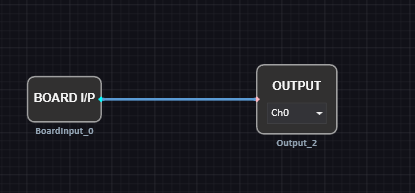
Board_1 just has a board input and an output.
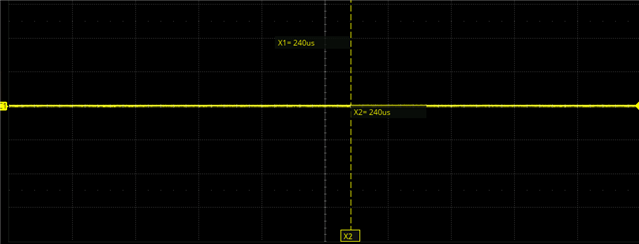
If I connect the two boards directly I get output, if I use alias pins I do not get output.
If I disconnect the alias_0 output from Board_1, I get output at that pin. It seems connecting the alias to Board_1 causes the signal to disappear. This is quite the issue. Without using alias pins, complicated designs get really messy and hard to read. Without using hierarchy boards, complicated designs cause SigmaStudio+ to lock up and crash when trying to load them, (I am assuming due to all the modules and interconnects loading).
As another side issue, the program seems to redraw the interconnects between modules at random. So even if I organize it nice to be able to read everything without wires going everywhere, the program will just redraw them and make it look really messy with wires overlapping everywhere.
Thanks again for all the replies and help.
UPDATE
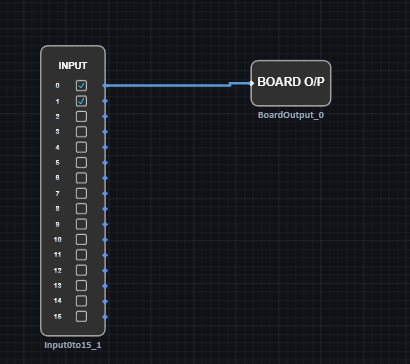
If I move the output outside of Board_2, then it passes signal as expected with the alias pins.
Board_0 is the same.
Board_2 now just passes from board input to board output.

UPDATE
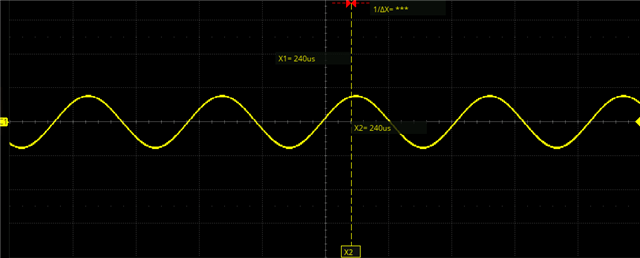
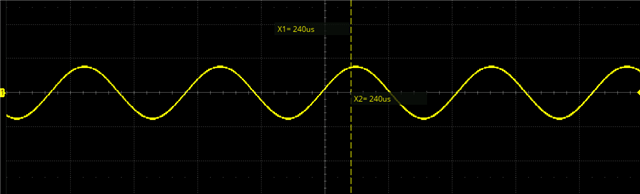
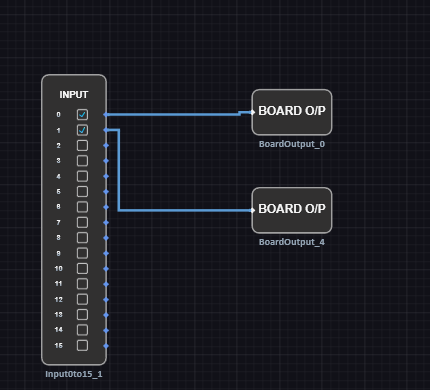
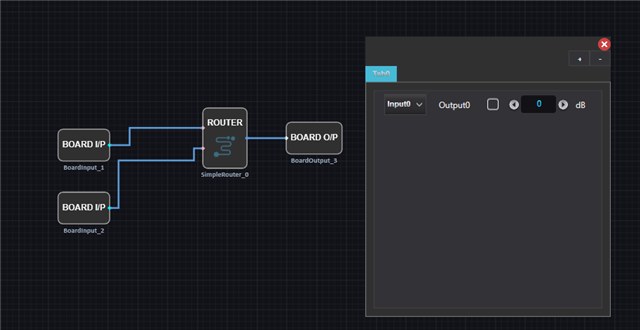
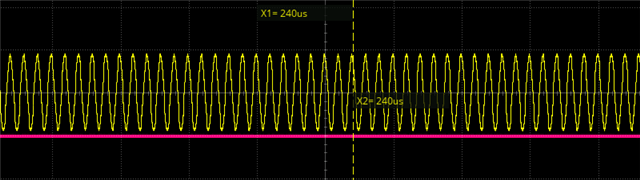
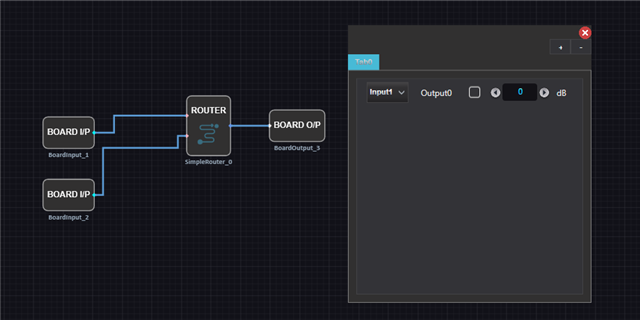
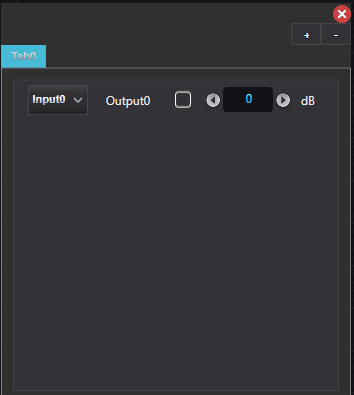
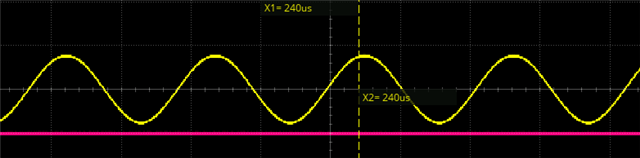
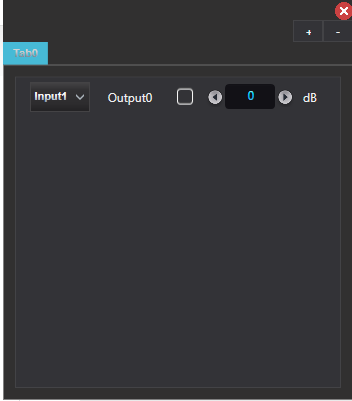
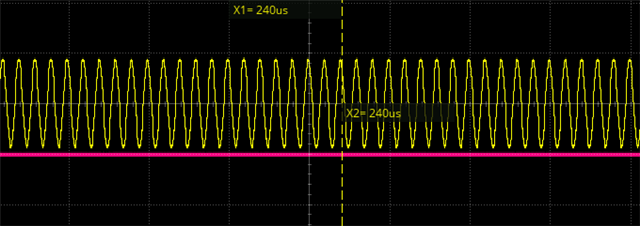
This seems to breakdown when you add a second signal alias pin and a router inside the board_2. The signals get swapped as well. Input0 is 1kHz sine, Input1 is 10kHz sine.
Board_0
Board_2
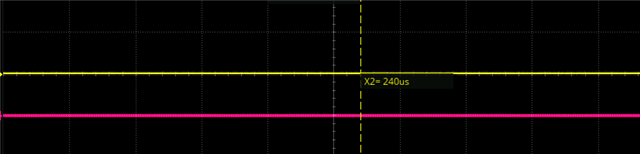
Input0 passes signal, however it is actually the input1 signal that is appearing at the input, not the input0. They seem to get swapped.
Input1 does not pass signal
If I connect the pins directly without the alias pins everything works as expected.
Input0 1kHz sine
Input1 10kHz sine
I can't make heads or tails of this.
Hello kernel,
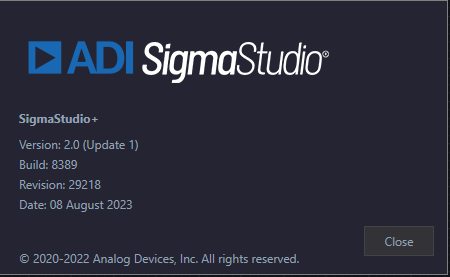
I can't simulate this issue. I tried and did exactly what you have shown above, I'm getting the signal with the alias pin. Maybe the Revision and build of the tool that we use are different? Can you please confirm it by going to help>>about.
Regards,
Harish
Hello again,
This I can simulate as you explained, while using alias pins, the signal is getting swapped and muted when using that simple router block. It is working as expected when I remove the alias pins.
Thank you for reporting this.
Regards,
Harish
Here is my version and build.
Please log in to reply.