Sigma Studio+ Memory Calculation Error
When compiling the attached project in SigmaStudio+ the memory calaculations are showing for 48kHz even though all of the blocks in the schematic are set to 96khz.
Have you come across this before?
BrokenCalculation.ssprj
Audio Signal Processors
adau1452
broken
software
SigmaStudio+ 2.2.0.2
SigmaStudio+ 2.0
processors and dsp
Sigmastudio+
SigmaDSP Audio Processors
Processors and Microcontrollers
Show More
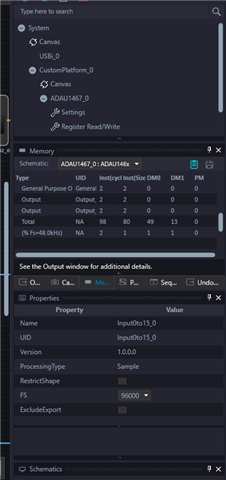
Hello kanemcnamara,
I think that the new SigmaStudio+ does not adjust for the actual sample rate. It leaves it up to you to adjust for the actual rate. I will ask the programmers if it is on their list of features to expand on.
Thank you for pointing this out. It will help make SS+ a better product.
Thanks,
Dave T
Hello,
I can see you issue.
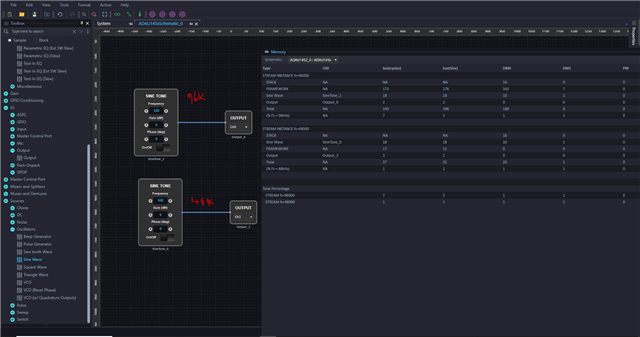
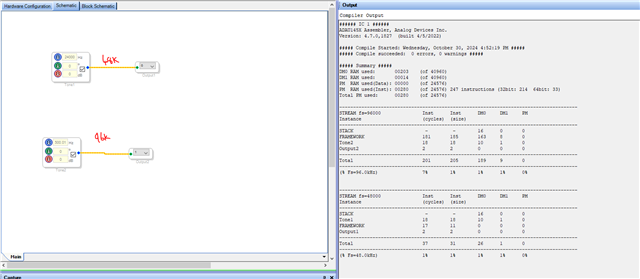
I just added a 48KHz thread in your project, just a sine block going to the output. Now I can see two different threads and their respective calculations in the output window. Please look below.
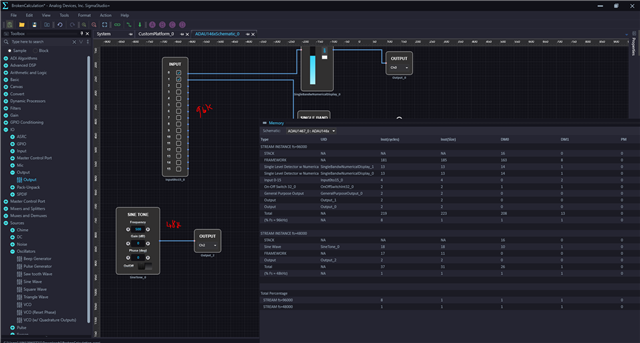
I tried with some blocks added.
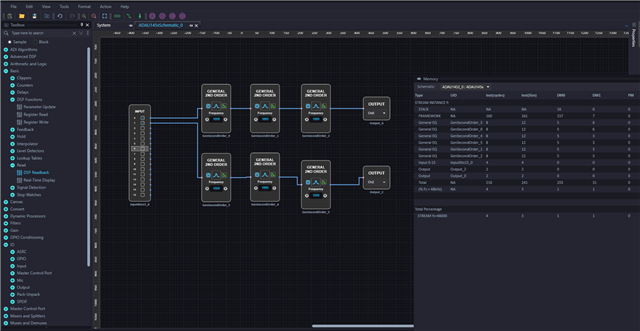
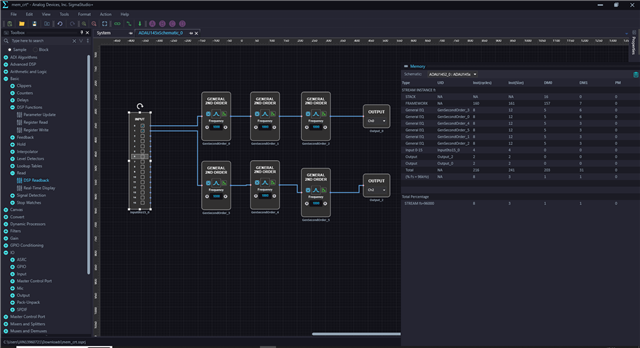
Below I just compared the SS with SS+.
In this single 96KHz thread, If the compiler calculates the instruction for 48KHz, then you can approximately calculate the MIPS used for 96KHz. (a framework for two different rates may change but can almost calculate the MIPS used)
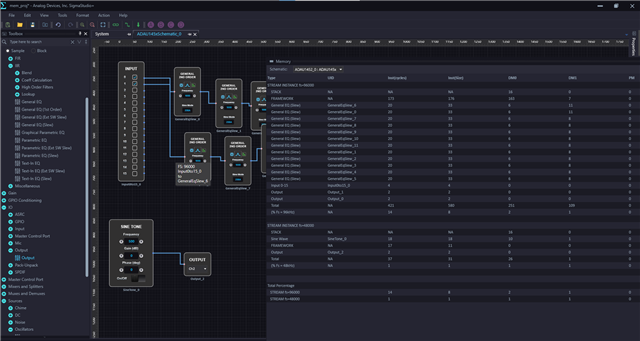
For 48KHz project like below,
it calculates like this,
Total MIPS used (%)= Total no of instructions in your project/Total instructions per sample = (216/6144) *100 = 3.5%, rounded off as 4%.
(Surprisingly, when I changed the above project to 96KHz, just to demonstrate this example, my single thread 96kHz project calculates for 96KHz. It's strange and surprising)
For 96KHz thread, the calculation will be,
Total MIPS used (%)= Total no of instructions used in your project/Total instructions per sample = (216/3072) *100 = 7.03%, it's showing 8% in the output window.
So here is the thing, when I closed this project and opened again then the issue comes, now 96kHz project is calculated for 48KHz in the window and If I introduce any 48KHz block and compile (now I have 48KHz and 96KHz thread in the window) and deleted that 48KHz blocks that I deliberately introduced and compiled the 96KHz thread, now I got the correct calculation for 96KHz. Sorry that if I'm confusing you.
You can take your project and try what I have tried, you will find new things. You can just compare single and multi-thread projects and see if you can see the correct MIPS usage for particular rate.
Regards,
Harish
Please log in to reply.