ADAU1701 i2S in/out help needed.
Hi All,
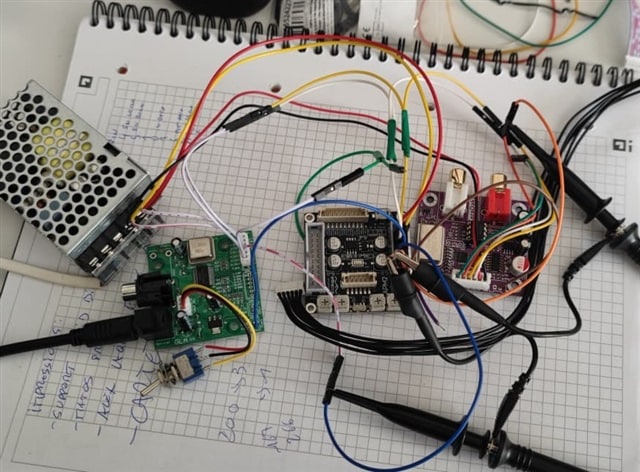
This is the setup :
Source : WM8805 v4, master / i2S-24bits
DSP : Wondom APM2, crystal removed, MCLK wired
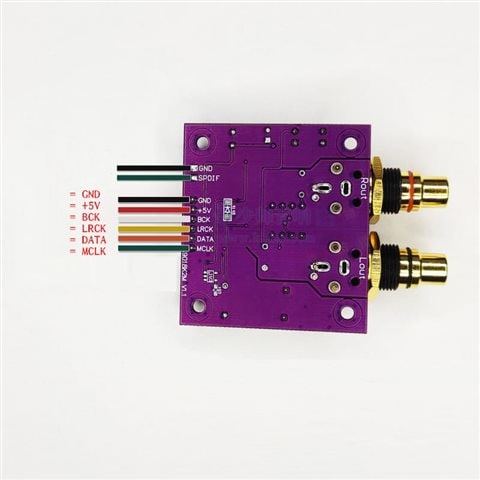
DAC : ES9018k2m
PSU : Meanwell 5v, common ground
Player : REW sound generator, 2 channels, 24bits, 48000Hz
Wiring :
Source LRCK -> DSP MP4 LRCK_in
Source LRCK -> DAC LRCK
Source BCLK -> DSP MP5 BCLK_in
Source BCLK -> DAC BCK
Source SDAT -> DSP MP0 Sdata_in0
Source MCLK -> DSP crystal pad (following Wondom video)
DSP MP6 Sdata_out0 -> DAC DATA
DAC MCLK -> Not wired
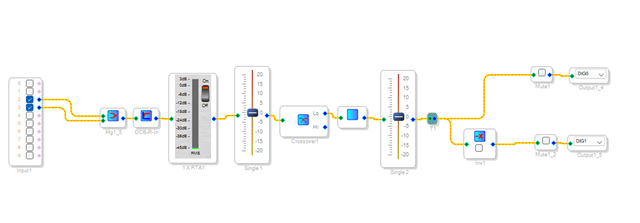
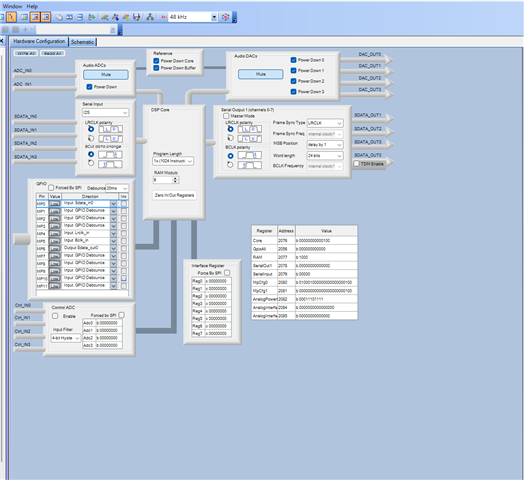
Sigma Studio setting :
Measurements :
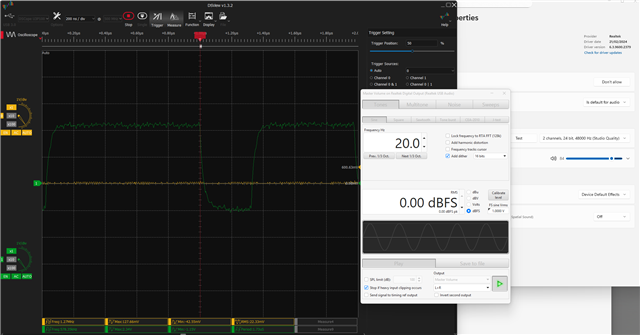
Source LRCK : 48kHz
Source BCLK : 3.07MHz
Source MCLK : 12.29MHz
I can see/measure the DSP input signal (green) but nothing at the output (yellow).
I don’t understand what I’m doing wrong… Any ideas ?
Thanks for your help.
Audio Signal Processors
software
sigma studio 4.7
i2s
SigmaDSP Audio Processors
SigmaDSP
adau1701
Show More
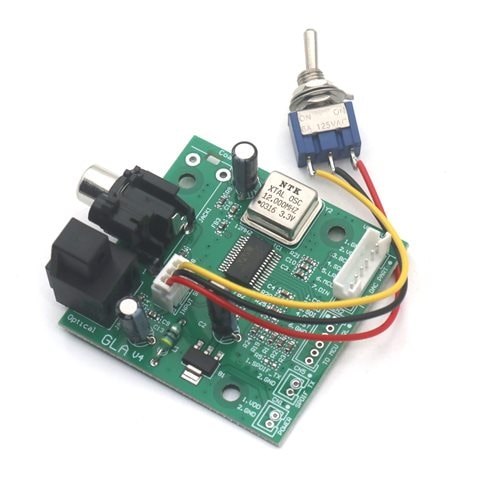
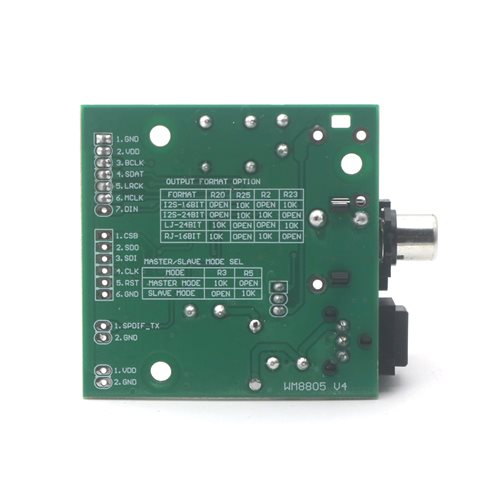
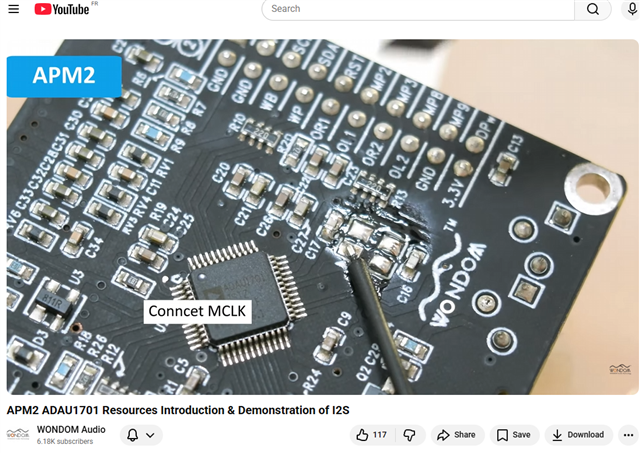
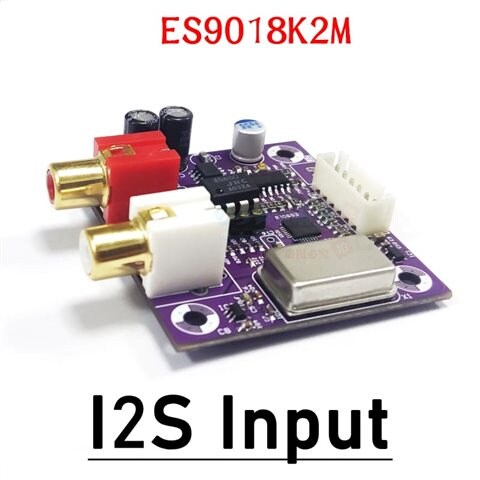
Hello JFK,
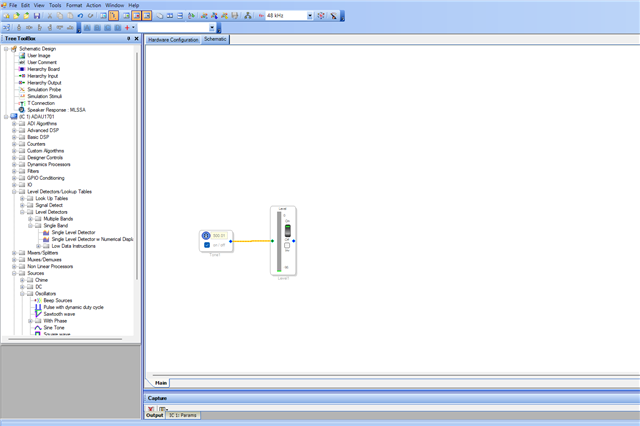
Please check if the DSP is up and running. You can try something like below and see if the level detector is showing a signal.
Regards,
Harish
Hello -JFK-
There are a few things that is not clear with what you are doing with the entire system connections but I think you want to have the SPDIF board converts it to I2S interface. So you want that board to be the clock master and that includes the master clock (MCLK) too correct?
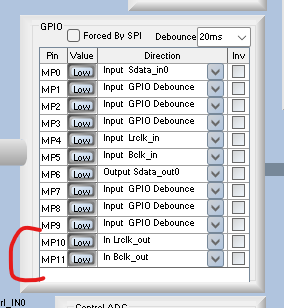
So you want the 1701 to be a clock slave for both the serial input and serial output port. I can see that in your register settings that you set the serial output port to be a slave.
Well, if that is the case then you really need to feed some clocks to the serial output port. the serial input port is its own block and shares NOTHING with the serial output port block.
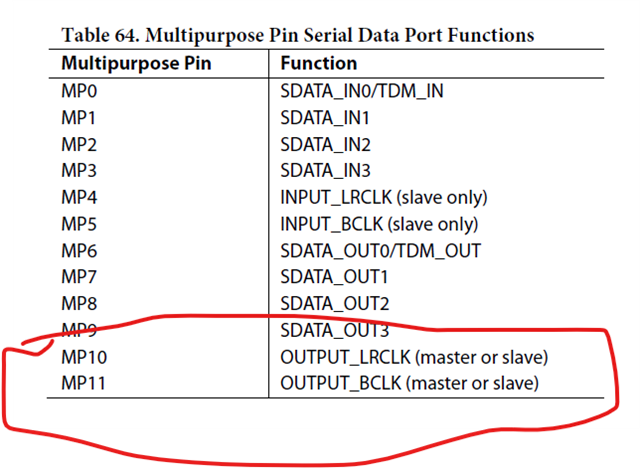
So you are feeding clocks to LRCLK and BCLK_IN pins but you are not feeding anything into the LRCLK_OUT and BCLK_OUT pins. You do not have the registers turned on to make those pins be clock inputs. You will need to connect the LRCLK and BCLK to those pins as well.
It is really confusing. The clock pins are named IN and OUT but this is to tell you which serial port it is associated with, the serial input or serial output port. I does NOT mean the direction of the clocks.
Dave T
Please log in to reply.