Sigma Studio + Poor / Erratic Graphical Parametric EQ UI Performance
This is my first post so hopefully I'm posting in the correct space with enough information but I've noticed some odd behavior while using the graphical parametric eq block thats not present on the older Sigma Studio 4.7. While using the UI of this block and adding filters it seems to considerably slow down and lag and it seems like the actual points you hover over to click and drag drift from where the actual UI is showing them. Sometimes the points still follow the curser even when releasing the mouse as well. It makes it kind of difficult to use! I was wondering if maybe I'm doing something incorrectly or if there's a solution for this. Thank you!
Audio Signal Processors
adau1452
bug_report
software
2.3.0 & 2.4.0
Sigmastudio+
SigmaDSP Audio Processors
Show More
Hello Edgee,
Apologies for inconvenience and thanks for your feedback.
I have not come across this problem before. When I tried today, it works as expected except that the EQ window being a little slow.
So, if you continue to have this same issue after trying 'closing and re-opening' SS+ so many times, then please attach a screen record of the issue if possible. I will report that to the respective team to make the experience much better in the future.
Thanks for your understanding!
Regards,
Harish
I really appreciate the quick response! Hopefully a gif is enough to portray the problem I'm encountering.
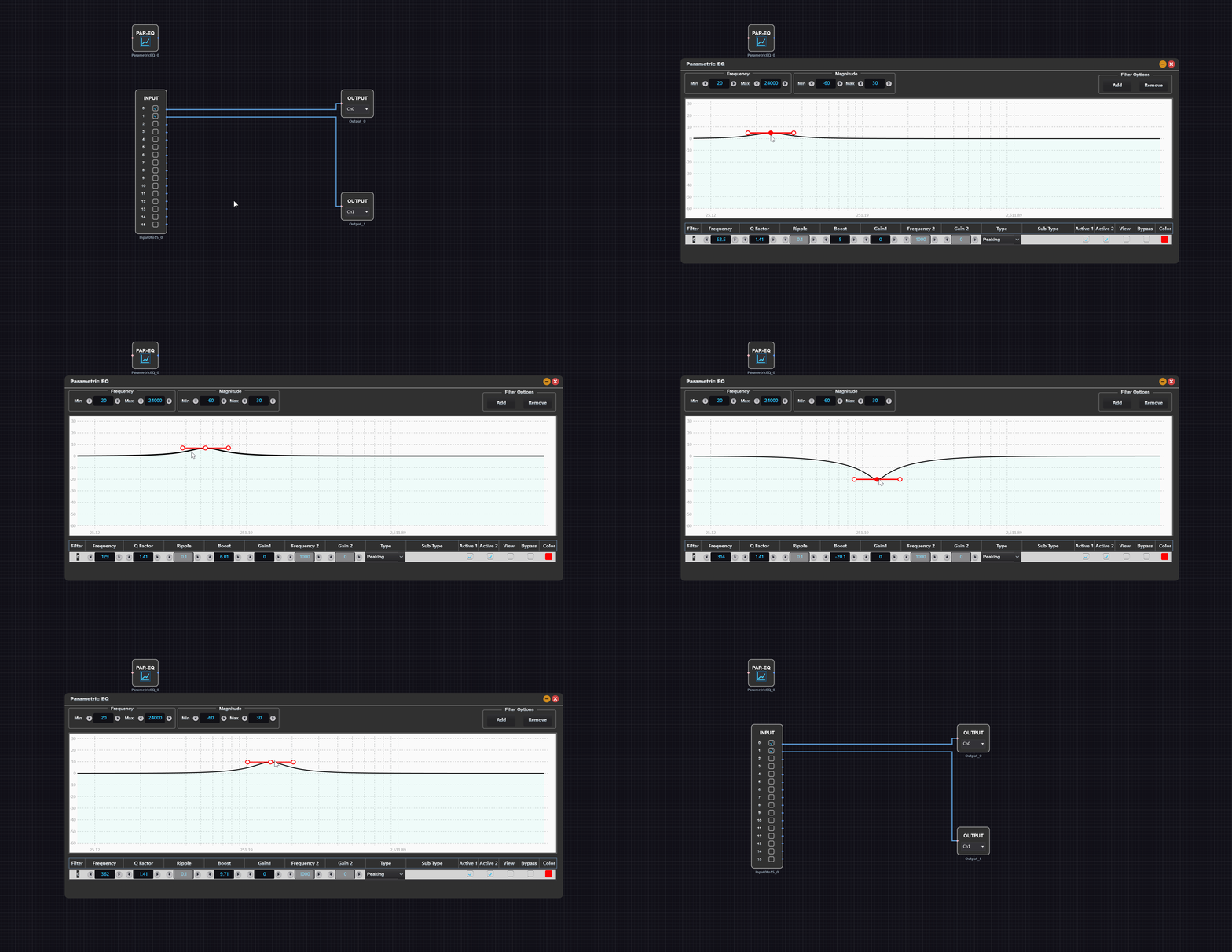
This is what happens when I first open the block. It functions fine although slightly slow as you describe.
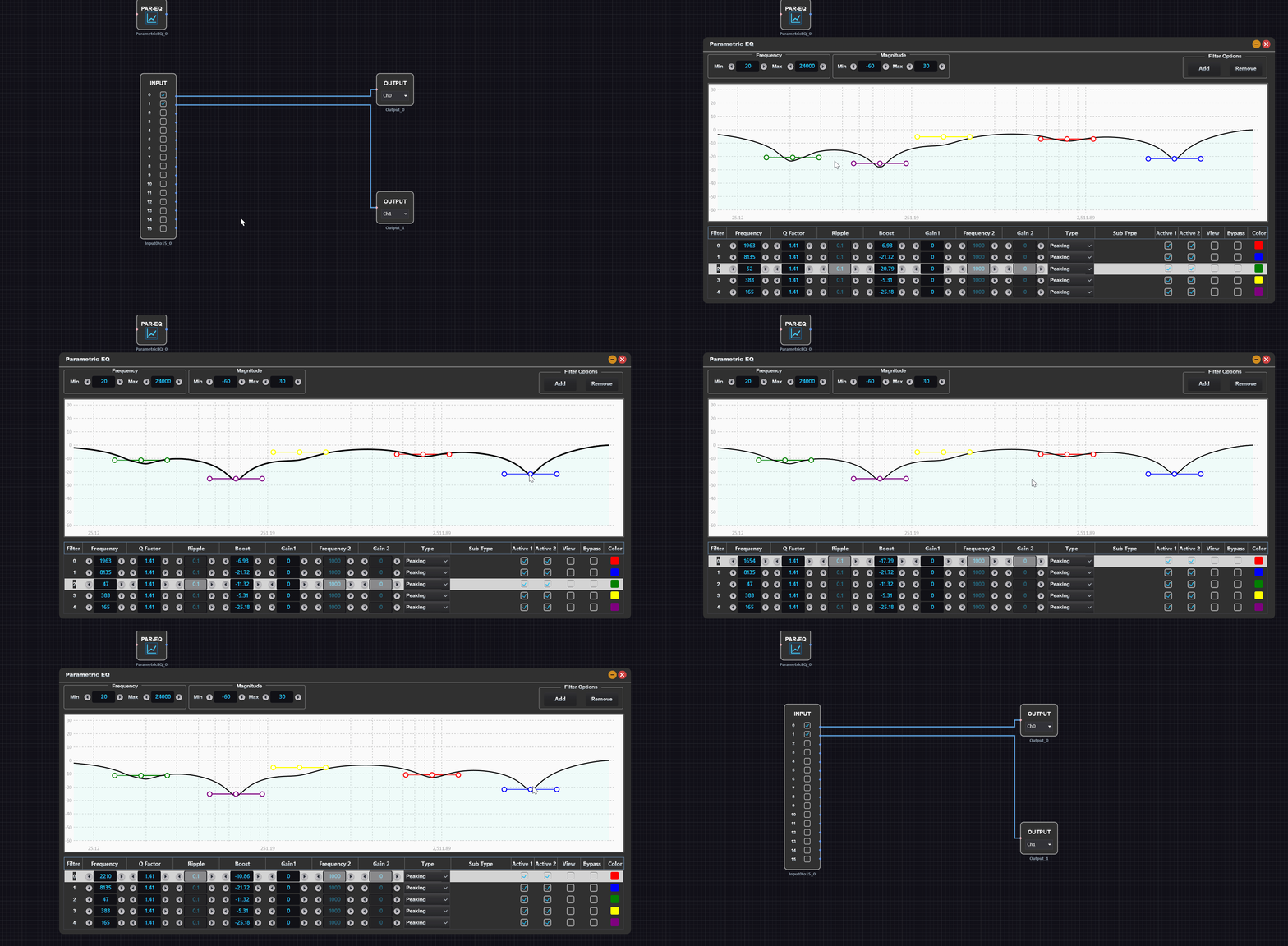
However after adding some filters and dragging them around randomly for about a minute I'm able to replicate the problem every time. I've tried this on my 8th gen intel based laptop with integrated graphics as well as an AMD ryzen 5000 series based desktop computer. You can see that its responding slower and the blue colored filter is difficult to highlight.
Right clicking the gif and selecting open in new tab should make it easier to see.
Hello Edgee,
Thanks for your attachments, it was helpful.
I have reported this and our SigmaStudio+ development team is actively working to improve the graph controls and has accepted the feedback. This enhancement is planned to be supported in a future release, targeted for the first half of next year.
Regards,
Harish
Please log in to reply.