ADAU1467 , How to adjust the delay time to 1600ms?
Th
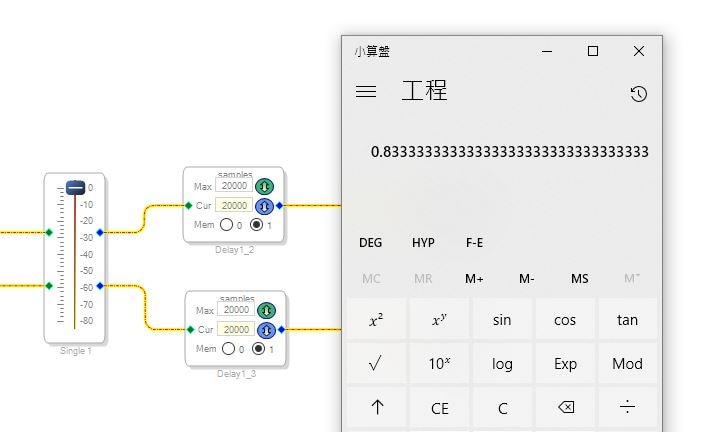
ADAU-1467 .... manual says that 48 kHz digital audio delay times can be up to 1600 ms, but currently only 800 ms.
How can I adjust to 1600ms (sample 48KHz)?
Audio Signal Processors
adau1467
SigmaDSP Audio Processors
krs,
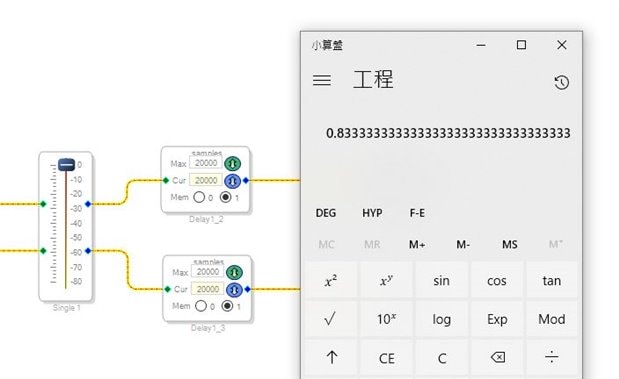
The memory used for delay is divided into DM0 and DM1. Your screen shot shows both delays in DM1. Click on the "0" button to put one of the delays into memory bank DM0.
Ken
Dear Ken......
Thank you very much for your help
Jack Wang
This question has been assumed as answered either offline via email or with a multi-part answer. This question has now been closed out. If you have an inquiry related to this topic please post a new question in the applicable product forum.
Thank you,
EZ Admin
Please log in to reply.