ADAU 1701 + Automatic EQ = Compile fail
Hello,
I'm on a simple project, based on the ADAU 1701.
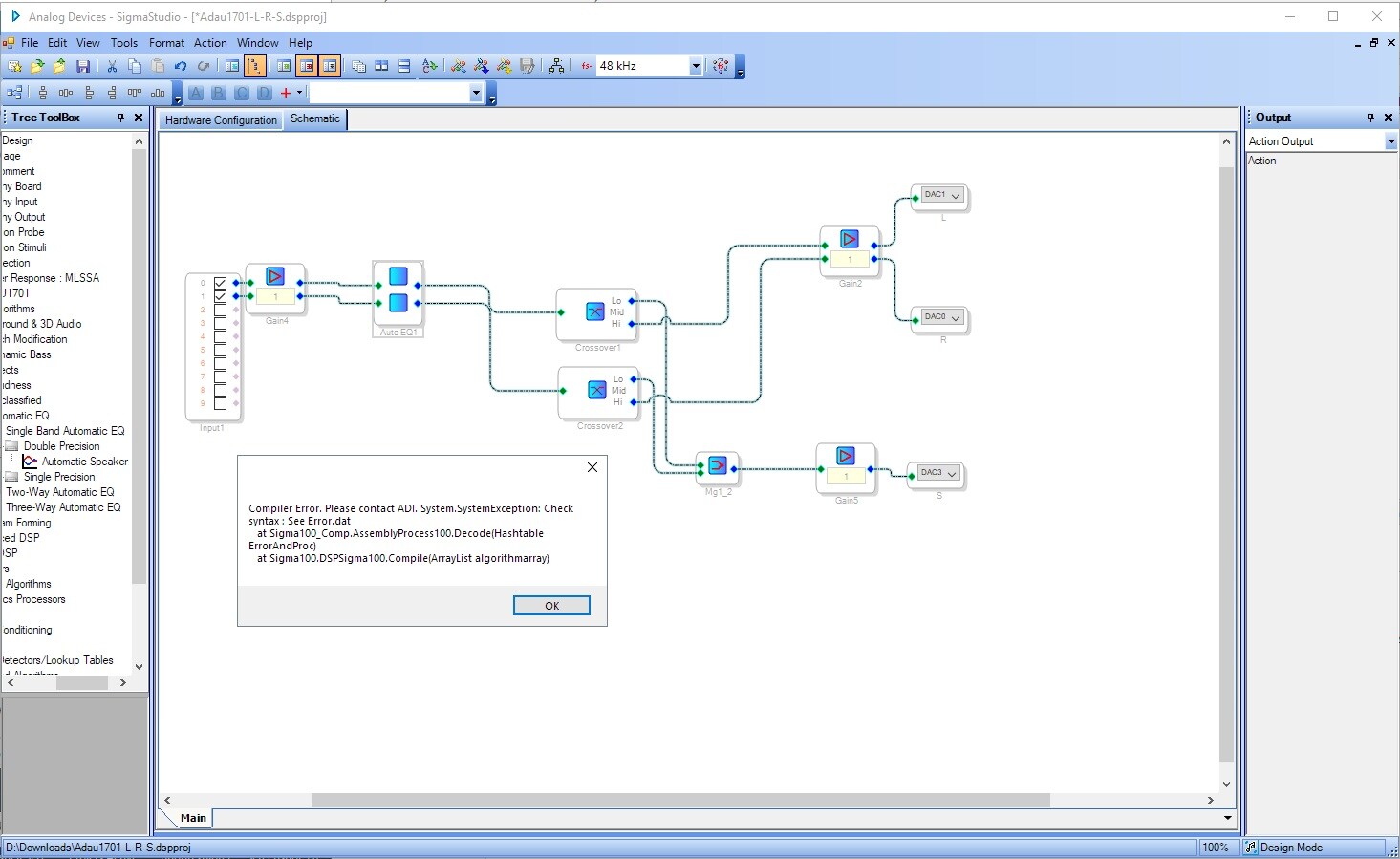
Trying to use the Automatic EQ tab, I have a problem when I "Link Compile Connect".
I get this message :
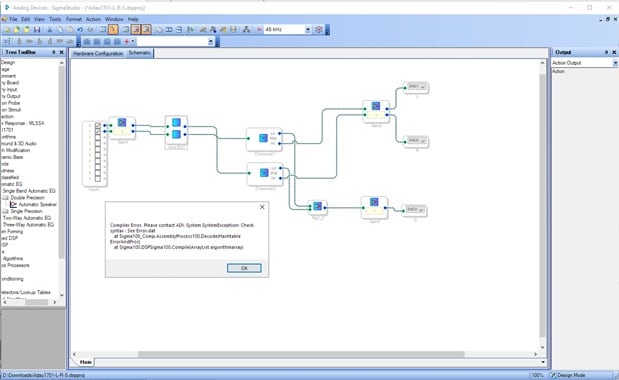
Comipler Error, Please contact ADI. System.SystemException: Check syntax : See Error.dat
at Sigma100_Comp.AssemblyProcess100.Decode(Hashtable ErrorAndProc)
at Sigma100.DSPSigma100.Compile(ArrayList algorithmarray)
Any idea ?
Thank you in advance.
Hello,
Could you please attach the project that's causing the failure? We'll work on diagnosing it. Also, what version of SigmaStudio are you using?
Thanks,
Tyler
Hi TylerK, thank you for your return.
Attached is the projet that cause the failure.
I'm on the lastest version of SigmaStudio 3.17.
Thank's.
Hello,
Any news ?
Thank you.
Hello,
I've reported the issue to the software team and they're looking into the root cause for you. Unfortunately, I don't have a solution yet, but it's being looked at!
Regards,
Tyler
Thanks.
There is any way to import filters settings in Param EQ?
From an Auto EQ for example.
Hello,
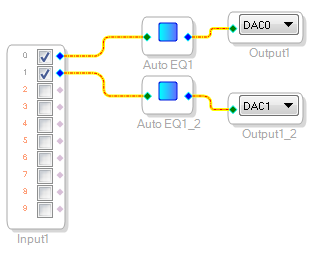
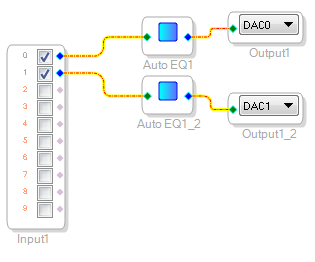
Try this: instead of expanding the Auto EQ block by using the "add algorithm" dialog, add another block separately, like so:
Let me know if that workaround will work for you.
Thanks,
Tyler
Yeah !!!
It seem's to work, I will try tonight.
Thank's
Great! Glad to hear it. If there are any more issues, let us know.
Regards,
Tyler
This is the version, I'm working on it (without expended Auto EQ block) .
If you see something stupid, please, just let me know !
Regards.
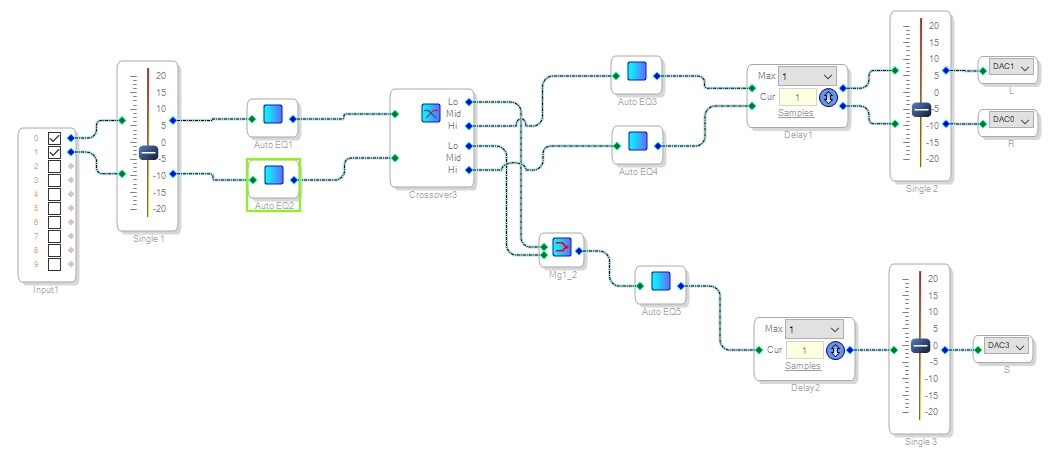
A question.
We can export the filters settings to a file, in Auto EQ block.
I can't find the way to import the settings file in a Param EQ block, I have to enter it by my hands...
How I can do that?
Thanks.
Hi,
After some tests, new "bug".
It have work well then a bug appear when I have change the source file in Auto EQ block.
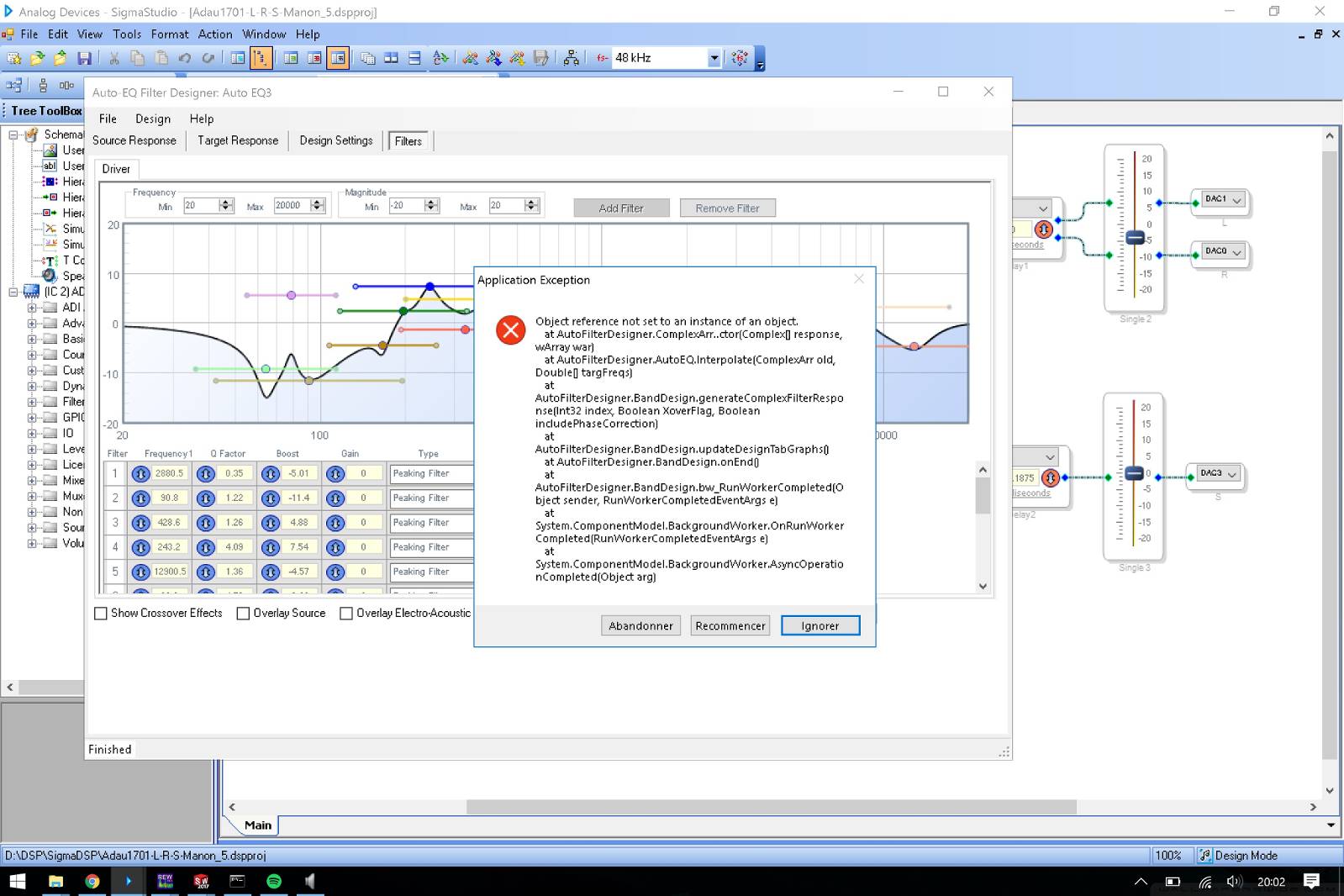
And now, impossible to get it working. I get this message.
And now, the Auto EQ block, doesn't save the source file and the settings I done.
I have to re-enter it everytime I "open" the block.
Attached is the project that fail in Auto EQ, with the files I use.
Manon_L_S.txt is for Left speaker
Manon_R_S.txt is for Right speaker
Manon_S_S.txt is for Subwoofer speaker
Auto EQ seem to not be stable...
My question is how to import Auto EQ settings (with "Export results" ?) in a Param EQ block ?
Thanks
Hello,
No one have an idea on how to :
Import Auto EQ settings (with "Export results" ?) in a Param EQ block ?
Thank you.
Really strange to can't do that.
Please log in to reply.