ADAU1452 Transfer function is not working
I note in release 3.15 for the ADAU1452 there is know bug #5.
"5. Transfer function is not working for Parametric EQ, when multiple filters are added for ADAU145x"
My design uses many Parametric EQ as it is a active loudspeaker.
It is not possible to eliminate the many Parametric EQ from this design.
How will this issue impact my design? What is the nature of the error(s) that may occur.
What is the workaround(s)?
Bob J.
Audio Signal Processors
adau1452
SigmaDSP Audio Processors
Hello Bob,
I understand your concerns. This is a case of a poorly written explanation in the release notes. The transfer function they are referring to is when you click on the blue square and open up the filter transfer window in SigmaStudio. SigmaStudio then uses the filter code and your settings to produce a graph of the transfer function. So this has nothing to do with the code actually running in the DSP. That code works fine.
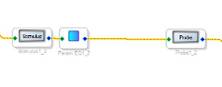
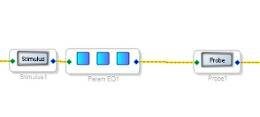
Now what is even more sad is that this is not the issue that was reported. The bug is that the cell should not be allowed to be grown. When you grow it is when you see the problem. This filter does not need to be grown since you can add filters from the single window. Here are some screenshots to show what the bug is.
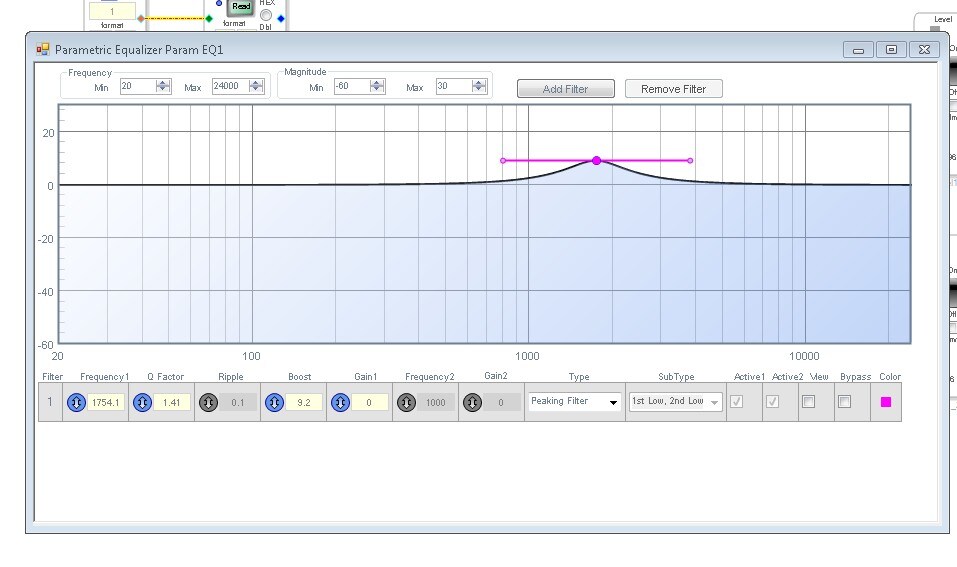
OK, so the above is a single parametric EQ. When you click on the blue square you get this:
This is the transfer function.
So if you grow the cell and add two more sections you get this:
So if you click on any of the blue squares you will get the exact same window with the transfer function that I showed above. So if you click on the left square and move the filter frequency/boost/cut then close the window and click on the middle square. You get the now changed graph of the filter. So any square you open up will give you the same single filter not three different ones. So this filter should never be able to be grown.
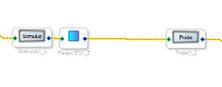
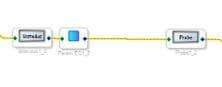
How you "grow" this filter is by inserting a single cell like this:
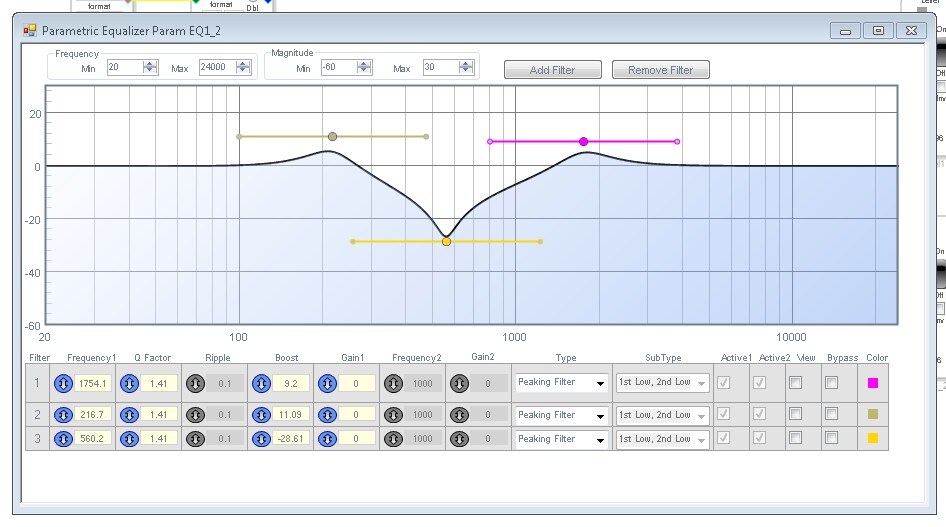
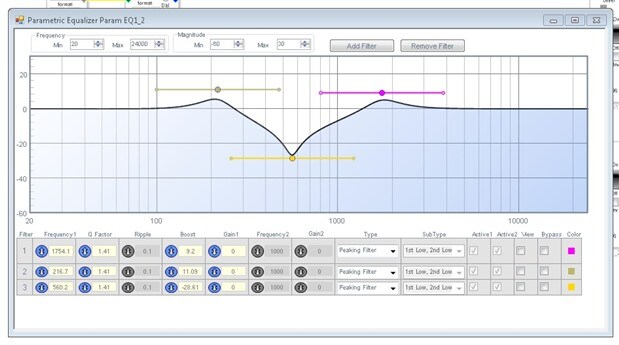
Then open up the window and click on "Add Filter" at the top of the window and you get multiple filters in the same window like this:
So you end up with three filters and you can graphically adjust them if you like.
So I am guessing you setup your project like this and it all worked out fine. You probably never tried to grow it. So your code is fine, it is just a GUI/SigmaStudio feature issue.
I hope this helps.
Dave T

Thank you for the very clear reply.
Re:"So if you grow the cell and add two more sections you get this"
You are correct I have never tried this and not ever had a GUI issue.
And you are correct again I have always just added filters by ""Add Filter"
at the top of the window".
So my DSP code is good to go as is. That is good to know as these digital
speakers are complex enough without worry about invalid filters being
compiled.
Thanks again to making this very clear.
Bob J.
On Thu, Nov 30, 2017 at 1:34 PM, DaveThib <
Please log in to reply.