Sure Adau 1701 external Potentiometer
Hello
I got the Sure Adau1701 Board and want to do an external Volume control over an 10k Linear Potentiometer.
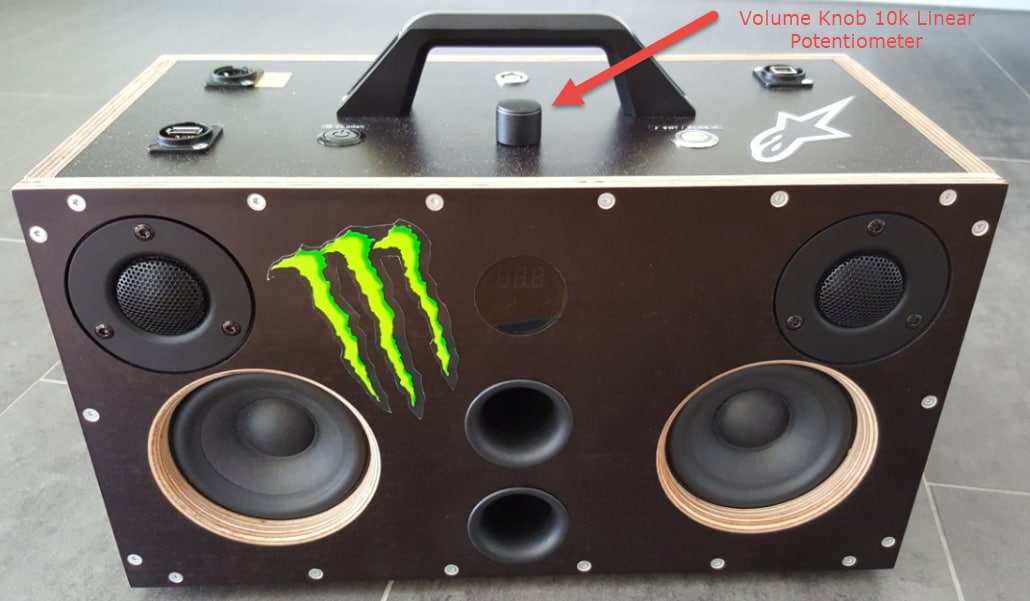
I use the litte dsp for my mobile Boomboxes. In my earlier versions i use the miniDSP. This works fine.
But now i have the problem, that the potentiometer have no functionality to the dsp. I have no idea why it don't work.
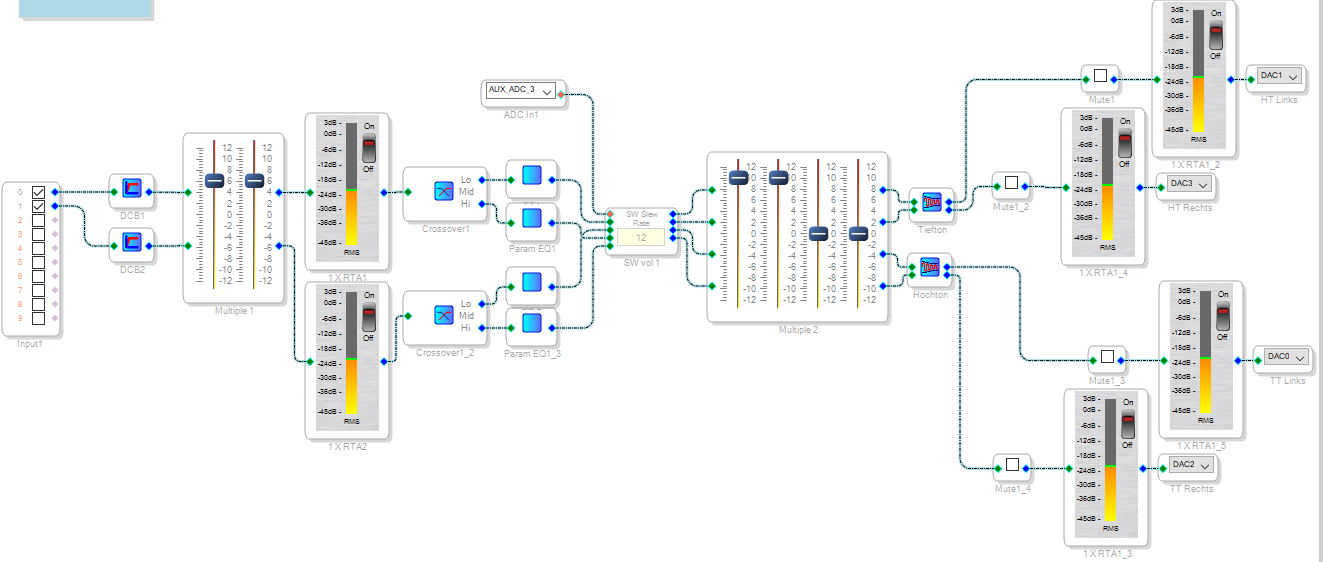
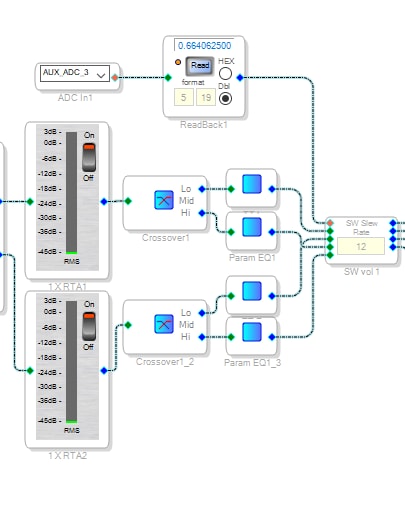
So i do an Sigmastudio DSP design as the one below:
So i want to use the Aux ADC 3 Input to the GPIO MP8 to regulate the volume over an potentiometer.
I try it with an 430Ohm resistor in front of the MP8 and without an resistor. But nothig is happend.
the only differnece is a loud plopping if the potentiometer reachs the end of its rotation without the resistor.
What i do wrong?
Audio Signal Processors
SigmaDSP Audio Processors
adau1701
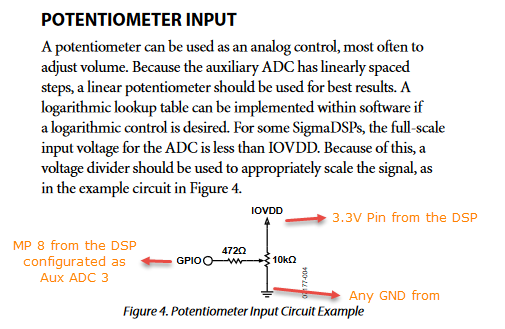
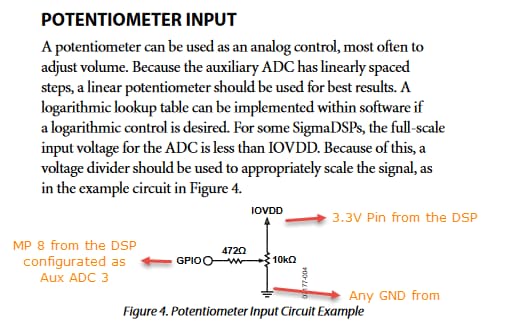
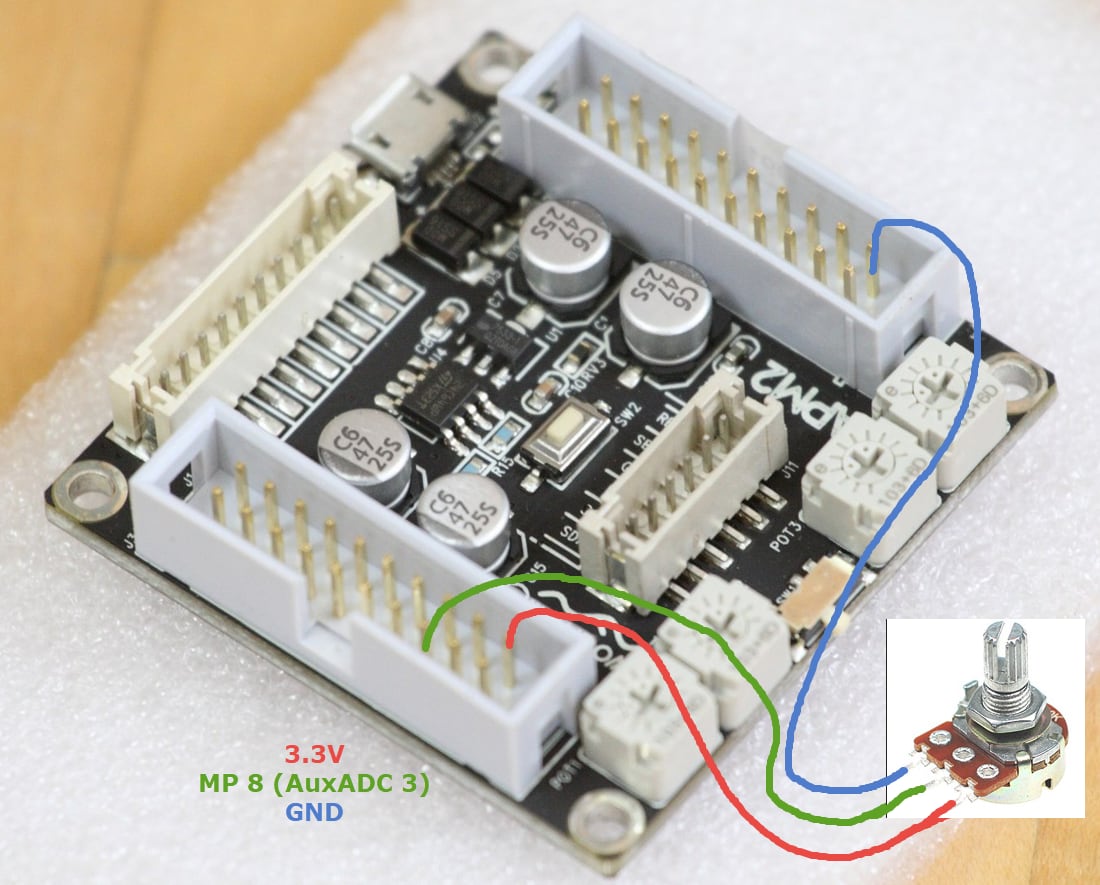
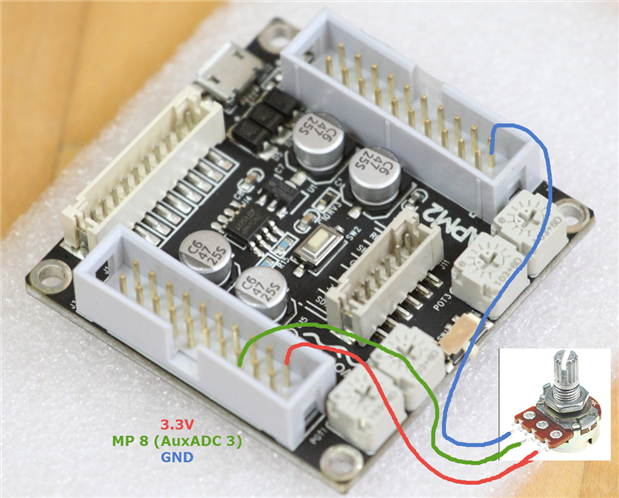
Hello mukboxx,
I am not sure exectly what it going wrong. I suspect that your are not getting the DC level into the DSP.
The first thing you should try is to place a readback cell right after the AUXADC so you can see what is coming into the DSP core. The number should go between 0 and just below "1" so 0.9999... or somewhere like that. All pots do not always go all the way to ground or all the way to the top.
If you do not see anything changing then take an oscilloscope or multimeter and look at the signal coming from the pot. See what the pot is actually sending out.
Start there and see where that leads you. Your project seems fine at first glance.
Dave T
Hello Dave
Thanks for your fast response.
So i try the following things:
I do messure the Pot with my Voltmeter, the Voltage reaches between 0.00V and 3.295V an the middle Pin from the Potentiometer. it seems ok . this voltage i put in to the dsp -> to MP 8.
I try another dsp board with the same dsp design. ( i have 5pieces of dsp Boards). nothig is happend.
I try another Potentiometer the same issue.
I simplify the design
nothing happend.
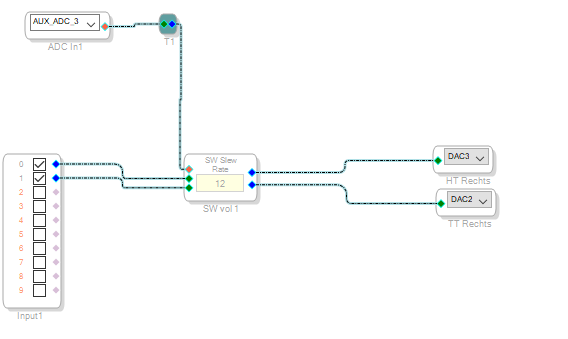

So i try it with the readback
you right, the number is always the same. nothing changes while i rotate the Potentiometer.
but the potentiometer seems to work correctly. Mayby a problem with the frequency from the pot?
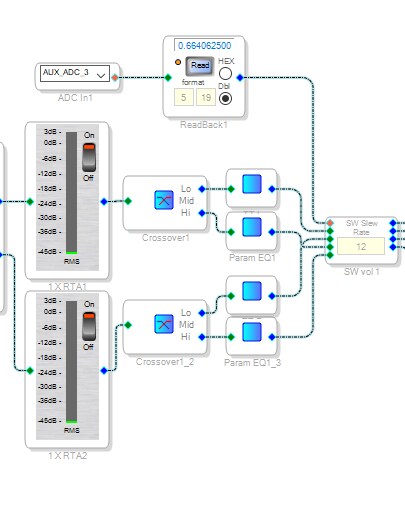
Hello,
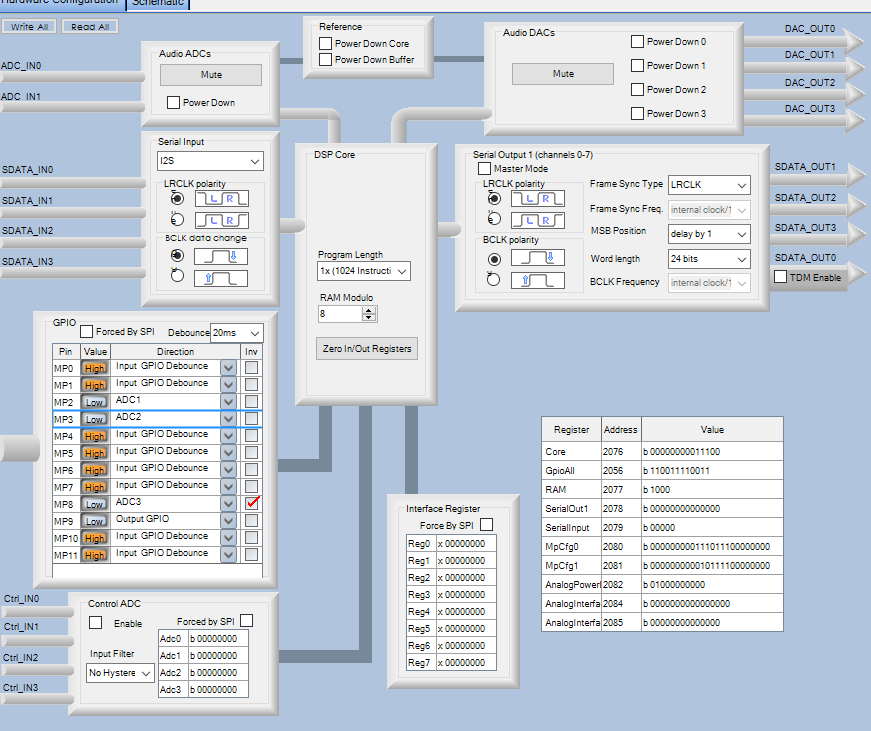
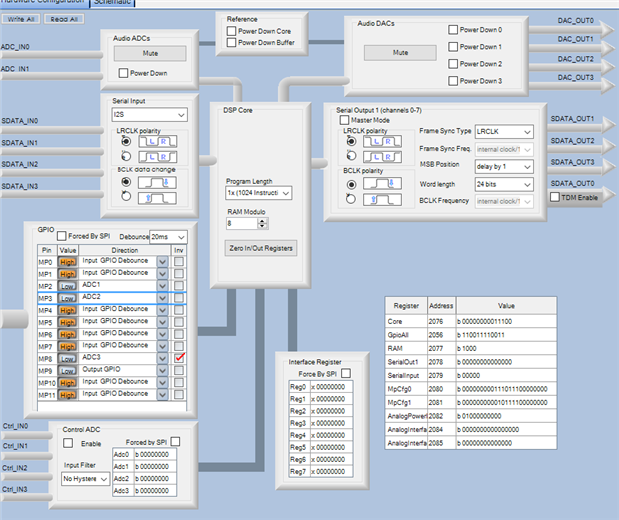
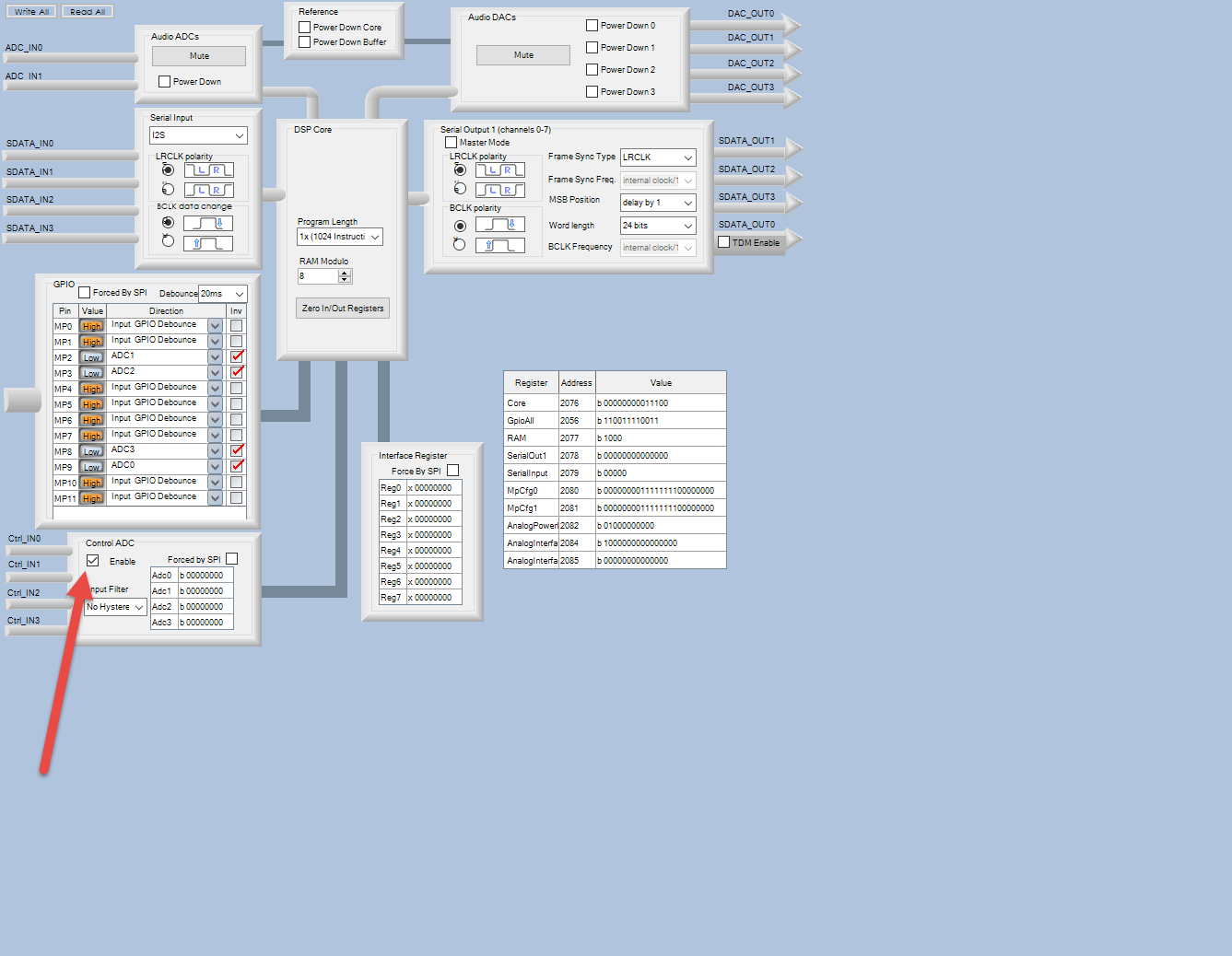
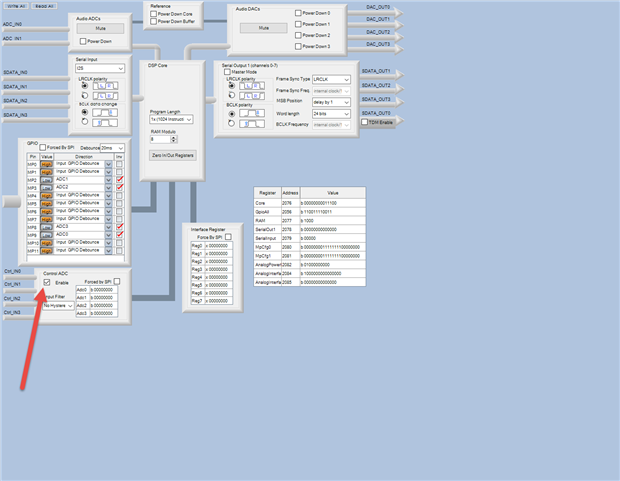
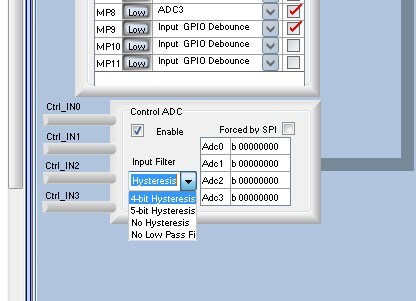
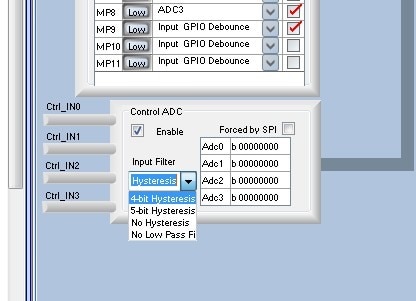
Sorry, I just now when I was doing something else I realized that this is really simple. Click the "Enable" on the Control ADC section right below the GPIO section.
Sorry, it was too obvious and I missed it.
Hy Dave
Now it works, you right, thanks.
I have now another question
Can i expand the range of the potentiometer?
at the moment i think its about -12dB to 0dB i want to get a wide range for the volume regulation -72dB to 0 dB.
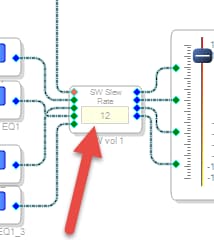
And what do means the number (12) of the slew vol.?

Hello Mukboxx,
There may be something else in your project that is causing the level to not go down to a lower level. Maybe a compressor? Lots of gain somewhere? In my little test project I can go down to zero most of the time. (more on that later). I am talking way below -96dB shown on the meter.
Here is what I see:
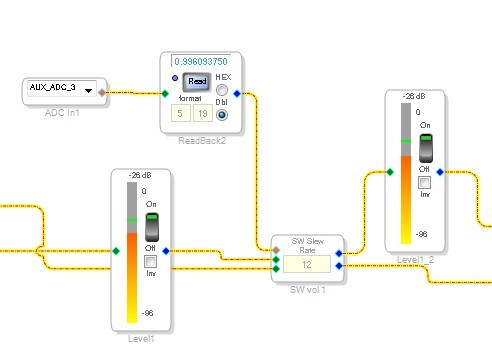
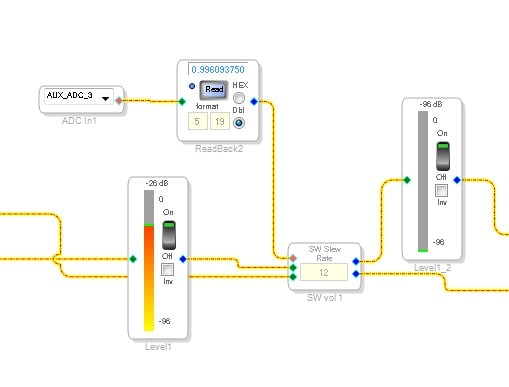
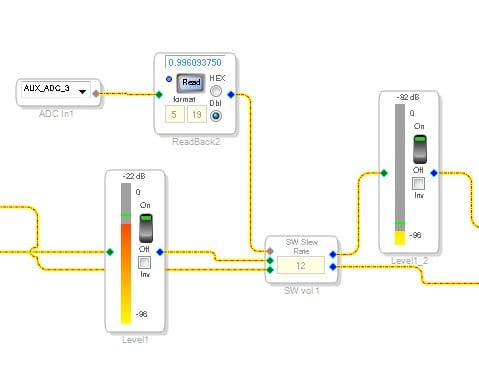
I have one meter before and one after the volume control. With the volume control at MAX they read the same.
Next slide...
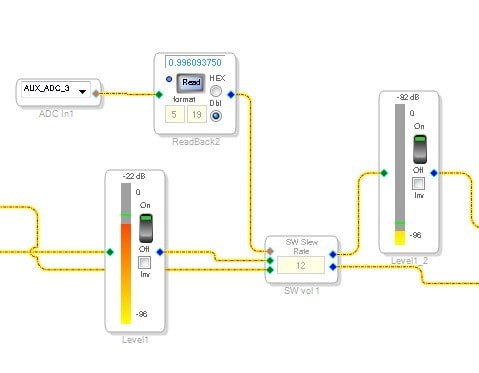
Now the volume is all the way down and you see there is nothing showing on the output meter.
Next slide...
So when I said "most of the time", I was talking about the difference of the setting of the input filter. When you set it to a 5 or 4 bit hysteresis then sometimes there is not enough difference at the bottom of the pot to register a change in the volume pot. So the AUXADC input has to change by 4 or 5 bits before it will actually output this change to the gain input of the volume control. This is handy to use to prevent the volume from constantly going up and down by a small amount when the pot is dirty. This can add distortion to the audio. There is a low pass filter on the pot but when pots get really dirty that may not be enough. So here is a picture of the project when I had it set to 5-bits and then tried to go to zero. It will sometimes get there but it depends on how quickly you move and the noise on the wiper of the pot.
So you can still see a little audio but note that it is still much greater difference then the 12 dB you are reporting. Plus, you had this turned off anyway so this is not your issue.
You can always place a readback cell on the AUXADC output like I did. You should see the value go between zero and 1. (well, 0.99..., it will never actually reach 1) This will help you troubleshoot the input circuit. If that is changing like it should then it is something else in your project.
Now regarding the "12" you see. Let me point out a feature that is sometimes handy. If you highlight a cell and press "F1" on your keyboard, your browser will open up and you will be sent over to your Wiki help files for that cell. Now not all cells have a file so you will get the "Not Found" error from time to time.
The "12" is the slew setting. This is where the audio will be slewed between steps to make the volume control smooth and free of glitches from the gain steps. The setting is for how long of a slew you would like.
Dave T
Are the Sure DSP board's four trim-pots hardwired to the four MP pins with Aux ADCs? If so, one of these pots is competing with your external pot. You'll need to disconnect or de-solder that pot to achieve full adjustment range on your external pot.
Best regards,
Bob
Hello Dave
The Poti works now so far.
the only problem is now the pot don't work linear. so i have to fix just this problem then all will be fine.
thans for your perfect support.
Hello Mukboxx,
If you have a log pot then it will be a log taper. You can take the output and feed it into a lookup table, then you can have it produce any curve you want. It depends on memory resources you have available as to how many gain steps you can put in. This is a quick response. I can expand on this tomorrow.
Dave T
Now i found the problem. The 4 potentiometer on the board are parallel to the gpio pins. I have to soldering out 1 of these pots wich is parallel to the aux adc 3. (the second one) now all works fine. Otherwise the the hardwired one bypass the gpio Pin.
Thanks Dave for your help.
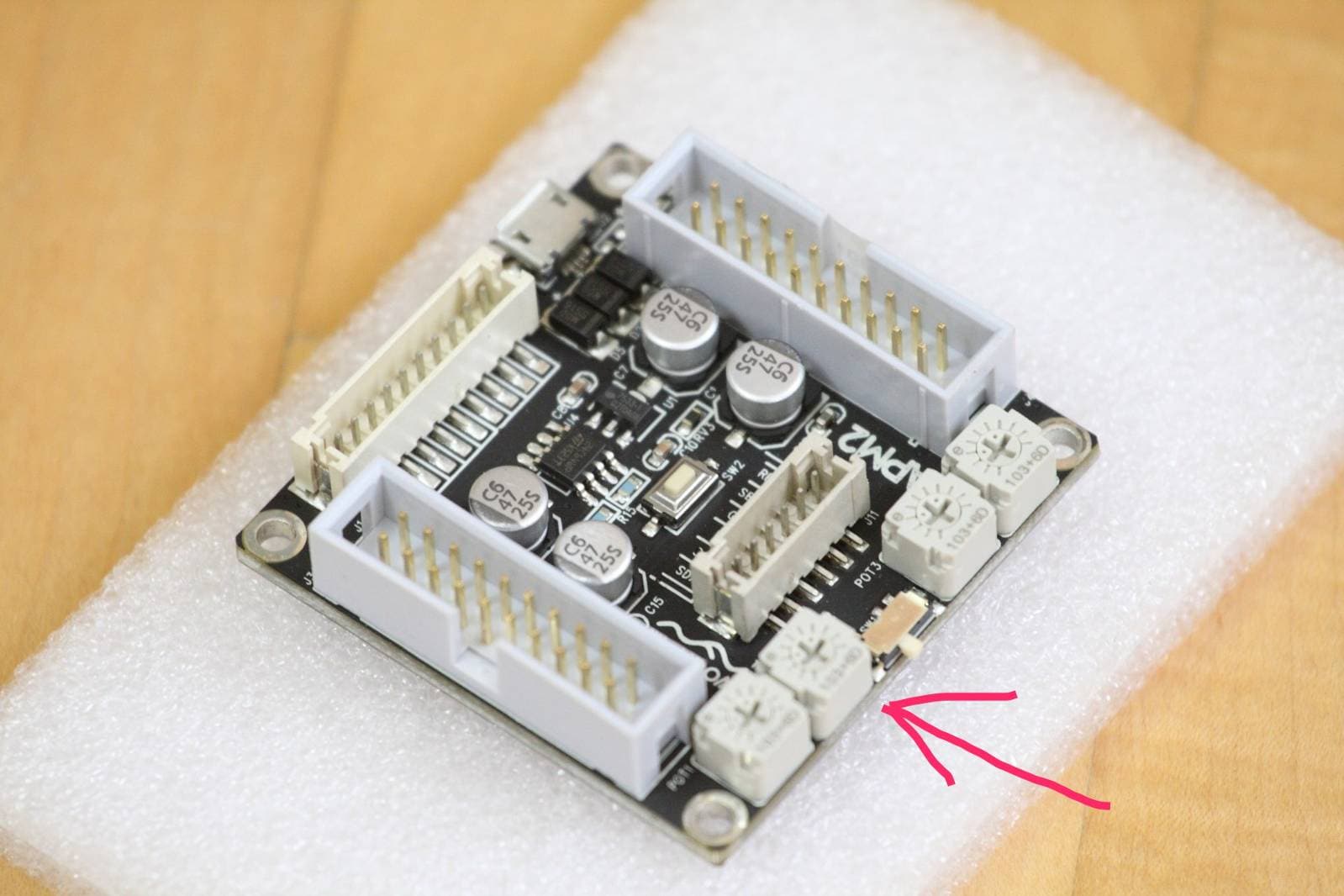
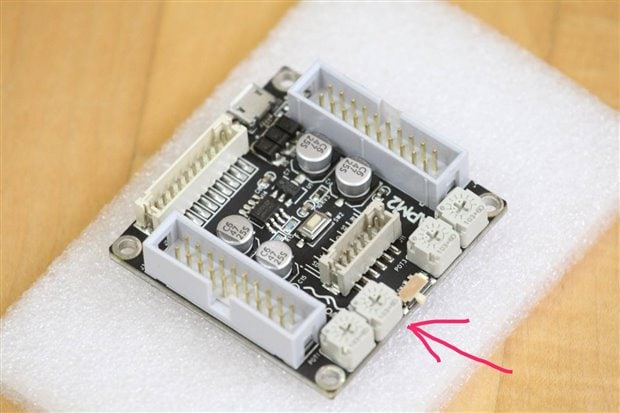
Hello i’m doing something like adding a few pots more to the dsp board a when i connect it like you describe to lets say mp7 pin i only get 1 and 0 from the read back... what am i doing wrong why doesn't it move the value up and down ???
Hello androbupa,
This is because MP7 is only a digital GPIO pin. So it will only give you a zero or a 1 with the transition point somewhere between IOVDD and GND.
You need to use one of the AUXADC GPIO pins. MP2, 3, 8 or 9
Dave T
Hello Mukboxx,
Thank KJBob for that one. He nailed it!
Dave T
Please log in to reply.