External Mute Button
I got a ADAU1452 Eval Board and can't seem to figure out how the GPIO's configure on it,
There's not much documentation on it in Help, I just need to do a simple External Mute Button on one of my Audio Ch's
I would be Great to figure out how to do some Volume Pot's as well on some of the In's and Out's,
Any Input on how to configure this would be much apreacated
Stan
Audio Signal Processors
adau1452
SigmaDSP Audio Processors
Hello Stan,
The ADAU1452 has six Aux ADCs with dedicated pins, brought out to pads on the ADAU1452MINIZ board. Its 0-1023 integer (32.0 format) output differs from the 0 -- 1.0 decimal (5.23 format) output common to other SigmaDSPs.
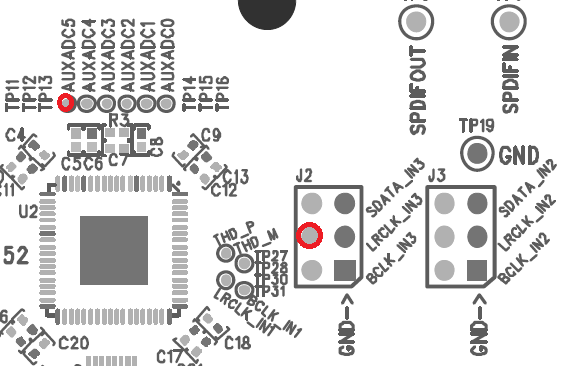
The ADAU1452MINIZ also makes available six of its 14 multipurpose pins for external connections. One of them is MP 13, available at J2-4.
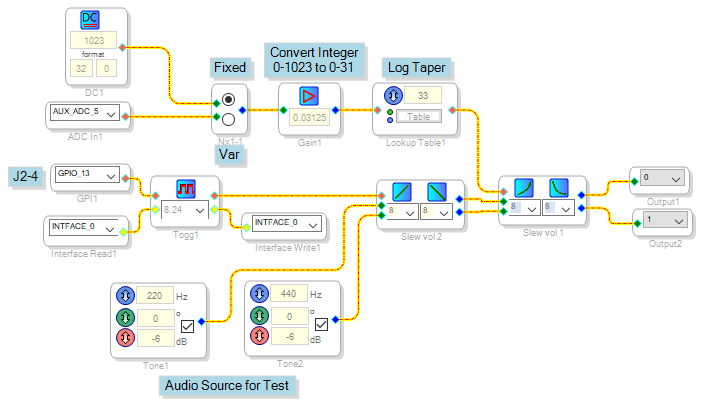
The project shown below demonstrates use of MP 13 and Aux ADC 5 to mute and control the volume of its tone generators:
To operate the mute function, connect one end of a jumper wire to J2-4. Touch the other end to the 3.3V test point to toggle the sound ON or OFF.
The MUX is presently set for maximum volume -- otherwise, volume would be zero with Aux ADC 5 unconnected. To test this function, first toggle the Mute for sound. Then switch the MUX to "Var" -- the sound disappears. Touch a probe connected to 3.3V to the Aux ADC 5 pad, the sound returns.
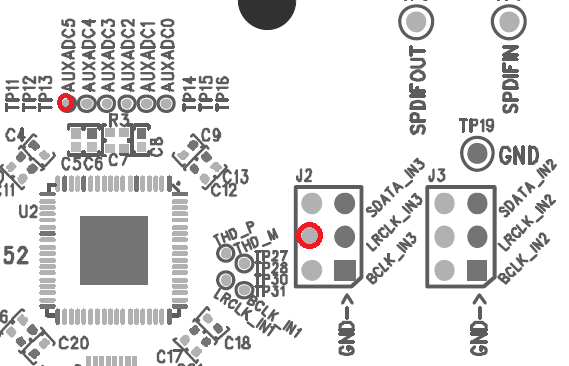
The test point locations are shown below. Be extremely careful when probing them -- perhaps insert a resistor in series with the 3.3V and your test wires, to limit current in case of accidental connections.
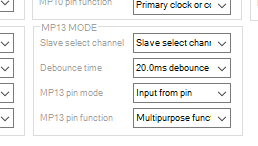
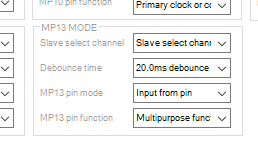
When using the MP pins as GPIOs, configure them in HW Configuration / Register Controls / Multipurpose for the desired function:
Best regards,
Bob
Hello Stan and Bob,
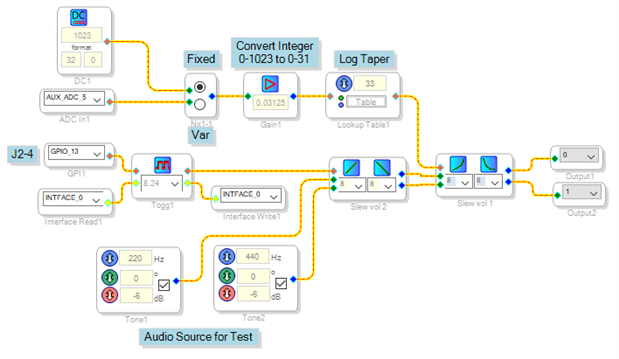
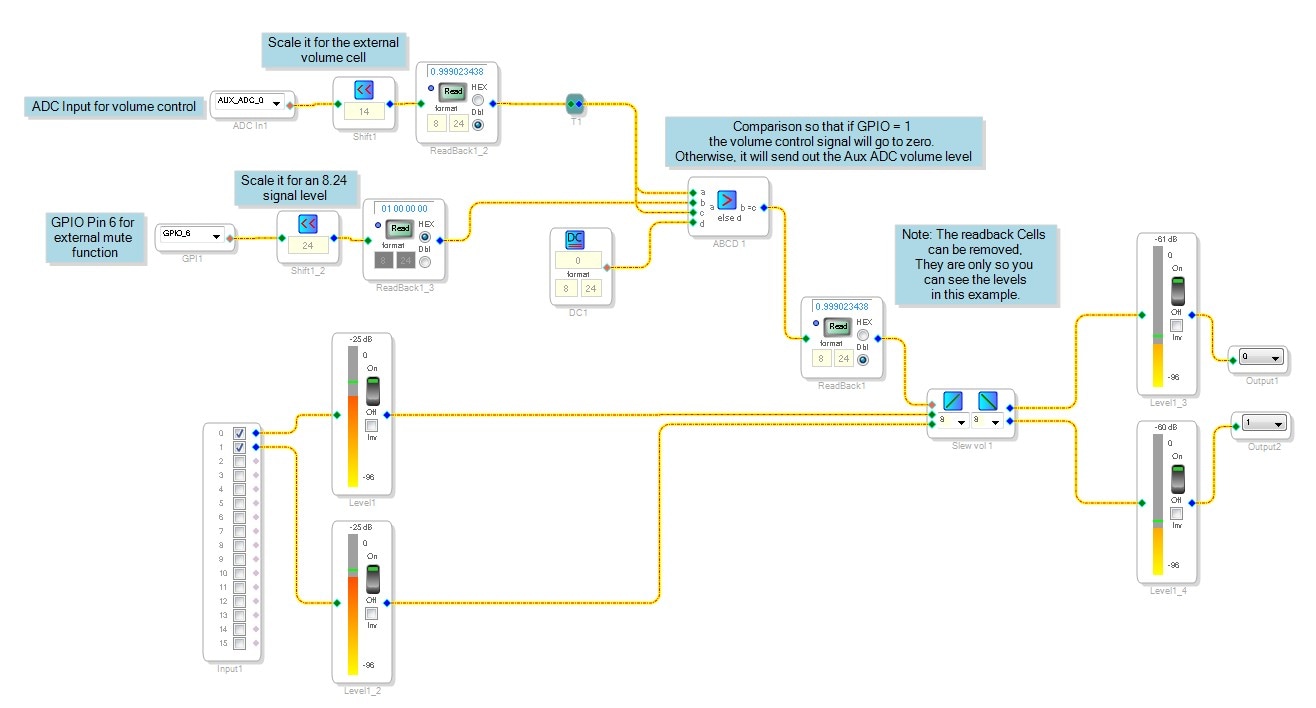
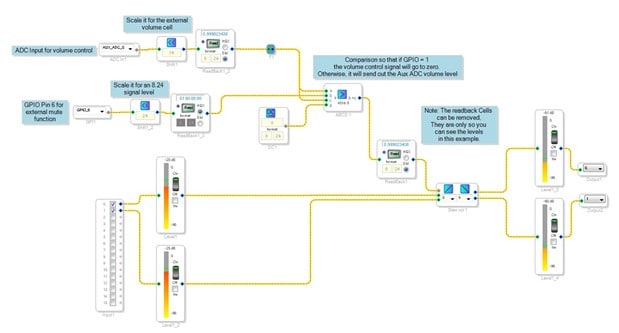
Wow, Bob, great project. You are showing a good way to be able to control the taper of the pot. I am attaching a simpler project showing how to use the basic functions of the AUXADC and I implemented a basic mute function using one of Bob's favorite cells, the ABCD cell.
Now, I am using a different development board which is not available yet. So you could change this project to use the MP-13 instead of MP6. I am using MP6 because it is one of the two MP pins that are not muxed with other functions. For the volume pot you can solder a wire to one of the AUXADC pads on the Mini Eval board and connect it to a pot to go from 3.3V to ground. If you use an audio taper pot you will get a better curve. I am actually not certain what is on this eval board I have here but it is something you can experiment with.
Thanks,
Dave T
Hi Bob and Dave
Thanks for the examples, Much help I played around for sometime today,
l am definitely getting somewhere, Trip as the Slew Volume 2 on Bob's schematic works stand alone from the file sent, but when I plug it in to my schematic it's not passing audio, I put a Envelope in there and it works. Note though I did not have a pot hooked Up, Also in playing around, the toggle mute is not a latch,
My design is going to need three options, A push button a latch switch and foot switch all to latch it Hi or Low all on the same control buss, Is there a way of doing it with a VCA if there even is one to be had in Sigma Studio.
Thanks For All
Stan
Hello,
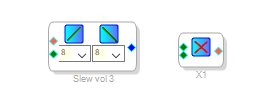
The Slew Ext Volume Control is essentially a VCA with the added benefit of smoothing its response to control input variations -- funny, a few years ago I had documented its many features on this forum but cannot find any of it now. The simplest VCA in all of DSP is a Multiply block.
Best regards,
Bob

Hello Stan,
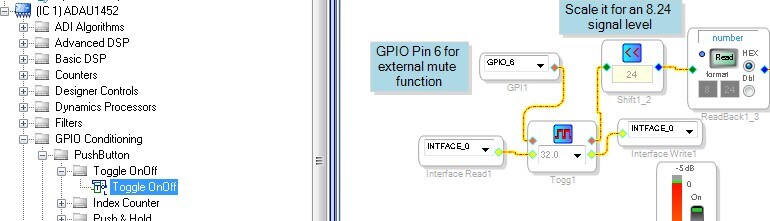
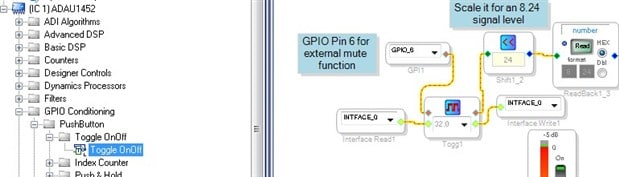
You never mentioned what you were hooking the mute up to. Sometimes people want a simple mute logic that is not latching. In the GPIO conditioning section of the toolbox you will find many handy cells. One of them is a Toggle On/Off cell. This will do what you are looking for when using a momentary switch. This cell also needs the interface read and write cells even if you do not use them. This is for writing the settings to EEPROM when power is going away and it will recall the setting when it powers up. Can be handy. Those are found in the IO section of the toolbox under Input and Output.
I inserted it right after the GPIO input.
Feel free to use the forum to find what you need. Often these questions have been answered before and you can gain a lot of insights from other people's questions and answers.
My design is going to need three options, A push button a latch switch and foot switch all to latch it Hi or Low all on the same control buss,
I don't think I fully understand what you mean here. I think you want three ways to be able to mute the volume of the same volume control? You could simply repeat the ABCD cell two more times and pass thru the level of the control pot and then have the GPIO be able to shut it off. That would be easy to do. Just expand on what I did in the example project.
There are a lot of tools in the toolbox that will allow you to do almost anything. Just look at some of KJBob's posts! You just need imagination and an understanding of what they do which is a learning curve.
Dave T
Please log in to reply.