EVAL-21479-EZLITE USB inteface red in SigmaStudio for SHARC
Hello,
I have the following hardware:
ADZS-21479-EZLITE Revs DSP 0.2 BOM 1.5 PCB 0.1 with (JTAG Debugger) ADZS-SADA2-BRD DSP 0.2 BOM 1.5 PCB 1.0
ans software:
SigmaStudio 3.14.0 and SigmaStudio for Sharc PROD 2.2.0
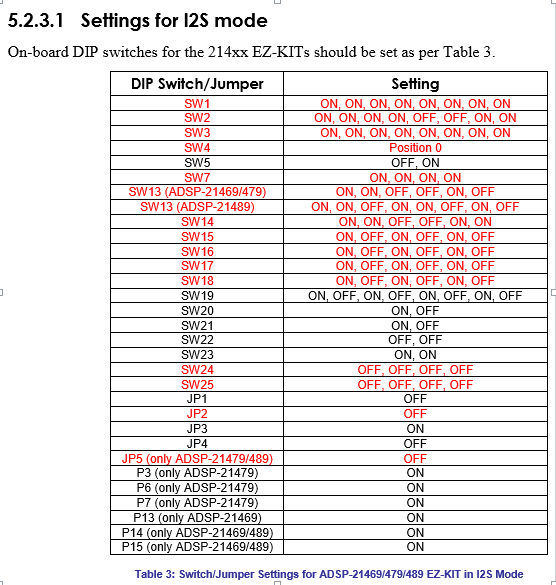
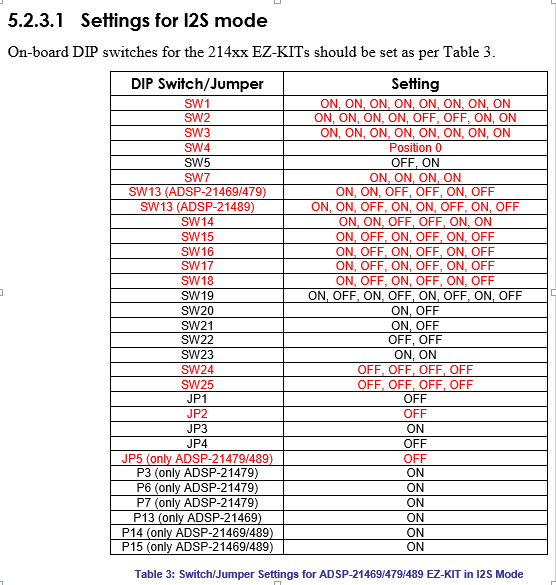
I have set the DIP switches and Jumpers in the board as indicated in Sigmastudio_for_SHARC_Users_Guide.pdf Table 3, point 5.2.3.1 Settings for I2S mode:
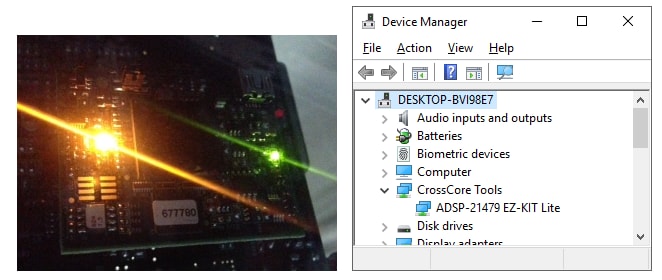
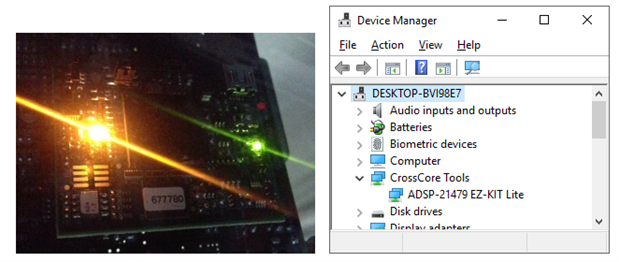
I power the board, then connect the USB cable to the SADA2 board. Its orange LED lights up. I can see the board at the Device Manager. As for LEDs 1-8 they are all on. (I also tested different combinations of this sequence.)
https://ez.analog.com/cfs-file/__key/communityserver-discussions-components-files/396/8a8ce3ee204e686bba4aaaceba0cfba3.html
https://ez.analog.com/cfs-file/__key/communityserver-discussions-components-files/396/7356.8a8ce3ee204e686bba4aaaceba0cfba3.html
I open SigmaStudio as adminsitrator. Then I opened the example project C:\Analog Devices\SoftwareModules\SigmaStudioForSHARC-SH-Rel2.2.0\Host\Examples\Sample Schematics\ADSP-214xx\ToneGen_Equalizer_Compressor_Block_214xx.dspproj. (I also created a new schematic, it displayed same issue.)
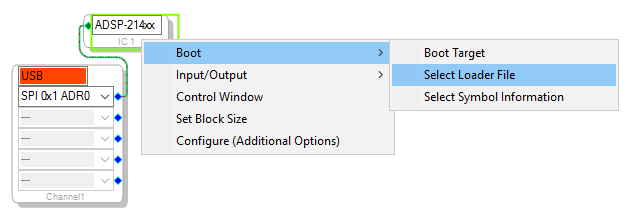
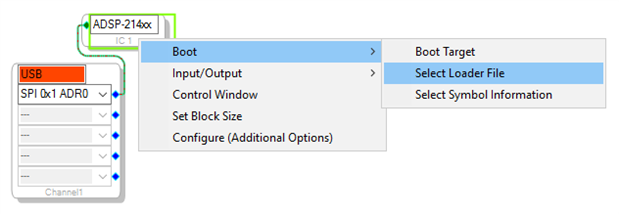
I have selected the loader file C:\Analog Devices\SoftwareModules\SigmaStudioForSHARC-SH-Rel2.2.0\Target\LDR\ss_app_sh479.ldr. (I used the .ldr that comes with the board support package. But I also recompiled this LDR, same result).
https://ez.analog.com/cfs-file/__key/communityserver-discussions-components-files/396/0508.8a8ce3ee204e686bba4aaaceba0cfba3.html
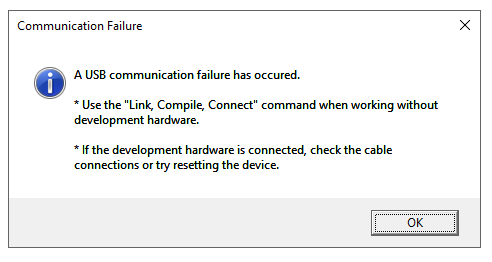
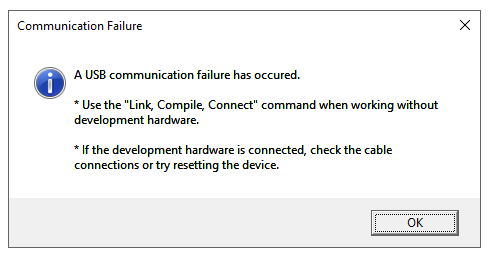
The same error appears if I select Link/Compile/Download.
Whether I make a new schematic or open a new one, the USB box is highlighted in red and the issue persists.
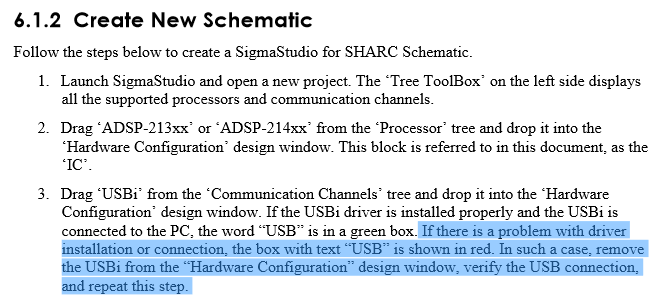
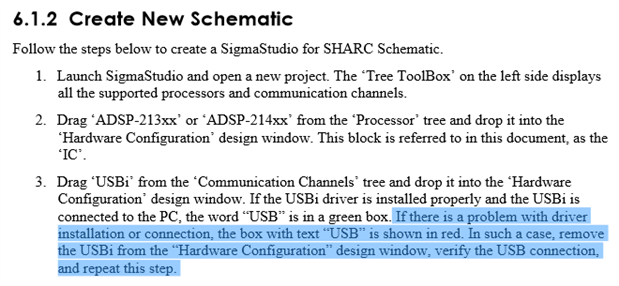
I checked SigmaStudio_for_SHARC_Users_Guide.pdf where it suggests to check the connection.
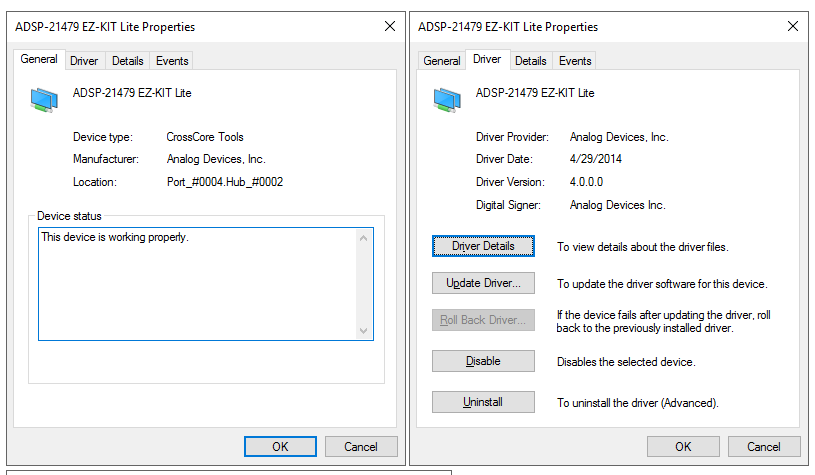
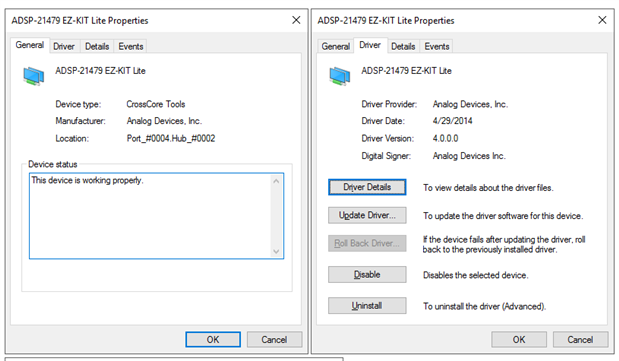
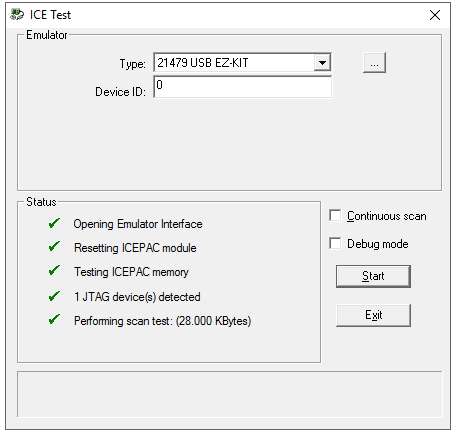
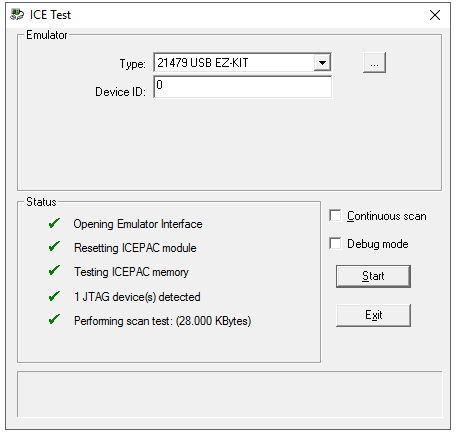
But all looks fine with it. I know this device is working properly because it shows on the Device Manager (picture aboove), and it works for debugging in CCES (with the Same DIP and jumper configuration as above).
I deleted and re-added USBi several times. Tested in several computers, USB ports, and different power sequences before and after opening SigmaStudio.
https://ez.analog.com/cfs-file/__key/communityserver-discussions-components-files/396/7245.8a8ce3ee204e686bba4aaaceba0cfba3.html
https://ez.analog.com/cfs-file/__key/communityserver-discussions-components-files/396/5658.8a8ce3ee204e686bba4aaaceba0cfba3.html
I still see USB in red and cannot have the board running in SigmaStudio.
Would you please help me troubleshoot this?
Thanks
sigmastudio_for_sharc
usbi
eval_21479_lite
Sharing the solution. The documentation is current....
You need EVAL-ADUSB2EBZ & ADZS-USBI2EZB to run the demo example.
EVAL-ADUSB2EBZ is an adapter used as an USB-to-SPI converter.This part is sometimes labelled as EVAL-ADUSB2Z.
ADZS-USBI2EZB is an adapter board used to connect EVAL-ADUSB2EBZ socket to the EZ-KIT Lite.
Please refer "Hardware Requirements" in attached Users guide.
In this guide USBi is referred as EVAL-ADUSB2EBZ not SADA board.
The SigmaStudio for SHARC demonstration setup includes a Host PC running SigmaStudio which is connected to the SHARC Target board. The connection is achieved using a USB-to-SPI converter. The ADZS-USBI2EZB acts as the USB-to-SPI converter, which is connected to the PC through a USB port and to the SHARC Target EZ-KIT through SPI lines.
Please refer "Demonstration setup" & "Connecting EVAL-ADUSB2EBZ to Target" in attached Users guide.
Regards,
Processor Tools Support
Hello sir
I am a beginner in the world of DSP. I want to boot my target which is a card 21489 in slave mode I2S in sigmastudio 3.9 for sharc (project : example shown in picture proposed by SS4sharc), and I do not know how to do it, the host is my computer, and interfacing made by a USBI2EZB card.do I need to use a special LDR file? if yes, i want to know how i can do it, because I still have not mastered some things yet.Thank you in advance.
Best Regards.
Hello. we understand your question has answers at how to link cces with sigmastudio? and how to generate .ldr file . Thanks again to the guys at Processor Tools Support and the forums.
Please log in to reply.