"Comms Failed" Error on Eval ADAU1442EBZ Rev. C
Hi
I’m having a problem connecting to a brand new evaluation board Eval ADAU144XEBZ Rev. C
I have a Win7 with Sigma Studio v 3.14 build 2 rev 1690, USB interface EVAL-ADUSB2EBZ connected to USB 2.0 – checked configuration on 2 different computers - no problem with USBi drivers installation whatsoever. I followed the quickstart instruction from the guide provided in UG-032 but I get the "comms failed" error problem when I click “Link Compile Download” after building schematics.
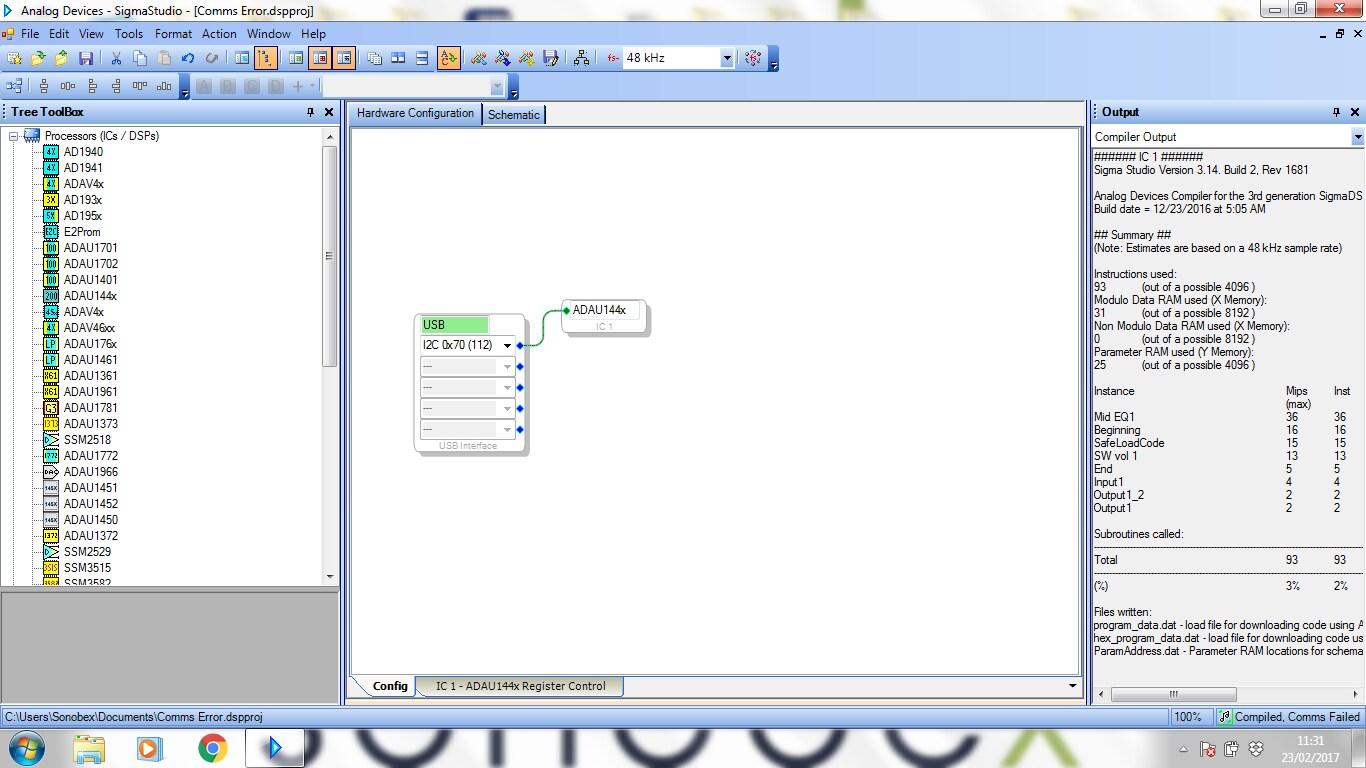
In Hardware Configuration tab when I choose USBi communication interface, the USB field is green. It seems that I can connect to USB interface (I can clear E2PROM) but I can’t communicate with the board itself.
I compared the Switch & Jumper settings with the UG-032 documentation and there’s one thing that’s bothering me – lack of jumper block in link LK 27 and LK 24 on my board – is that normal, or faulty board?
Any ideas what can be wrong?
Audio Signal Processors
usbi comm error
adau1442
SigmaDSP Audio Processors
eval-adau144xebz
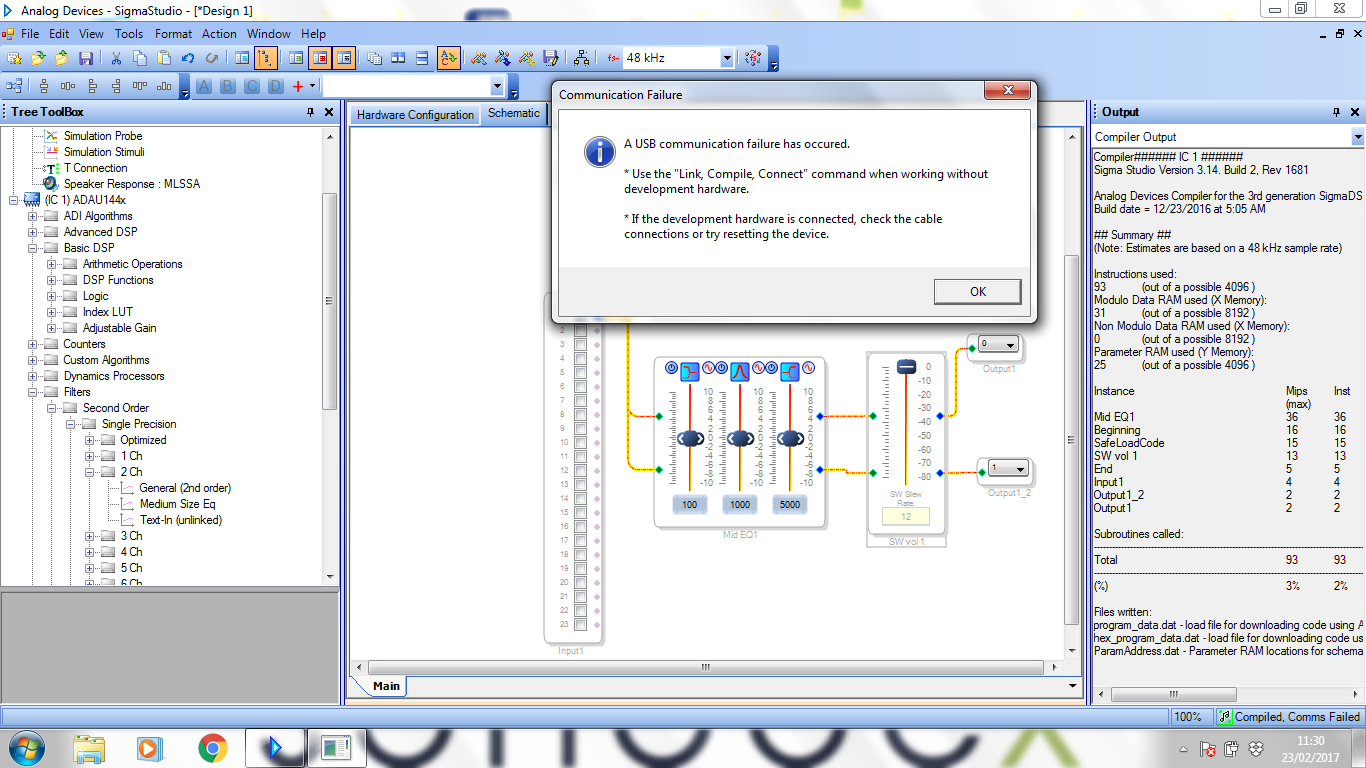
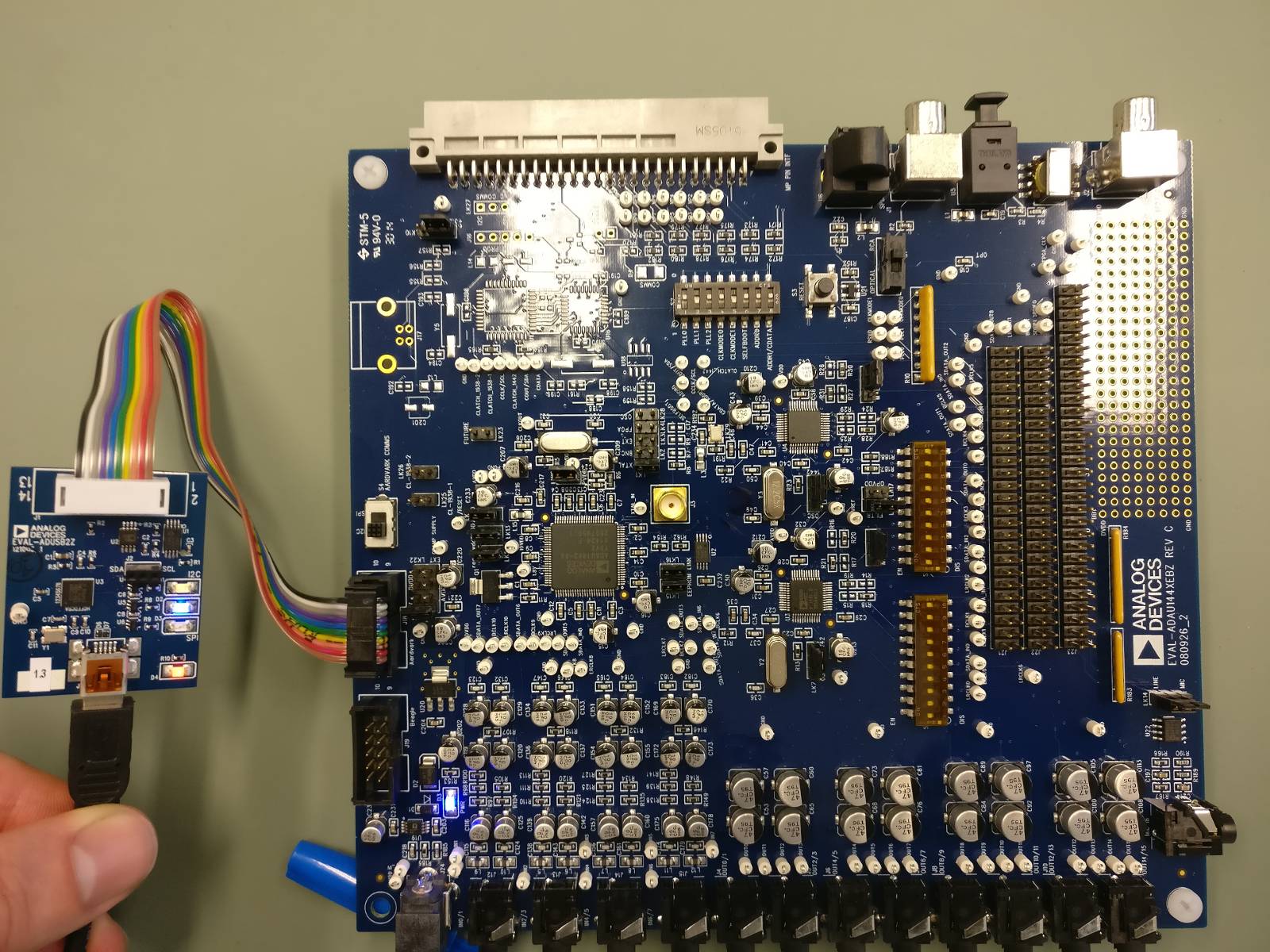
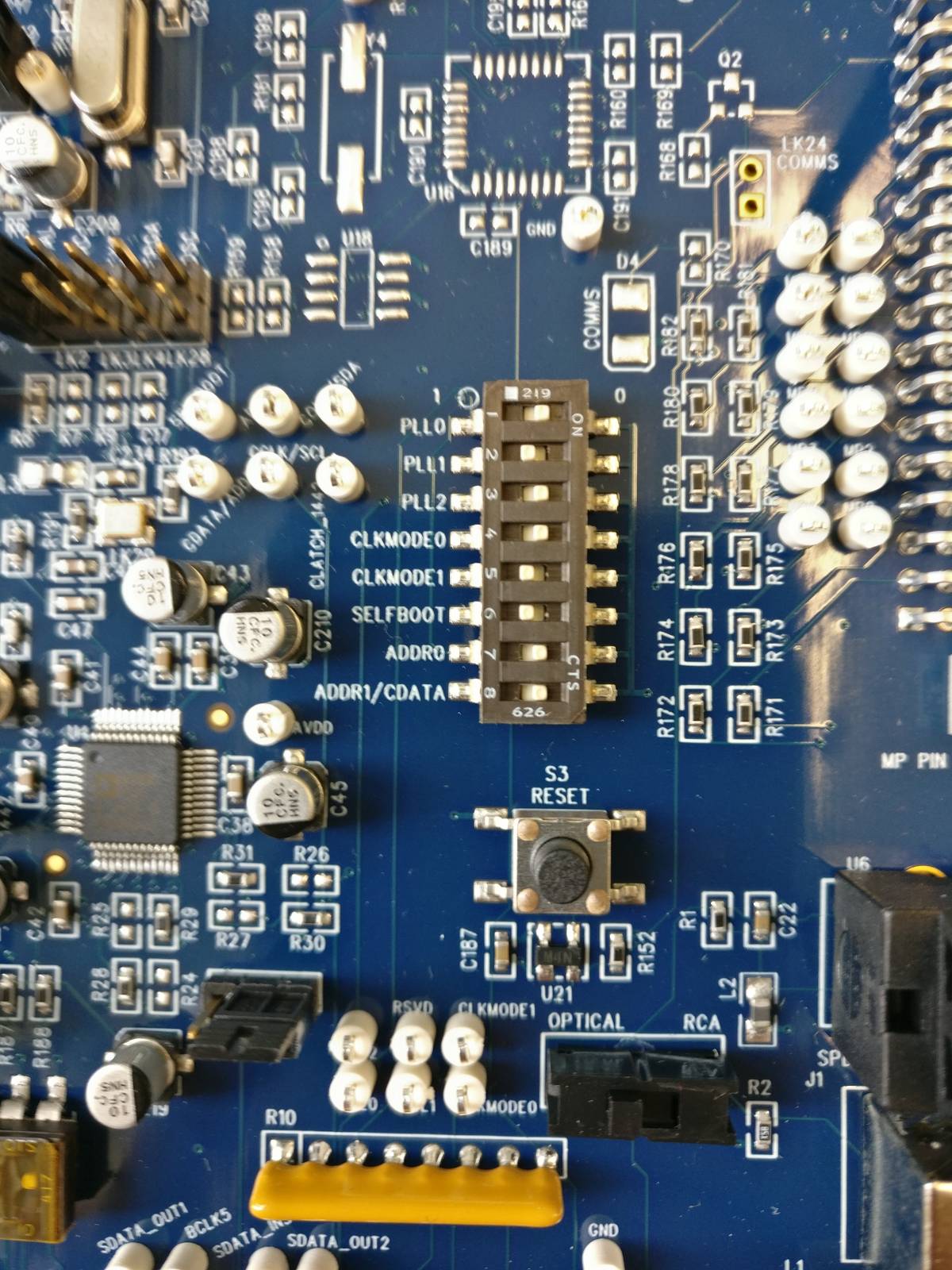
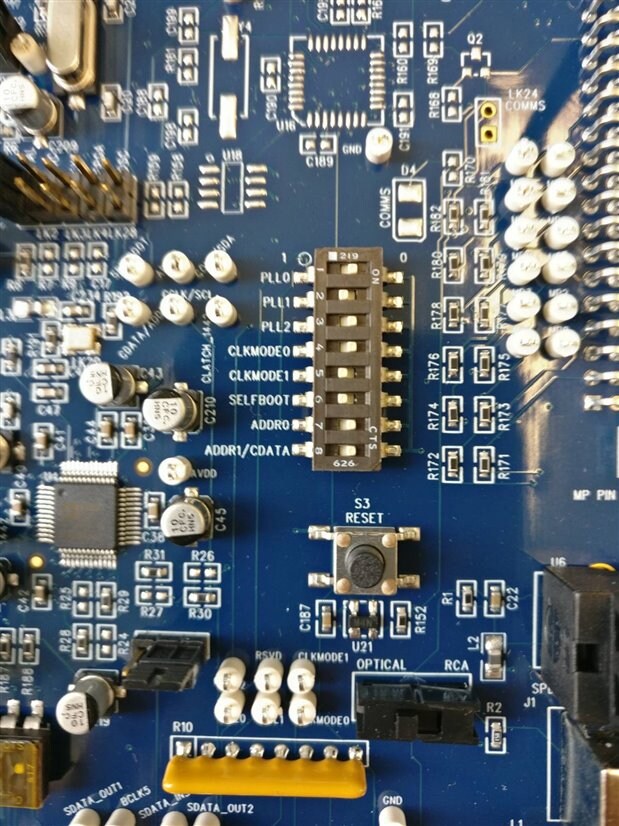
I've solved the problem. Switch S2 - 6 "Selfboot" is set by default to the 'right' position, which is wrong as it prevents communication. When I switched it to the 'left' position everything works fine.
It's confusing since in the documentation there's a switch layout that you should follow to get it working and it isn't right.
Below setup that enabled me to start up the board:
Please log in to reply.