Copy and paste huge program from main to hierarchy
Hello everybody,
i have this big program, something like 550 blocks which occupy nearly 5K of adau1452 program memory.
I need to transfer the blocks from main tab to a hierarchy board but all my attempts at copy and paste just fail.
Do you have any suggestions? Would someone of you ADI guys be able to copy and paste it if i'm sending it to you?
It would be extremely helpful.
Thank you
Omar
Audio Signal Processors
adau1452
SigmaDSP Audio Processors
Hello Omar,
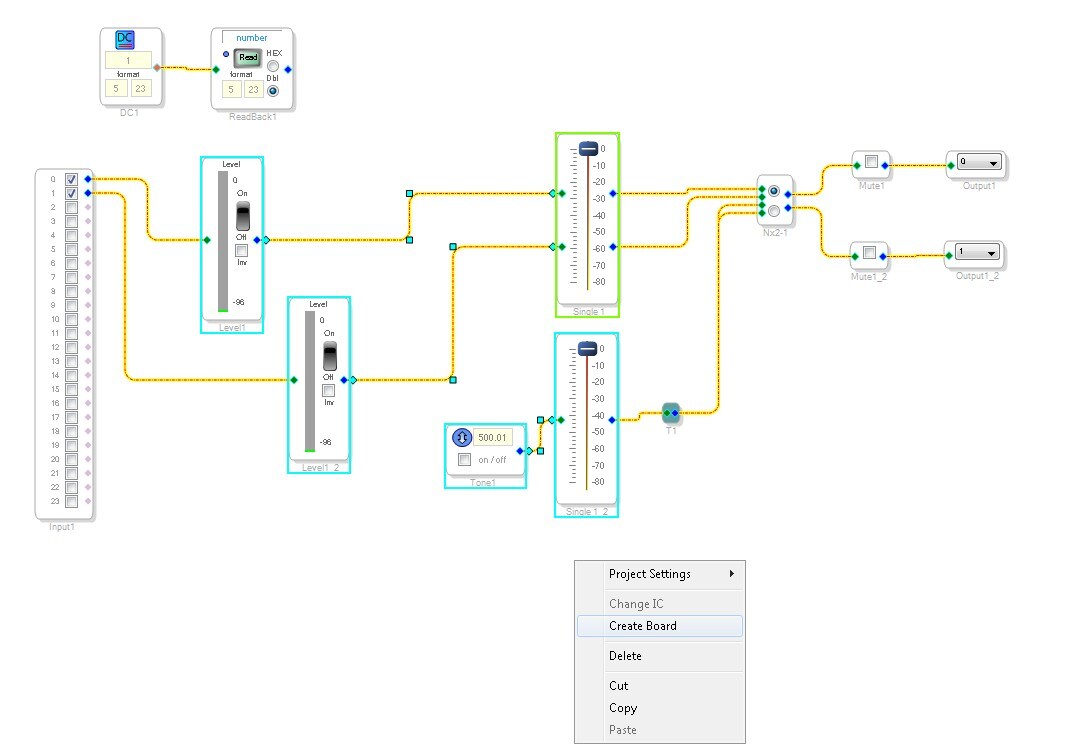
You select the circuit cells you want to place into the board. Make sure to include the wires that are attached between the cells as well as the cells.
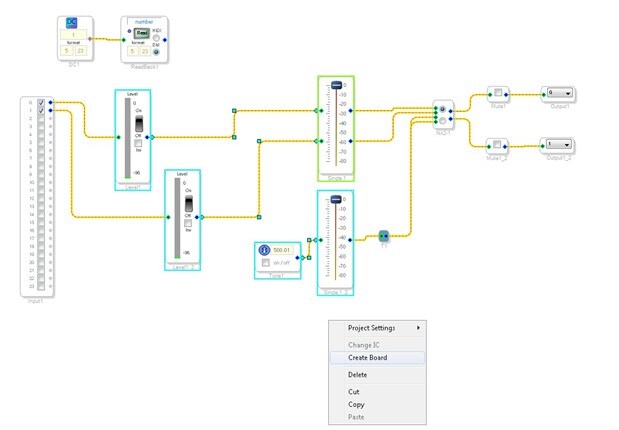
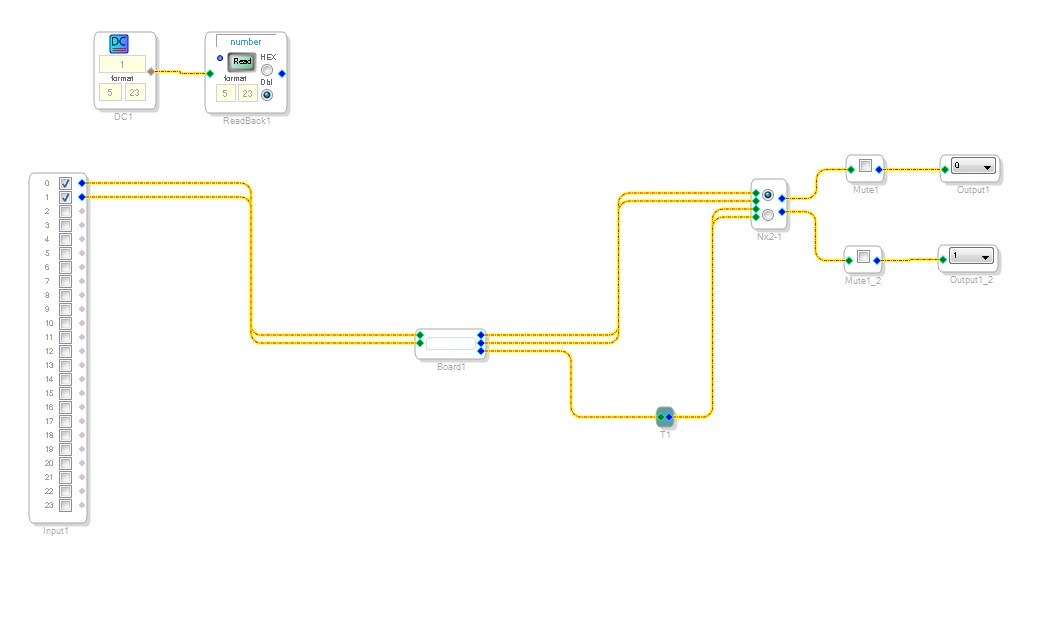
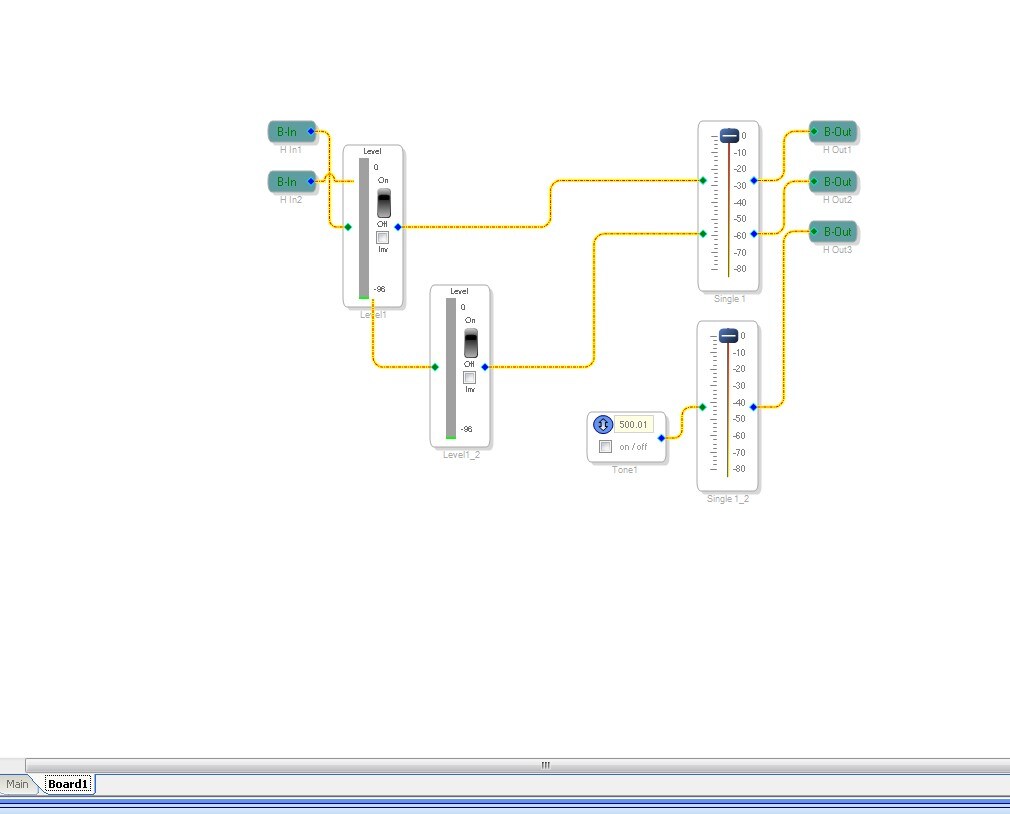
Then hover the mouse over a blank section of the design and right click. You will see an option to "create board". This will create the board with the highlighted circuit inside the board. Any wires that were across the boundary will be connected to the hierarchy board and inside the board there will be tags for those signals. You can name the signals and then when you mouse over the board on the main level you will see the name of the signal.
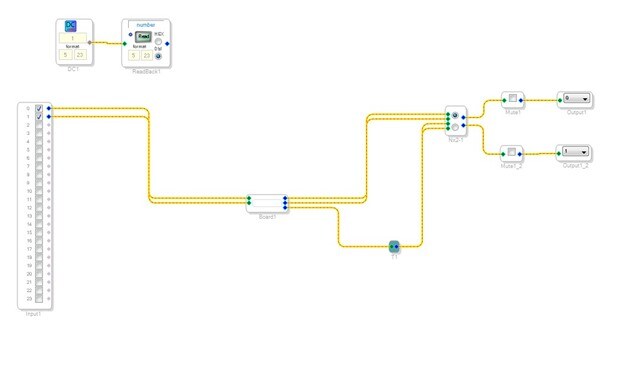
Results:
Dave T
Please log in to reply.