NxM Mixer Bug
My Sigma studio version 3.14 Buid 1 Rev 1675 (11/28/2016)
I use ADAU1452. In my case NxM Mixer expand to 25in x 25 out
NxM Mixer does not work the first output. Others outputs works OK.
Maybe module NxM Mixer has misnamed inputs and outputs. Left side (inputs) start as pin1, pin2 etc.. Right side (outputs) start as pin0, pin26 etc...
Audio Signal Processors
adau1452
SigmaDSP Audio Processors
Hello Michal,
It would be good to see the project since it is difficult to see too much detail in your screenshot but, let me mention a few things. First of all the most channels you can process into and out of the DSP is 48 channels. You can have more signal paths internal to the DSP but ultimately they must come down to 48 outputs. So this may be part of the problem.
The pin numbering is easily explained. The default cell when dropped in has three pins consisting of one output and two inputs. The one output is numbered pin0, The two input pins are numbered pin 1 and pin 2. When you expand the cell it starts numbering the pins with Pin3. The pin numbers do not denote the direction of the signal. So if you expand the input pins first then they will be in order. Then add the output pins and note that the second output pin is pin 26.
I built a quick project with 25 inputs and outputs and I got output on all channels.
The next thing I would like to mention is that you probably should be using the Audio Router. The router is a much more user friendly cell that was written to address applications like you are doing. To make it simple to understand and really easy to change multiple settings. The NxM mixer is an early cell that was written and is there for compatibility.
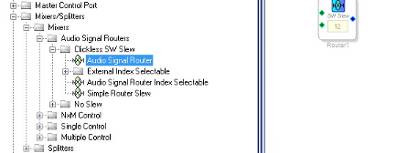
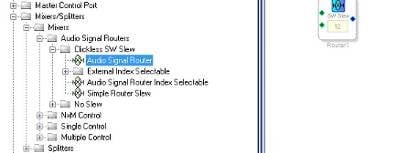
Here is where you will find the audio router and a few variants:
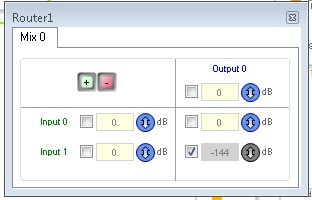
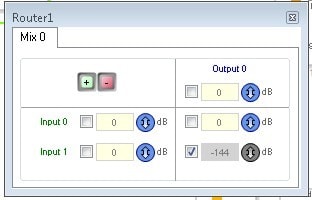
Clicking on the Blue square you open up the controls:
Here you see the column of inputs on the left and the single output as the top row.
You have a checkbox where you can easily mute the input to that particular output. In this default state input 1 is muted and only input 0 goes to the output.
The other cool thing is that you just enter in the level in dB. No need to use the rotary GUI control or to right click then click on the field to change the value. This is faster and more direct.
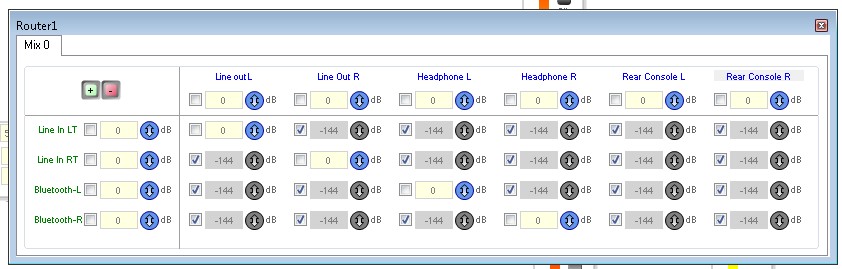
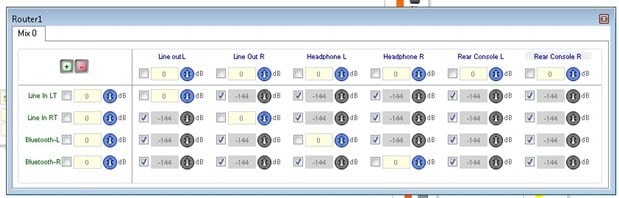
You grow this the same way as all other cells. right click on the cell and grow the inputs and outputs. In this case I grew it to four inputs and six outputs.
So clicking to open the controls you will see this:
Now you can see one of the cool things about this cell. You can rename the inputs and outputs to mean something to your application! You have overall input level adjustments and overall output level adjustments and the interior matrix of adjustments. But wait! there is more! You have the ability to create snapshots and be able to change to them with a single parameter write or a single mouse click of sigmastudio!
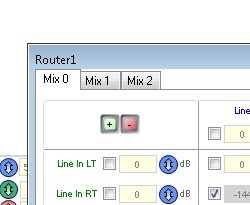
On the upper left you see a tab that says "Mix 0". Below it are a green "+" and red "-" control. These will add or subtract "mixes".
Here I added two more mixes.
By clicking on the tabs you have an entire new set of controls where you can set a completely different mix. In one application I one had one input from an oscillator and used one tab as a calibration setting where all the inputs were muted so only the oscillator went to all the outputs. One click and it is done. This is not able to be done with the NxM mixer.
Then you can choose the Index Selectable version of the Audio Router. With this version you have an input that can select which mix is active. This can be controlled from a GPIO or AUXADC. If you are using an external controlled you can just write one parameter to change the mix instead of writing to each and every control in the mixer to make a drastic change.
I think you will find this more useful with your application.
If you indeed have 50 inputs then you will have to go to an additional DSP.
Dave T
Hello David,
thank so much for your response.
We develop multiroom amplifier with 24 analog stereo input and SPDIF input. That's why we have inside mix 25x25 channel.
That's why we have inside four 25x25 channel mixers.
User friendly interface in sigmastudio is not a priority for us. DSP is controlled via SPI from our software in the control system (Crestron etc.).
NxM mixer we use because is frendly of load DSP.
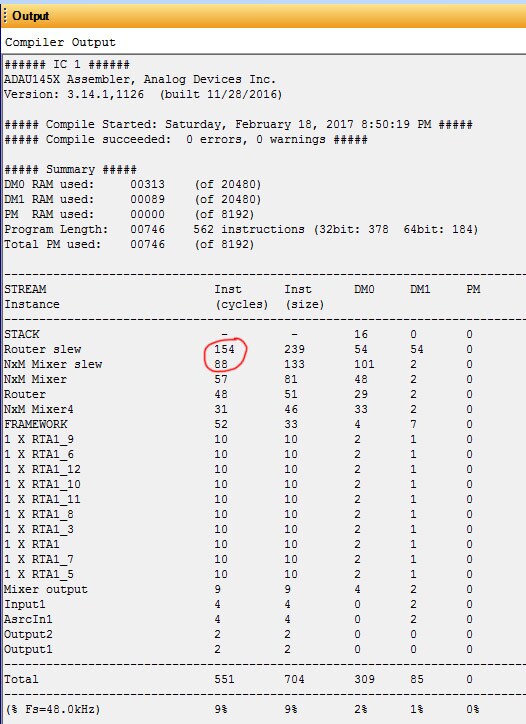
Here you can see the error. Not working input 25 to the 1 output. Only NxM mixer with slew not working. All else works.
Thank you very much for your help. Michal
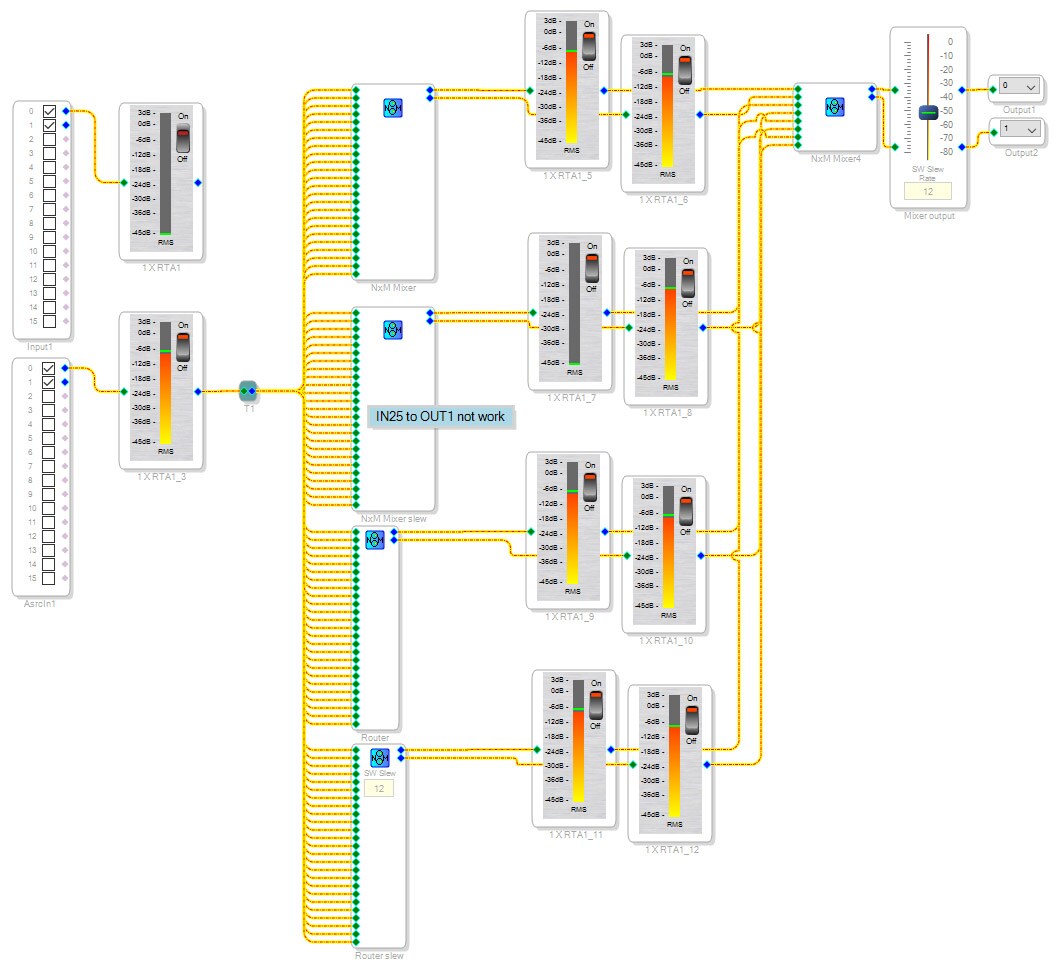
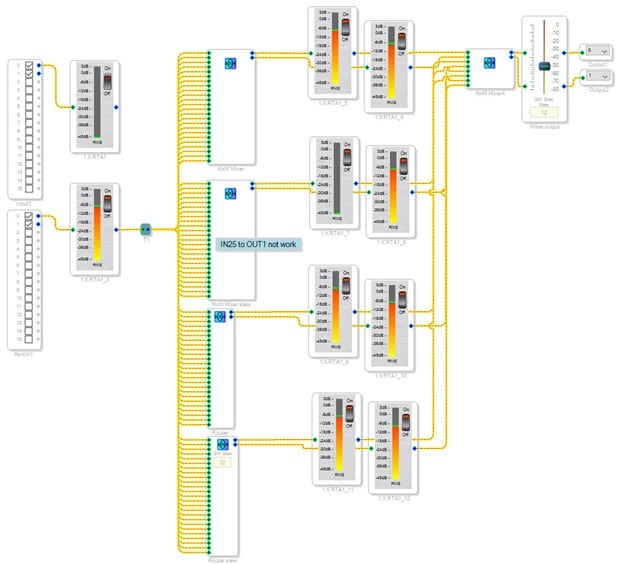
Hello Michal,
Thanks for your good reporting. I was able to verify the issue and looked into further. I have submitted a bug report to the software team so they can look at it.
As a work around you can grow three extra inputs and it will work properly. Basically, the number of inputs needs to be divisible by 4.
Regarding the size of the Audio Router. We are looking into the possibility of optimizing these even more. Meanwhile, I would think that one 25x8 Audio Router would have fewer instructions then four 25x2 NxM mixers. I have not been able to try it to see the difference in instructions.
Dave T
Please log in to reply.