How to generate 40KHz signal using ADAU1401A?
Dear all,
My project need to work at 40KHz. I am trying to use a simple test circuit to get a 40KHz sinusoidal wave first. I connect a source to the output directly. I set the sample rate to 96KHz. However, the highest frequency i can get is around 20KHz. After I set the sample rate to 192KHz, the highest frequency is about 22KHz. The PLL_MODE0 is 0 and PLL_MODE1 is 1.
The figure 8, 9, and 10 in the datasheet show there is a filter to stop the signal at 22KHz. But I believe it should work for 40KHz signal under the 96KHz and 192KHz sample rate.
Could you please tell me how to get high frequency using ADAU1401A?
Thanks,
Shu
adau1401a
Audio Signal Processors
SigmaDSP Audio Processors
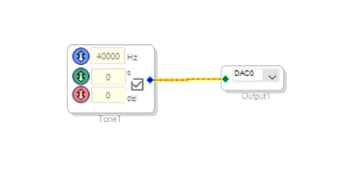
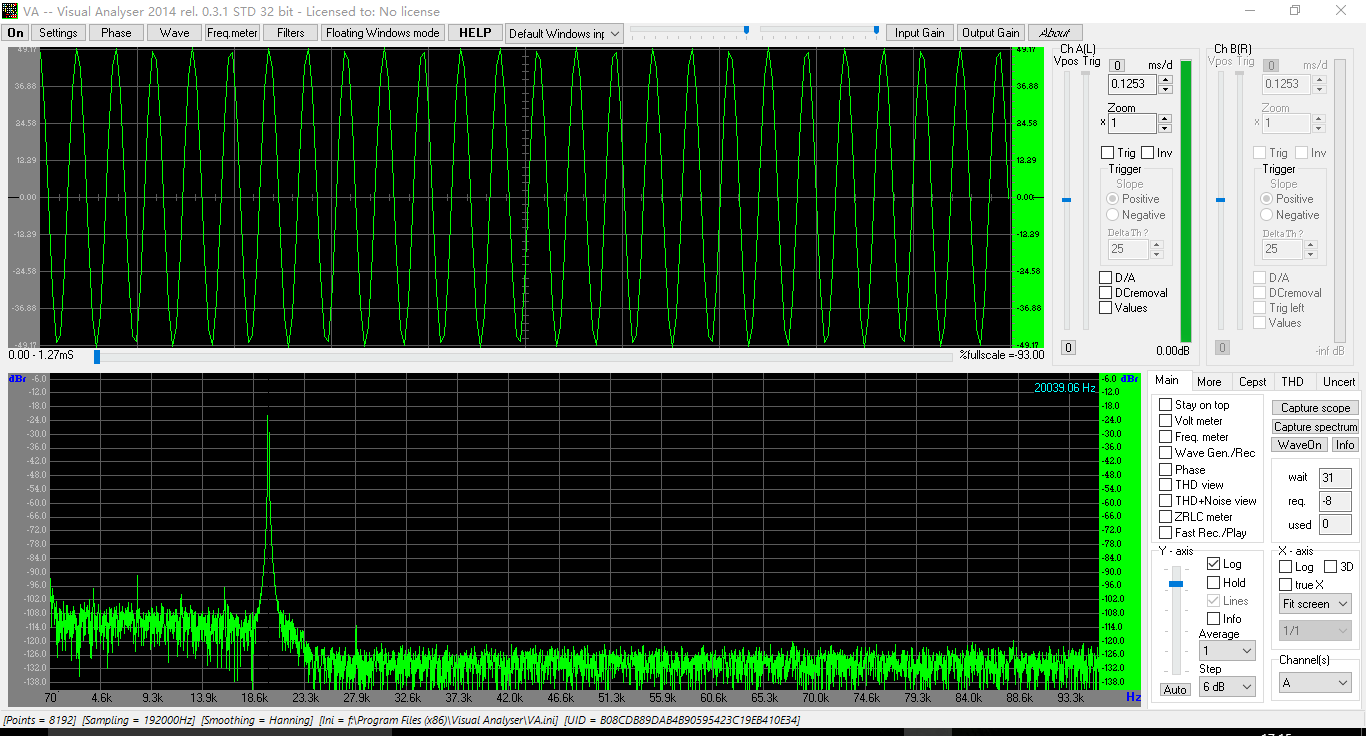
Hello,
I obtained a 40 KHz sine output from a ADAU1701MINIZ eval board running at 96K sample rate:
The ADAU1701 is electrically similar to the ADAU1401; the major difference is temperature rating. The eval board uses a 12.288 MHz crystal for MCLK. The PLL pins are the same as yours: PLL_MODE0 is 0 and PLL_MODE1 is 1.
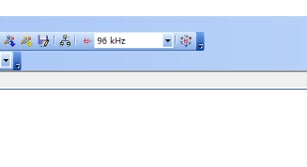
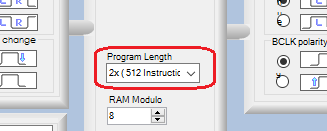
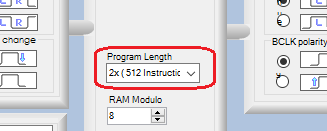
In addition to setting the sample rate atop your schematic, you need to set the Program Length box in the Hardware Configuration tab to 2x (512 instructions). This is what actually makes your DSP run at 96K.
For more info, see:
FAQ: How do I change the sample rate of my SigmaStudio system?
Best regards,
Bob
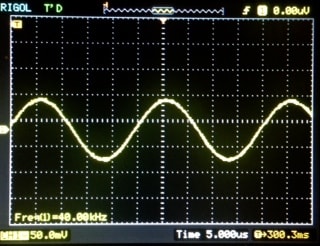
Hi Bob,
Thanks! The board works great.
Best regards,
Shu
Please log in to reply.