double precision filter coefficients
I am trying to implement a chebyshev filter using the values from the Chebyshev tables here: (Figure 8.27)
I am using four cascaded double precision general filters.
My controller generates the coefficients and sends them to the ADAU1452 in 8.24 format.
The filter response is OK for Butterworth, but is way off for Chebyshev. I plot the response using cascaded sections and the result looks perfect. I am thinking that the 8.24 precision is not enough to accurately place the poles on the S-plane. Is it possible to write 56 bit values to these filters?
Thanks,
-Robert
Audio Signal Processors
adau1452
SigmaDSP Audio Processors
I should also mention that I am writing all 5 filter coefficients with a single 20 byte SafeLoad.
I am sampling at 96K. Perhaps it's not completing in one audio frame?
Hello Robert,
Unfortunately, you cannot load in 56 bit coefficients. What about the plot is wrong? You said you plotted them out and they look perfect, how did you plot those out?
Now SigmaStudio would flag you if your program would not fit into one sample period. You can always look at the compiler output log and see how many instructions you are using. Then remember that the DSP can execute 6,144 instructions per sample at 48kHz. So it is 3,072 instructions at 96kHz. Keep in mind that this is true only if you are feeding in the proper MCLK frequency and have the PLL set properly to produce a core rate of 294.912 MHZ. If it is not setup properly then it will be running at a different sample rate and the number of instructions will be different. So that is something to check.
Another thing. Do you have all of the cells in SigmaStudio set to 96kHz? You can set it up at the top of the program and then propagate it to the cells. Then you can also right-click on the input cells and set the rate for the cells connected to that source to double check.
Dave T
Thanks Dave,
I made a silly error. The tables in the PDF were for low pass and I was applying them to a high pass filter.
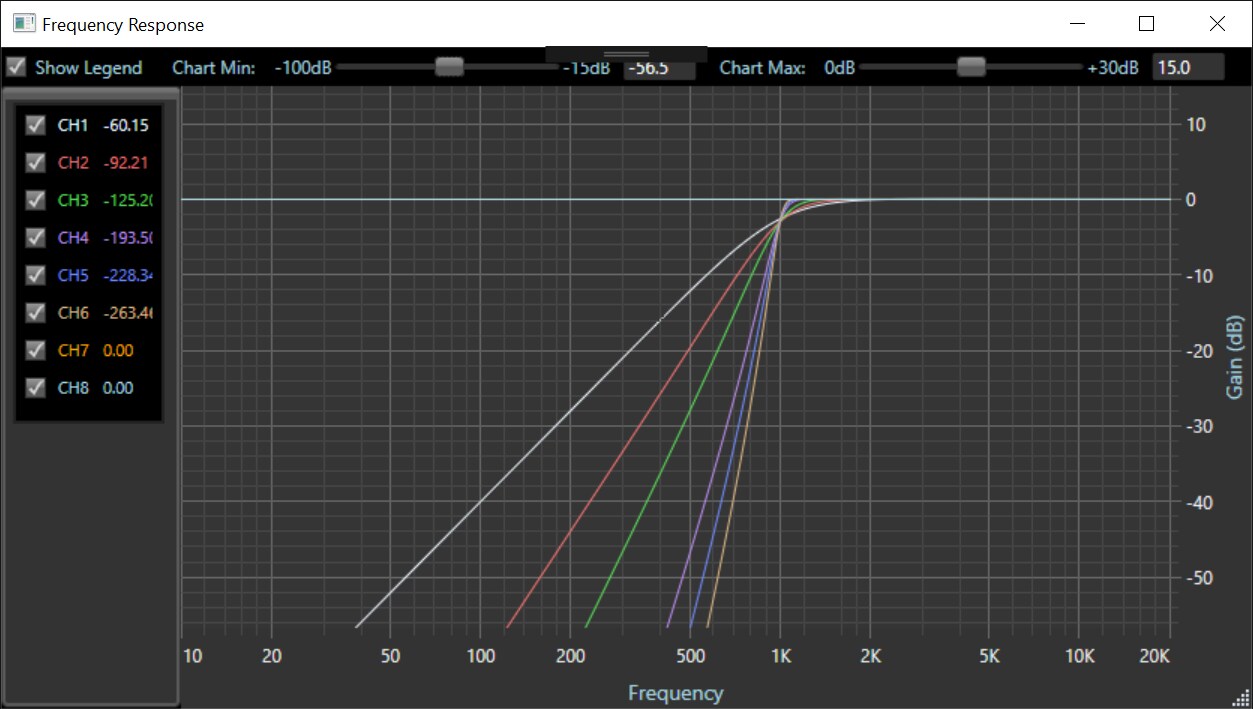
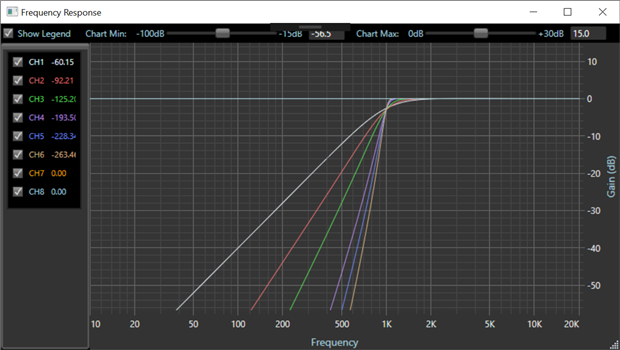
I am plotting in a C# application. I made a 1/x error there too which made the plots look correct. It's all working perfectly now.
Thanks.
-Robert
Please log in to reply.