stereo delay
Hi,everyone:
How to implement a stereo delay using ADAU1452?
Audio Signal Processors
adau1452
SigmaDSP Audio Processors
Hello shaoqin,
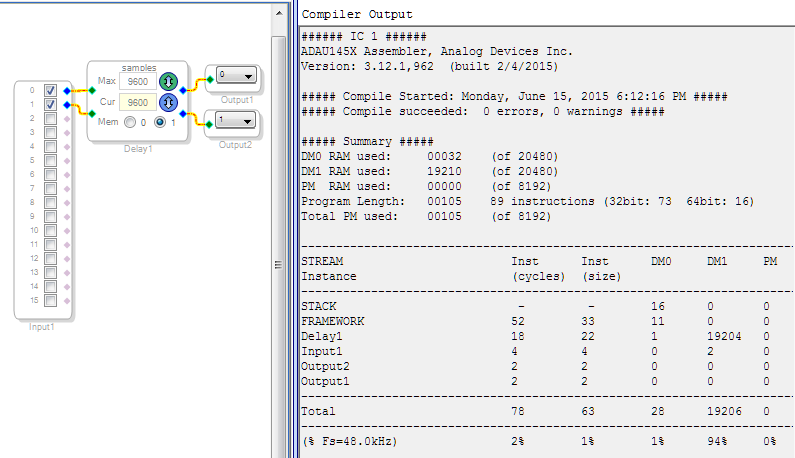
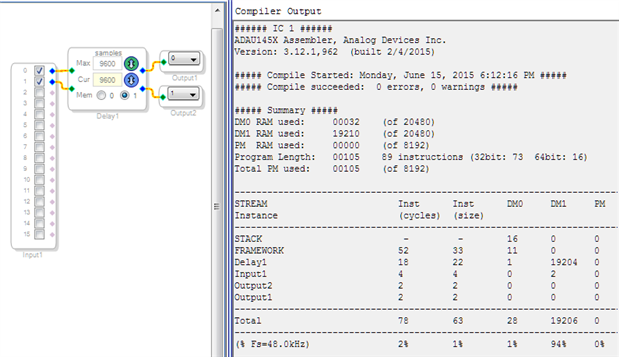
You can drag a delay from the toolbox (under DSP Functions / Delay), then right-click it and choose either Grow or Add Algorithm to increase it to two channels. If you choose Grow Algorithm, you get a delay with just one set of controls for both (or all) channels, as shown below. Picking Add Algorithm instead gives you separate control over each delay added, as if you have put individual mono delays into your design.
With 9600 samples as shown, you get 0.2 seconds of stereo delay while using 94% of one of your two available memories, called DM1. By adding instead of growing the delay, you could utilize DM0 for one channel and DM1 for the other, perhaps doubling the available delay time. Of course, you need to leave some data memory for other needs (filters, etc.).
Best regards,
Bob
Hi,Bob
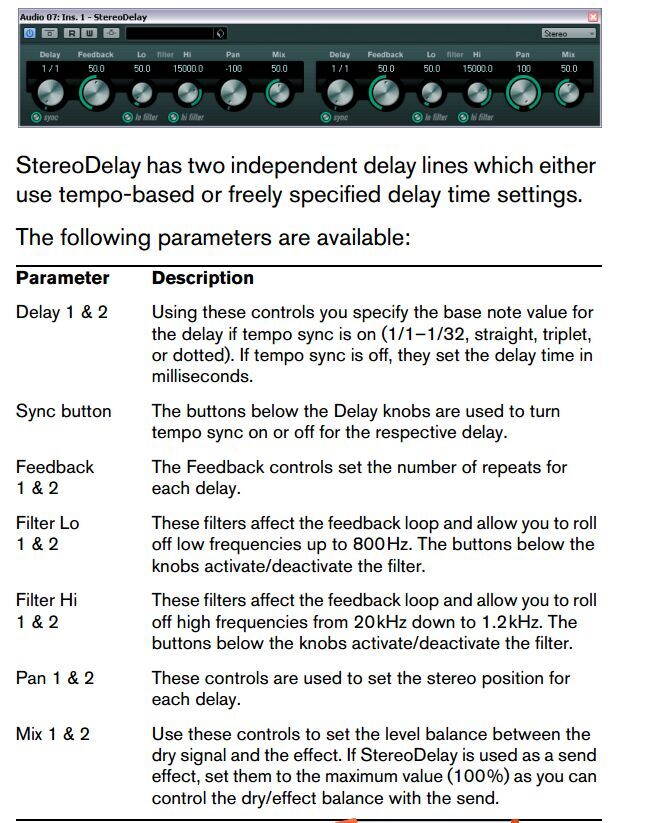
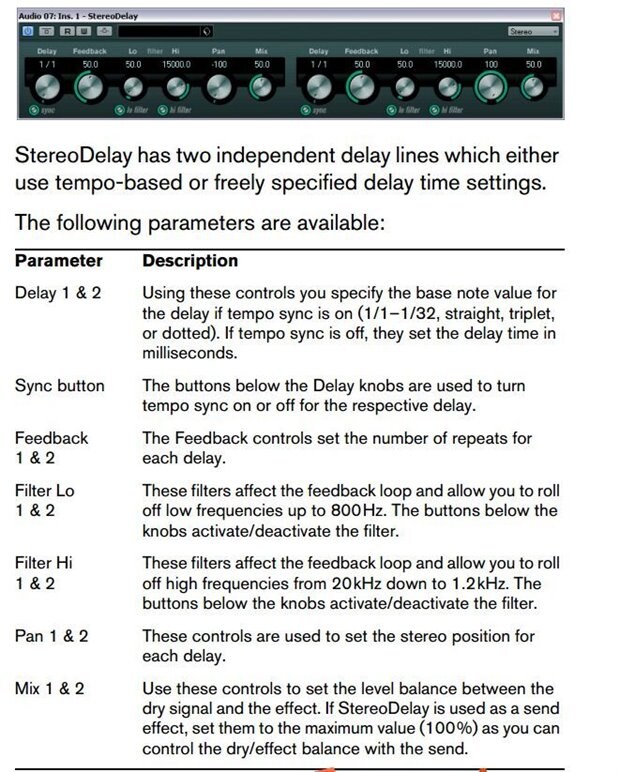
This doesn't look like the ones I have seen.Please see the following
We need such stereodelay.Can you provide one?
Best regards,
Shaoqin
Shaoqin,
That looks like a delay coded as a plug-in, VST or similar. The closest module in SigmaStudio to that would be its Reverb module, but SigmaStudio is designed so you code your own DSP functions using basic DSP building blocks such as the delay shown by KJBob, and also filters, gain/volume controls, mixers, and feedback.
Also, if you intend for your end-user to have graphical control of those parameters, you'll need to code an interface between the user's device (computer, tablet, etc.), your MCU, and the SigmaDSP chip. Or it can be possible to control parameters using the auxiliary ADCs with control voltage input.
Jon,
Perhaps the Freeverb idea you described at https://ez.analog.com/message/203113#203113 would help here.
Shaoqin: The Voltage-Variable Multi-tap Delay would come in handy in your design.
Bob
Please log in to reply.