Inputs and Outputs Muted on EVAL-ADAU1401AEBZ
Hello, I am a student working on creating a 2 input 4 output DSP amplfier system and I can't seem to get past the first main hurdle: getting audio into and out of (ignoring filters for now) the board. I put in a signal detector right after the input and I cannot get it to register anything. In debugging this issue I've already set the jumpers to what I presume is the correct settings for analog input and output and I've gone to the register control window and after executing the "read all" function it appears that the DAC's and ADC's are muted. I click to unmute them but it doesn't make any difference that I can tell. I try to "write" over the settings but when I read from them again it brings back the (I assume) default mute position. If someone could guide me through the steps to getting sound out of this board or point to where it is detailed I would appreciate it
Thanks in advance!
TLDR version: Can't seem to "un-mute" the EVAL board. screen capture attached to highlight what I think is the issue. I am using headphones connected directly to the DAC for testing, and using a known good cable outputting from my laptop to the board using the RCA 0/1 inputs.
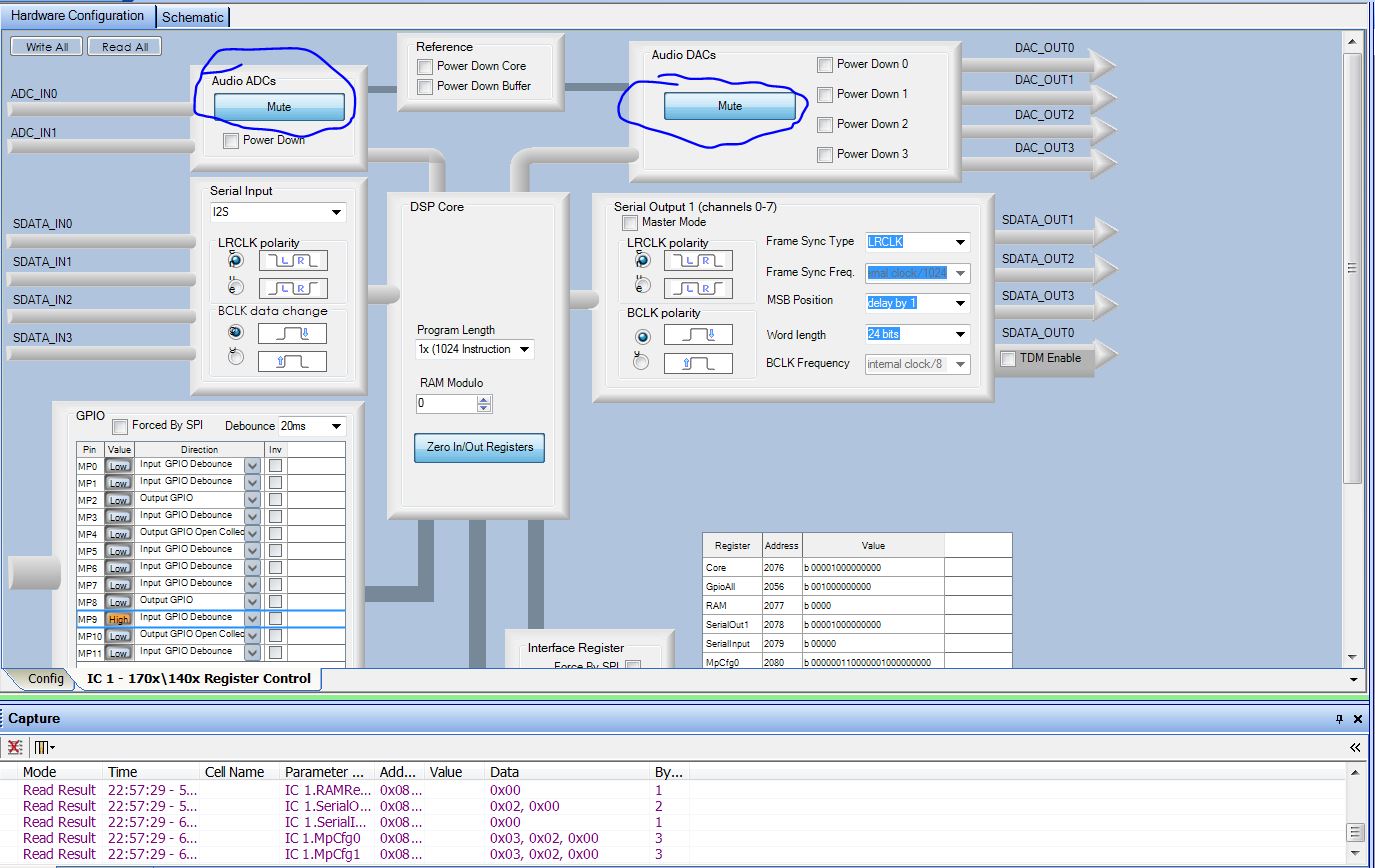
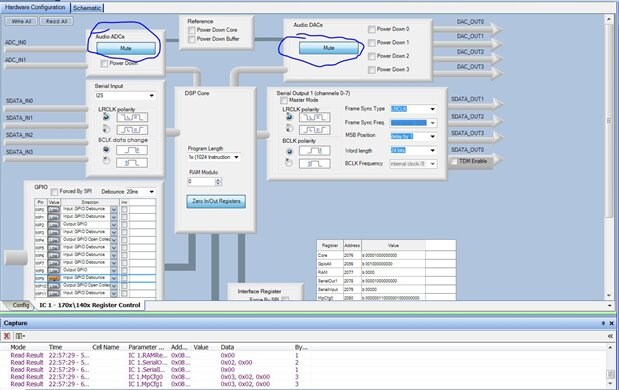
Hi,
One way to troubleshoot this problem is to separate the ADC and DAC paths. I would recommend using a SigmaStudio tone generator (Sources/Oscillators/Sine Tone) connected directly to the output to test the DAC path, and a Level Detector driven directly from the ADC input.
Regards,
Coleman
Hi William,
I just tested this with the EVAL-ADAU170xEZB which is a very similar board to the EVAL-ADAU1401EZB.
I have similar issues getting audio to pass through with I2C 0x68 setting, unless I disable the SELFBOOT switch on S3 (set S3-1 to left "off" position). All other jumper settings are set to the default. Make sure the Oscillator is connected to the DSP (MCLK select on LK1 jumper).
If I power the board in this configuration, I can download and pass audio with no issues with this configuration for 0/1 ADC in to 0/1 DAC Out stereo connectors.
-JT
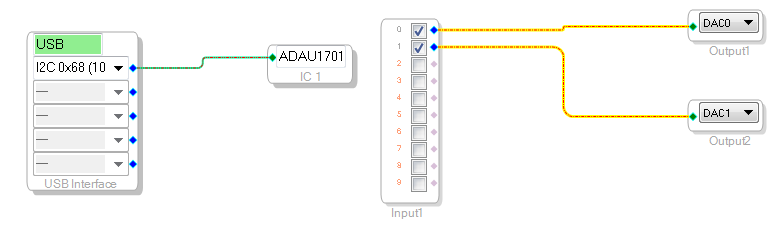
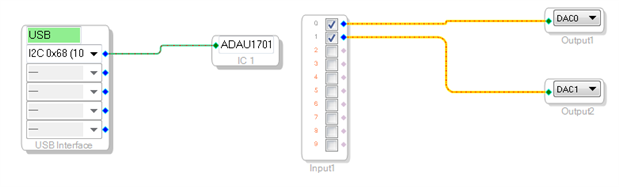
So I just was able to get sound out if I set DAC outputs 0/1 (what I'm monitoring on) to "passive" by changing LK9 and LK6 to the B position. However, there was a lot of background white noise static and it seems that it disbles all filtering as none of the filters I engaged made an impact on the sound (I'm assuming by design). Could someone explain what this particular passive/active setting (jumpers) does and let me know if I need external power (besides the USB) in order to operate it? I know that when I get past USB programming I'll need the 3.3 V but it is clearly powered on with just the USB.
JT I tried your method and it didn't help (still no sound).
Ok so I figured out that passive vs active is simply using a different output lowpass filter (one being RC and the other op-amp U3). Since I don't get any output with the active setting is that a flag that something is wrong with that op-amp? Or maybe there is some toggle setting I'm missing?
Just discovered a really strange interaction, my "crossover" filter adjustment adjusts those channels output volume, rather than highpassing the top and lowpass the bottom. However this only happens on one of my project files, one without the several other blank filters in it was able to crossover normally.
I fixed the issue, I returned all the jumpers back to their default positions and connected a 6 volt supply (duh active filters won't work if they have no supply) to supplement the usb power.
Noise went away when I A returned to active DAC filters and reset the jumpers.
Glad you got it figured out!
Please log in to reply.