USBi Required for 64 bit ADAU1702 EVAL?
Hello, I'm using the 1702 based EVAL board and I am having trouble communicating with the device over standard USB (using the 1702 communication channel I believe is for the board). I don't have the USBi interface because the board was lent to me and the person claims to not have one. I was able to get USB drivers to install and for the light on the device to come on but failed to get a communication link in SigmaStudio which came up with an error message saying that I need to use a USBi communication channel on my (64 bit machine) computer. Should I be able to workaround with a 32 bit machine? I have a limited budget for purchasing accessories that will be irrelevant when I have to return the board anyways (borrowed for senior project) and would like some clarification as to if this is the issue (lack of USBi interface) or if there's something wrong with the board.
Thanks,
Will Saba
Audio Signal Processors
adau1702
eval board
64-bit
usbi
SigmaDSP Audio Processors
Show More
Hello Will,
The USBi connects to the PC side over USB and to the SigmaDSP side over I2C. So, the USBi can be looked upon as a USB to I2C protocol converter.
USBi makes integration (and life) easy. I bought it for $180 or so and then it was soon reduced by a good $100.
Hello Will,
Which version of the SigmaStudio tools are you using?
The ADAU1702 Eval Board uses an on-board FTDI USB serial translator chip (similar concept to the USBi). This is shown in the schematic on page 13 for the 1701/2 Eval Board guide.
With SigmaStudio 3.11, I am able to connect directly to the ADAU1701 eval board board on a Windows-7 64-bit installation with no issues using the EvalBoard170x/140x Communication Channel
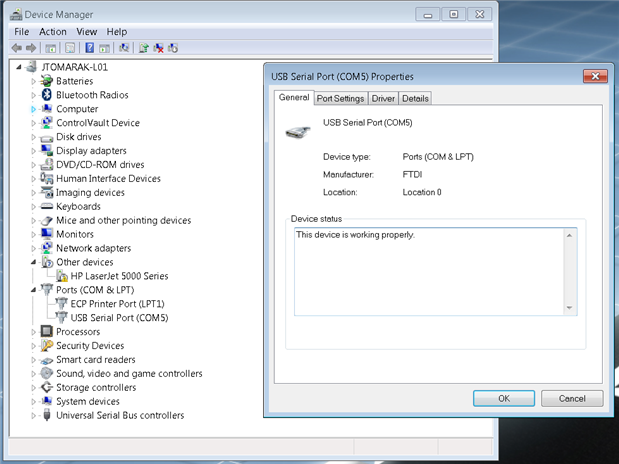
As a first time install, Windows seemed to find the drivers and selected COM5 automatically. Here are my settings in Windows "Device Manager":
If you still have issues with the driver, try to re-install manually. The SigmaStudio installation includes the 64-bit FTDI drivers here (assuming default install path)
C:\Program Files\Analog Devices\SigmaStudio 3.11\USB drivers\FTDI x64
There is also a FTDI driver installation app note PDF included in the folder (I have attached it here).
-JT
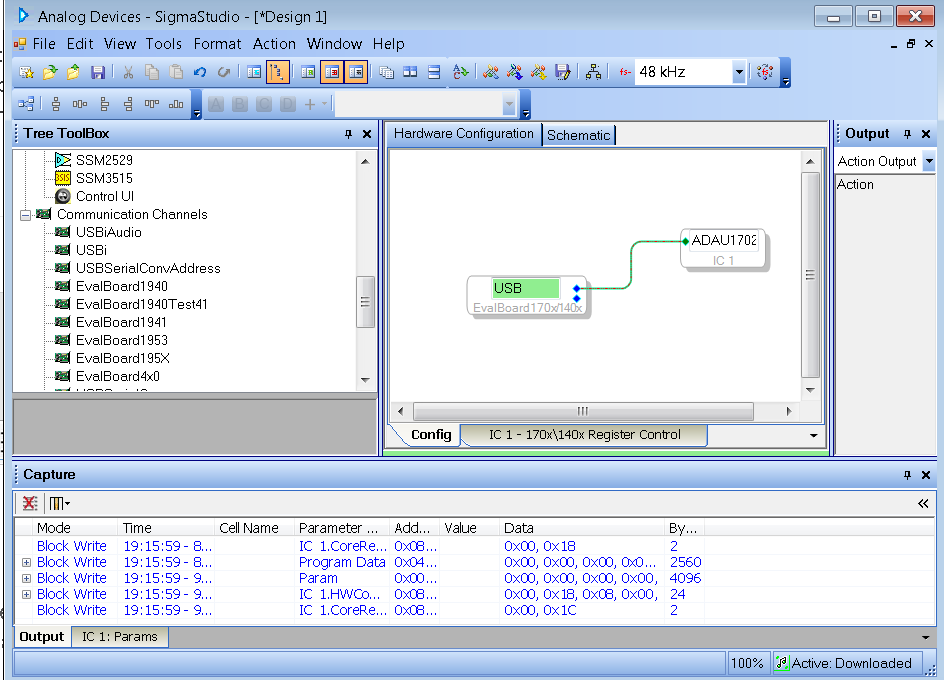

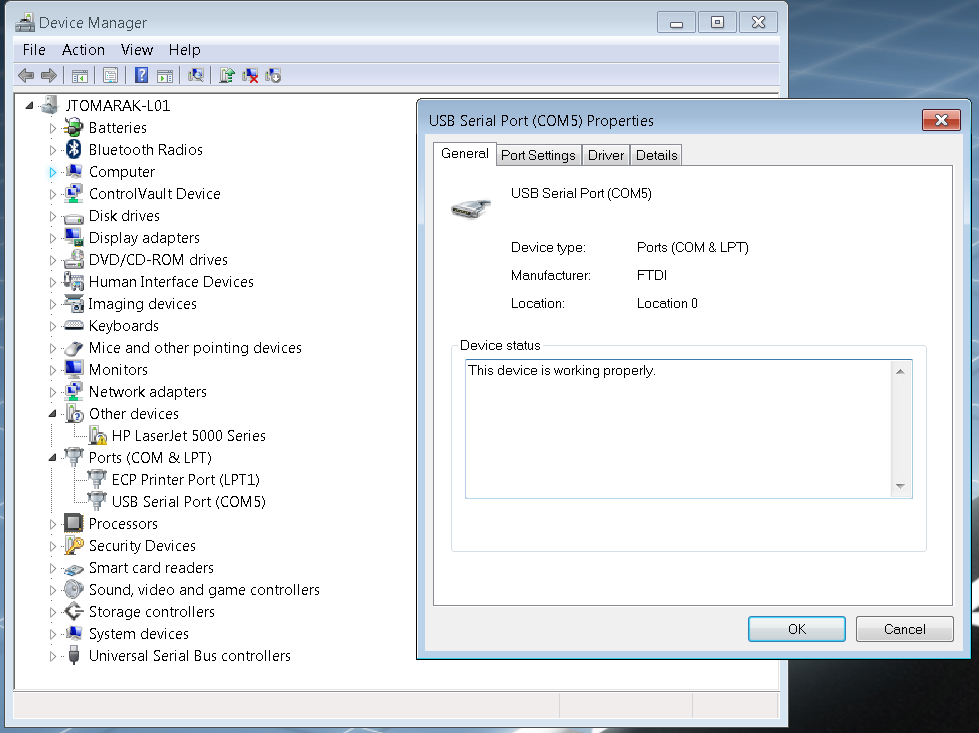
Hi KKSL<
Our apologies that you bought a USBi before we lowered the price. Thank you for all of your support here on EZ.
Best regards,
Coleman
Turns out the error was me trying to use the beta version of the software. Just installed the standard 3.11 and it seems to communicate fine. Just need to figure out how to get sound out of the output, I'm trying to test this with headphones, should the output level be high enough to drive them, or should I send the output through an amp, this is just to get something out for filter demo purposes...
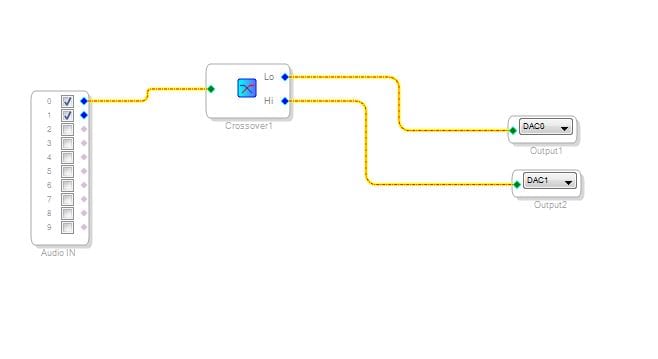
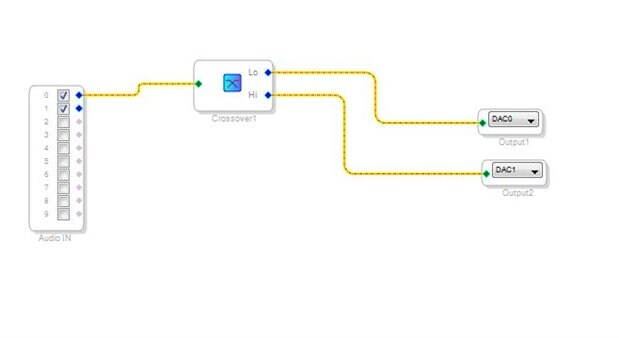
Here is a picture of the current configuration.
Hi,
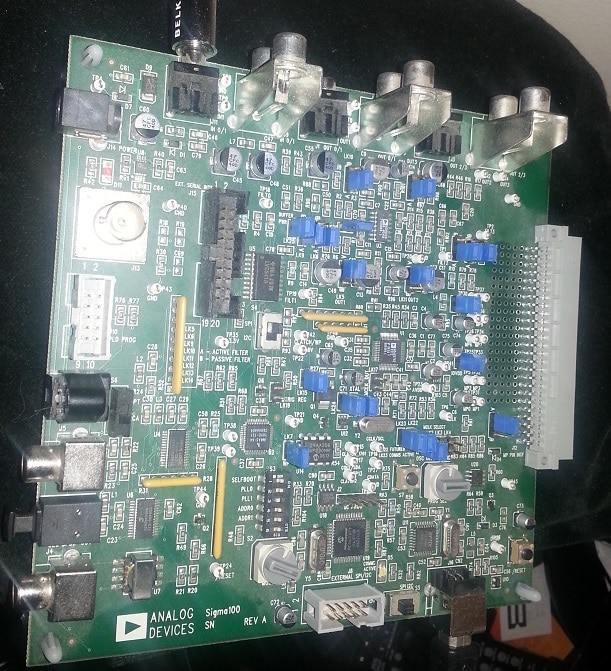
Which specific version of the eval board are you using? We do not sell a specific ADAU1702 version, we have the small EVAL-ADAU1701MINIZ and the fully-featured EVAL-ADAU1401AEBZ. The ADAU1401 is the functionally identical, automotive-qualified version of the ADAU1701. Just trying to understand which output circuit you are using.
Regards,
Coleman
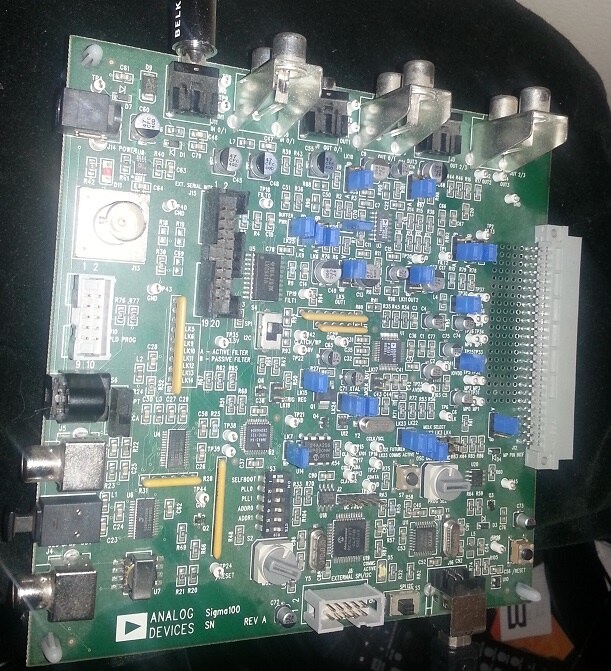
Here is a picture.
Hi,
Looking at the schematic for this board:
http://www.analog.com/static/imported-files/user_guides/UG-072.pdf
Please find Figure 7 on Page 12. The 49R9 resistors in the output circuit will create a divider with your headphones, what impedance are they? Also, the AD8608 is not a high current op amp. I would recommend that you drive a line input with this source.
Regards,
Coleman
Please log in to reply.