Read Audio Levels in DSP
I am using Sigma Studio with the ADAU1452 DSP. I've been trying to find a block in Sigma Studio that will allow me to read the current audio level using the SPI register interface at runtime. There is a block that displays the level, but that block is apparently only used when debugging with the eval board, and does not show up in the various .h files generated by Sigma Studio with a register address--at least not that I've been able to figure out.
Is there a way to read the audio level at some point in the schematic and present it at a register for reading?
Thanks!
Audio Signal Processors
adau1452
SigmaDSP Audio Processors
Hello,
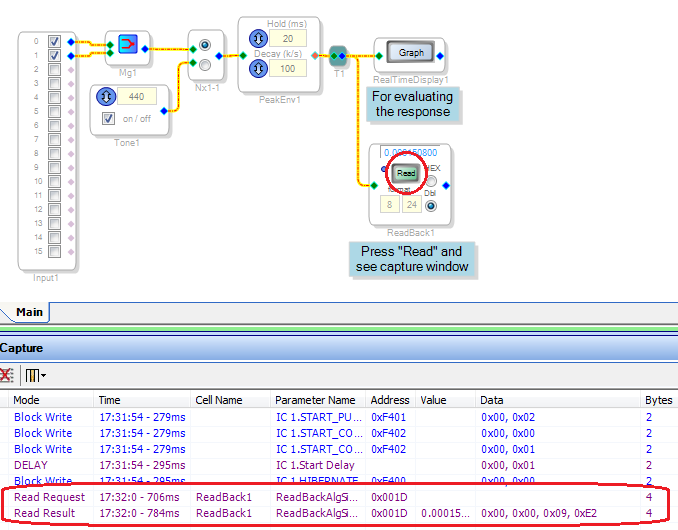
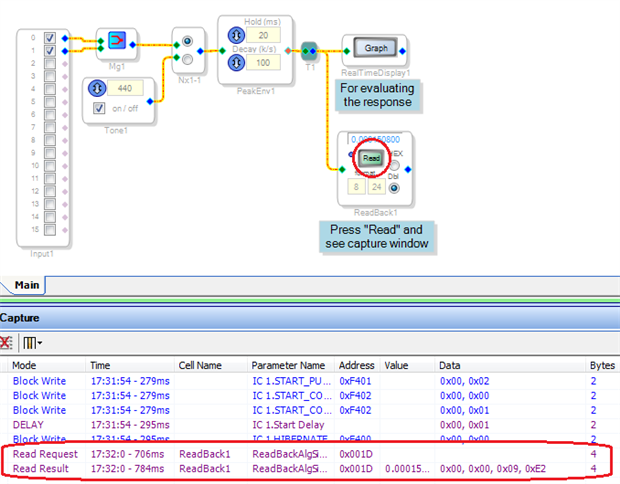
You could use the Dynamics Processor block of your choice to extract the level reading, and a Readback block to enable your MCU to read it. The Capture Window will show you how your MCU can access the data. For example, in the project shown below I pressed the Readback block's Read button, and the Capture Window shows the read request and return. Do the same with your project, then have your uC duplicate the actions the Capture Window shows.
Best regards,
Bob
Please log in to reply.