Can't selfboot with EVAL-ADAU144XEBZ board
Hello,
We bought a evaluation board(EVAL ADAU144XEBZ REV C). We had some issue on selfboot function. Please help to find what's wrong with our action.
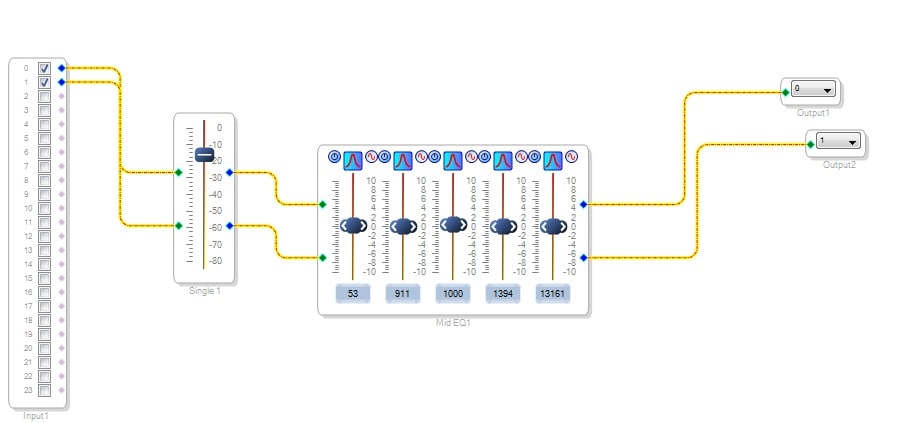
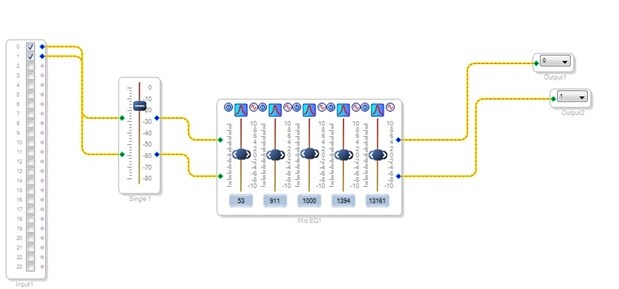
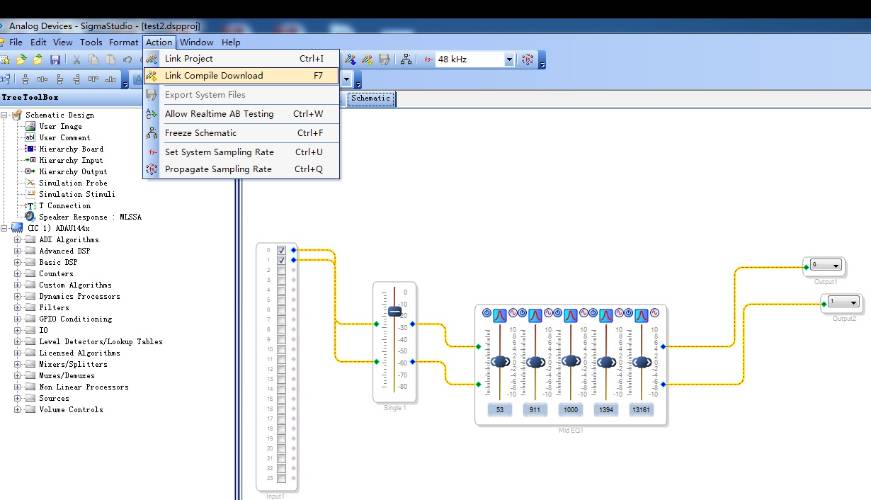
STEP 1: We build a project in SigmaStudio as the User Guide told.
STEP 2: Connect hardware well, and click "Link Compile Download " button to download the program to ADAU144X IC.
Then the audio play well.
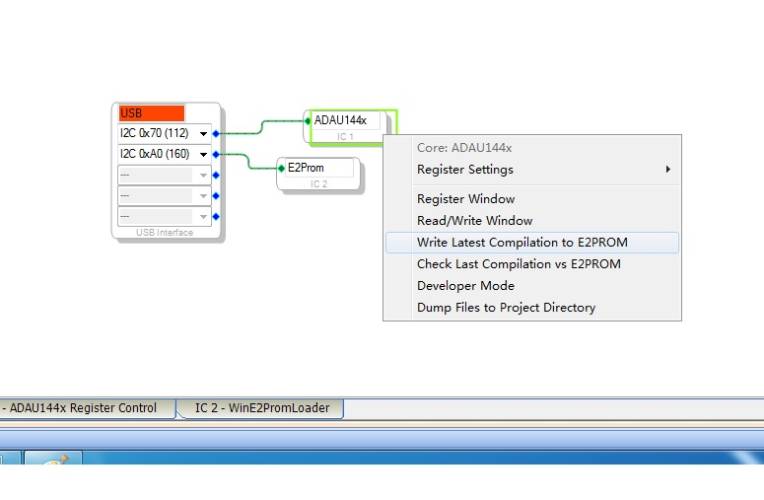
STEP: 3: Programming the self-boot EEPROM as the User Guide told.
STEP:4: Put off the USB connect with PC, then push the Reset button, but there's no audio coming out.
What's wrong with my action and configuration? please help to find out.
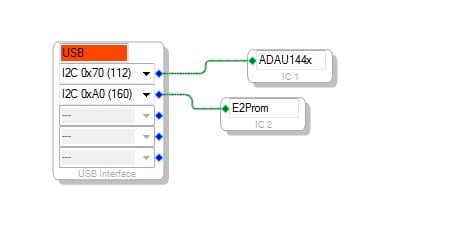
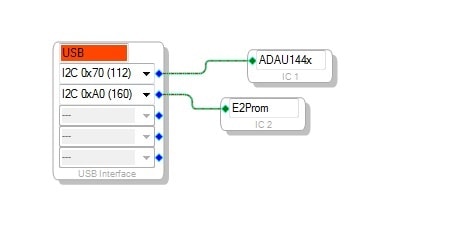
The hardware setting please see below:

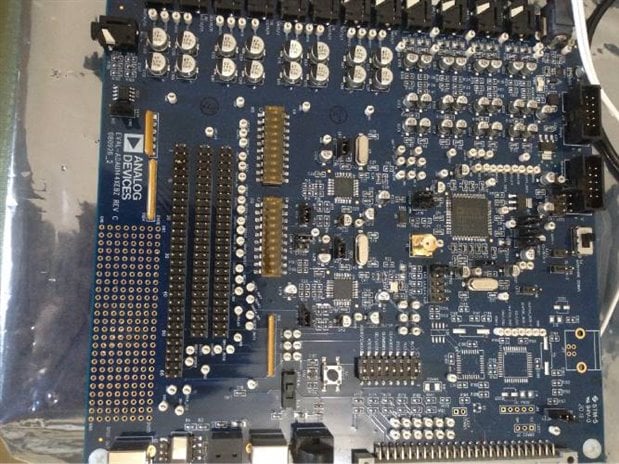
Hi ocean-grass,
S2 switch for self-boot pin seems to be in correct position. You can try to "Check Last Compilation vs E2PROM" if it's MISMATCH or not. If it is mismatched, go to the Hardware section IC2WinE2PromLoader tab and make the Page Size as 32 Bytes (instead of 128, or etc...) and Mem Size as 256 Bytes. Try to link-compile-download again and then write to eeprom after which you check latest compilation if it's successfull or correctly match, as it is expected to be. It should work by then!
Regards,
Dan
Hi,
I had a similar problem. I had to do the following:
Go onto the Hardware Configuration page and right click on the E2Prom
Select Properties
Set Page Size to be 64
Set Number of Address Bytes to be 2
This is documented somewhere else (but I can't find it again) and relates to it being a 24AA256 device on the DEMO board.
A bit late but I hope it helps
PhilipJ
This question has been assumed as answered either offline via email or with a multi-part answer. This question has now been closed out. If you have an inquiry related to this topic please post a new question in the applicable product forum.
Thank you,
EZ Admin
Please log in to reply.