USBi driver instalation problem - Win7 x64
Hello all
I use SigmaStudio under Win XP (32bit) on the workstation at my workplace. Now I work in the home with a laptop because of an accident. I installed last version of SigmaStudio on this laptop - Win 7 x64. I tried many times and many ways, but still USBi driver does not work - errorcode 28 - access denied.
Does somebody knows this problem and the solution? I have to modify the project urgently.
Thanx in advance.
I'm sorry I only read English so the pic doesn't help much, but I'll try to help.
1) How old is the laptop? (USBi only supports USB 2.0 interfaces)
2) Are you installing drivers or just letting windows "find the driver"?
From WiKi
To Install the USBi Board:
Connect the USB cable to the USBi Board a spare USB port on your PC.
The Windows “Found New Hardware Wizard” will launch.
Choose “Install from a list or a specific location” and click “Next”.
Select “Search for the best driver in these locations” and Check the box for “Include this location in the search.”
Press the “Browse” button and locate the appropriate driver file in the SigmaStudio application folder (default folder is C:\Program Files\Analog Devices Inc\Sigma Studio\USB drivers): Select the CyUSB.inf file.
Click “Continue Anyway” if you're prompted with “This software has not passed Windows Logo testing.”
Hello, thanx for answer. My laptop is not new one.
DELL STUDIO 1749
Intel Core i3 3GB RAM
2x black USB (that means it should be 2.0 version)
I have USBi v.1.2
SigmaStudio instalator instals the driver too. I tried to reinstall it using windows wizard in auto mode, manual mode (from "Program Files\SigmaStudio\USB drivers\x64") and using dpinst.exe located in driver directory.
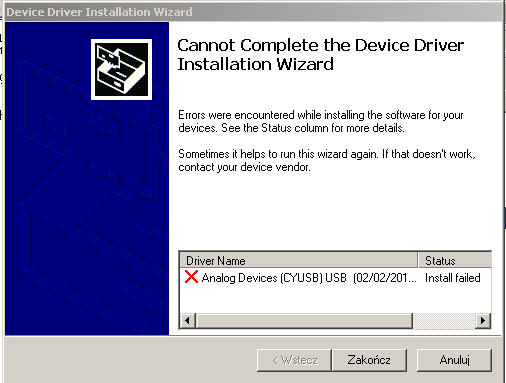
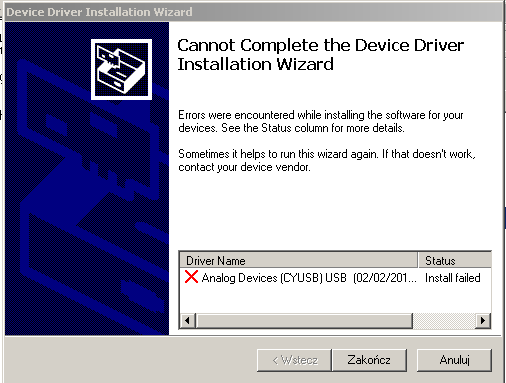
In all above cases successful instalation is possible only with USBi plugged out. When I plug in USBi I have a situation showed in previous post.
I tried to install USBi plugged in.
-Using dpinst.exe:
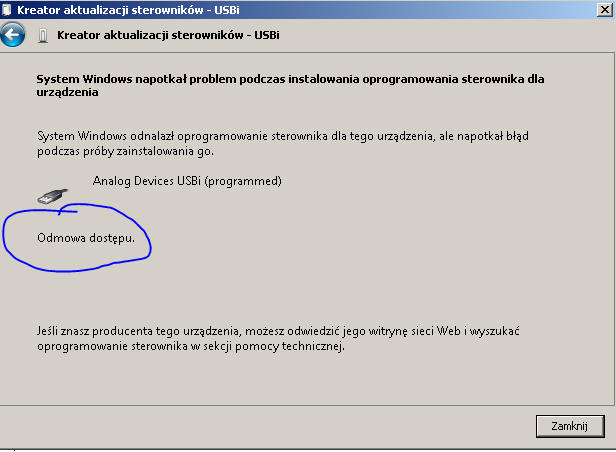
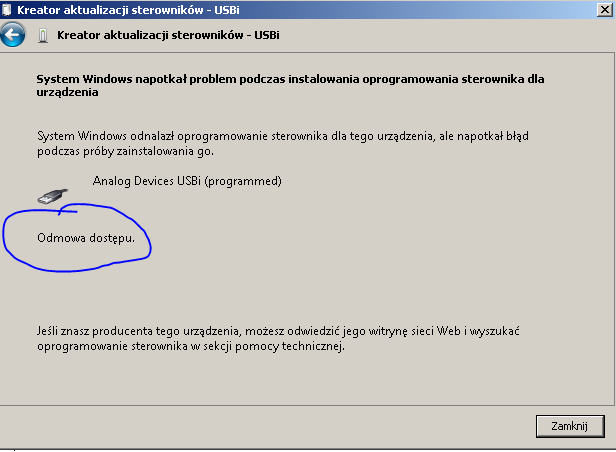
-using windows wizard in manual mode:
The message "Odmowa dostepu" means Access denied
-and reinstalling SigmaStudio with same effect.
There are FTDI drivers in "Program Files\SigmaStudio\USB drivers". Are those necessary? I'm not sure that those drivers are installed.
Best Regards
(p.s. instalation of same version SS on WIn XP 32-bit was successful)
Finally I solve this problem myself. Successful instalation is posible in Windows Save Mode (recovery?, emergency? mode - after F8 pressing while computer is booting). The driver is properly insalled after reboot to normal mode.
This is Win 7 x64 problem. Many people have "access denied" problems instaling drivers, specially USB drivers. There is a lot of posts on computer forums, but I found this solution myself
greatings 4 all
Hello,
Sorry no one found a solution for you, but happy you figured it out on your own. Your experience may help others who run into this problem in the future.
Best regards,
Bob
Please log in to reply.