GPIO-controlled mux/demux
Greetings everyone, first-time poster here.
My intention is to put together a sort of DIY (studio) monitor controller, using an ADAU144x DSP.
Now, what i basically intend this to be, is an output selector. I'm a bit stuck at the switching side of things, using the tools / blocks available in SigmaStudio.
I'm positive i'll need some index-selectable (de-)multiplexers, but the part i'm having trouble with is the blocks i'd need to use between the GPIO inputs (using momentary push-buttons) and the "index" input to these mux/demux blocks.
I'm hoping this screenshot might better illustrate what i want to achieve.
Stereo input, 3 possible stereo outputs. Default = first pair selected; press button GPIO_1 = second pair is selected; press button GPIO_3 = third pair is selected.
And also, is there any way for the selection to be saved (ie. interface_read/write function)?
I'm eagerly looking forward to any ideas you good people might be able and willing to throw my way
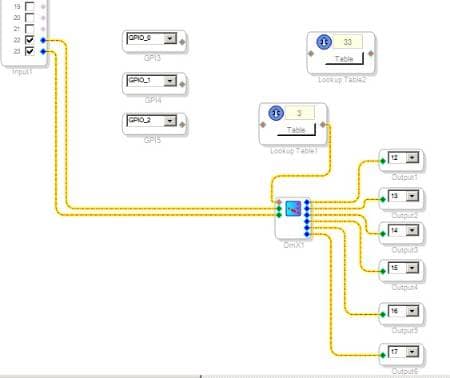
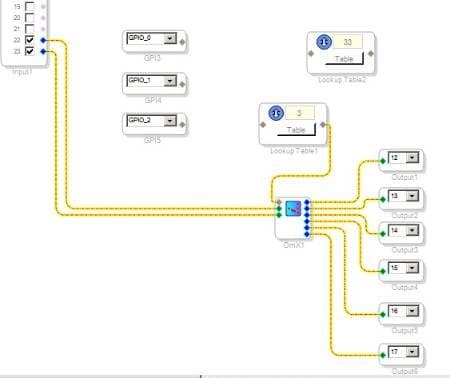
Well, i think i've come up with some sort of solution. No, it's not pretty (at all) But it's the best i could do for now, with my (admittedly) limited knowledge of and experience with SigmaStudio's capabilities.
I should mention, the GPIO_0:2 will be "active low", hence the use of the "OneShot Fall, Reset" blocks. There's two things i'm still unclear about, related to each other:
1) is there some way to implement an "Interface read/write", in order for the DSP to remember the last selected pair of outputs, in case of power-down?
and / or
2) how could this be made to default to the first output (index 0) on power-up?
I'll warmly welcome any ideas / thoughts you good people might have
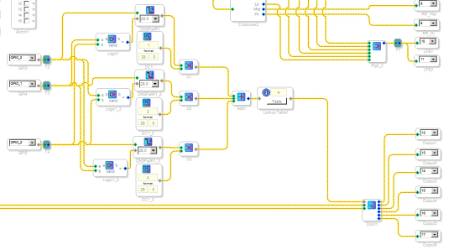
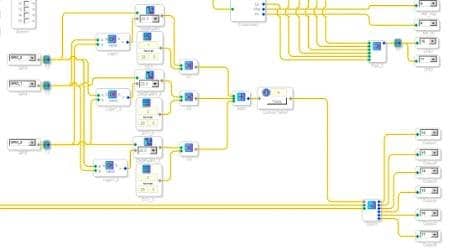
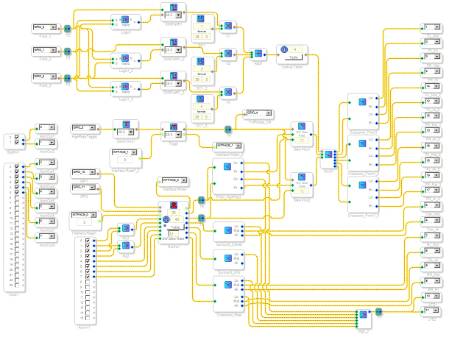
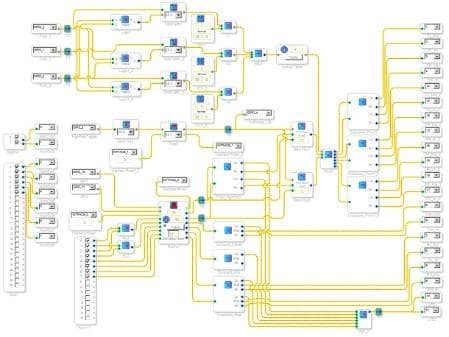
For what it's worth, i've taken a screenshot of the whole "project".
Come to think of it, i figured out the answer to my question no.2 from the previous post - since the GPIO's will be pulled up / active-low, those OneShot blocks will default to 0 output, so on power-up, the index for the demultiplexer block will always default to 0 (the first output pair)
For those interested, the signal flow goes kinda like this:
S/PDIF stereo in, as well as the first 6 serial in's (think 5.1ch input) are put through the resamplers.
Front pair gets merged with the S/PDIF stereo in, then all six channels go through the rotary encoder volume control.
Rear / center / LFE each have their own crossover blocks (for actively-amplified 2-way rear/center speakers).
Front stereo pair has a defeatable high-pass (toggled with GPIO_3 in the screenshot).
After that, they go through the 1-to-3 demultiplexer, for selectable routing to one of three pairs of 2-way speakers.
But still, if someone happens to come up with a more elegant method for in-DSP output switching, i'm all ears
Sorry that I didn't reply sooner to this. I kind of lost track of this thread in the lead-up to the New Year.
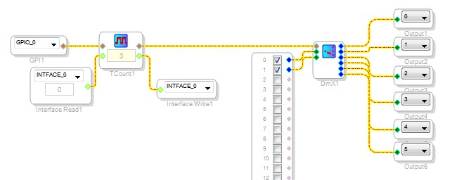
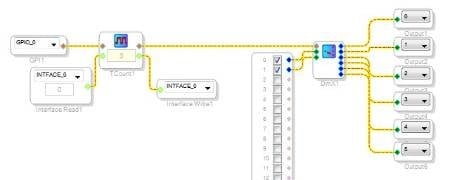
I'm curious if there's any reason why you wouldn't use a single pushbutton and have that toggle through the three settings. So, at startup the output 0 is selected, and after the button is pushed, output 1 is selected. Then, if the button is pushed again, output 2 is selected. Finally, on the next button push, output 0 is selected again. Is that something that would work for your application?
That would look something like this:
ez.analog.com/.../cd775189ee5442ef0ab1d024d5213aa8.html
It uses the Toggle Counter:
https://wiki.analog.com/resources/tools-software/sigmastudio/toolbox/gpioconditioning/togglecounter
This question has been assumed as answered either offline via email or with a multi-part answer. This question has now been closed out. If you have an inquiry related to this topic please post a new question in the applicable product forum.
Thank you,
EZ Admin
Please log in to reply.