Nothing under Processors in Tree Toolbax
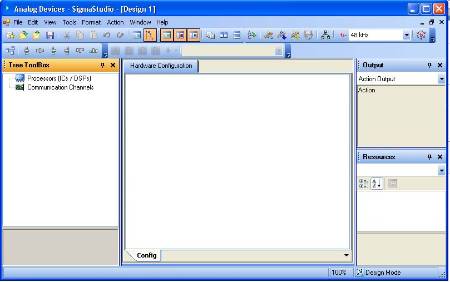
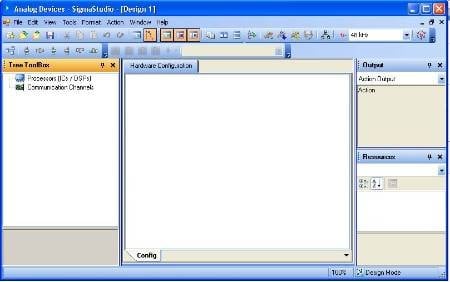
After I install Sigma Studio 3.6.2, run it, then select "File" "New Project" I get the following...(sorry about the resolution) (I will try to attach a pdf that should have better resolution)
Note, there is nothing in the tree Toolbox under Processors. There is no plus sign to the left of the word.
Help please.
Hi CoolJavelin,
I have noticed this same issue in our lab, where we occasionally have multiple users signed into the same machine, and also (occasionally) multiple versions of SigmaStudio installed on the same machine for different users. This leads to some interesting resource-sharing problems that sometimes cause the toolbox to be empty. Are you using a multi-user machine? Could you provide a few more details about your system, like the OS, et cetera?
This question has been assumed as answered either offline via email or with a multi-part answer. This question has now been closed out. If you have an inquiry related to this topic please post a new question in the applicable product forum.
Thank you,
EZ Admin
Please log in to reply.