Crystal Start-Up and PCB Layout
In the system shown below, there were intermittent failures on the crystal startup for several units. The device in the middle is the ADAU1701. C71 and C77 are the load capacitors and R88 is the damping resistor. The dark green is the ground plane layer and the light blue is the top side traces to the ADAU1701.
The load capacitance and damping resistance values were changed to various values within +/- 25% of the suggested values, but there was no set of values that yielded consistent start-up.
oscillator
Audio Signal Processors
adau1401
crystal
SigmaDSP Audio Processors
adau1701
Show More
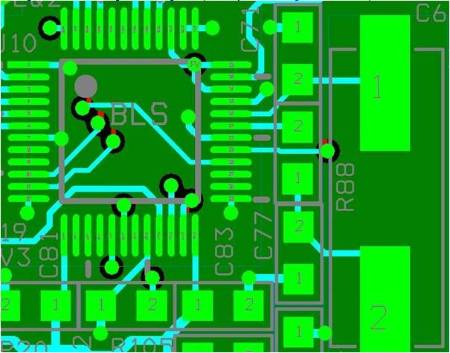
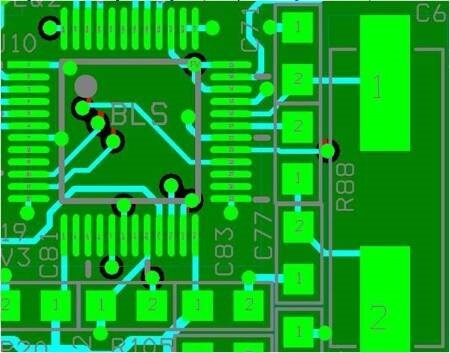
Eventually, the issue was resolved. Here is a summary of the solution from the system designer:
We believe the problem was a PCB layout issue. We had the ground of the load resistors going first thru a via then to the ground layer. You can see this on the screen shot (above). To test our idea, I would first cut the ground connection of the load caps (C71 and C77) then, add flywire from the ground of the load caps and connect them directly to the ground of the ADAU1701. After this, I would have no issues with start up of the crystal. Since then we have spun a new PBC so the ground of the load caps go directly to the ADAU1701. We just completed a run of 30 of this new version of PCB and have had no issues.
The two vias in question can be seen below the C77 reference text and to the right of the C71 text. The vias were probably adding capacitance and additionally creating signal reflections that compromised signal integrity. By keeping all traces related to the crystal on the top layer in the new design, the problem was solved.
These vias were removed and this side of the load capacitors was routed directly to the ADAU1701. Here is a screen shot of the final result. C71 now routes directly to the ADAU1701 pin 33, and C77 directly to the ADAU1701 pin 25.
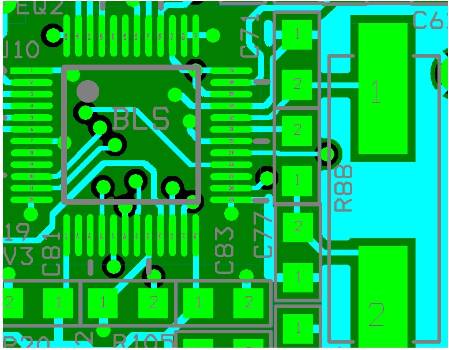
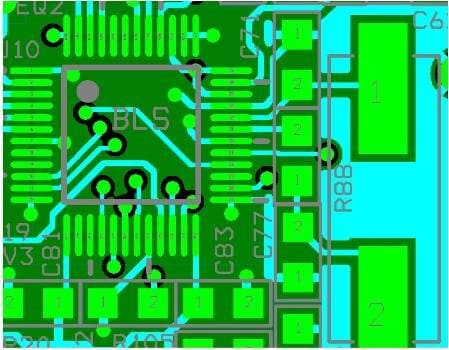
This question has been closed by the EZ team and is assumed answered.
Please log in to reply.