SigmaStudio - MP11 setup hidden
Windows XP, Sigma Studio 3.2, 3.3 and 3.4, ADAU1701 project, hardware configuration tab.
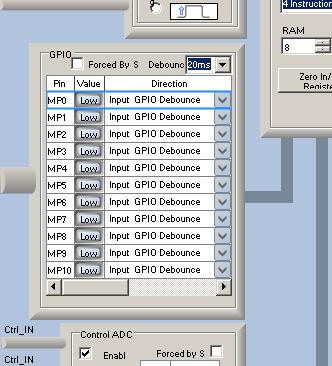
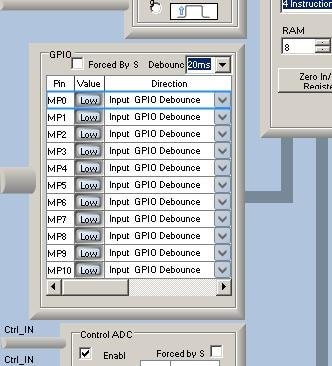
Setup for MP11 is hidden by a horizontal scroll bar. See below:
()IMAGE
How to workaroud?
Audio Signal Processors
SigmaDSP Audio Processors
adau1701
Are you using Windows in a different language than English? I know that sometimes the unicode fonts for various languages will cause problems with the font sizes in the register window.
This is XP Professional Polish, but just the same problem exists in Windows 7 Professional English (US) x86. Windows 7 was installed clearly for this test.
Michael
I'm not sure if this would work, but have you tried scrolling with the mouse wheel? You can click on the MP0 label to highlight the top row of the table, then scroll your mouse wheel down to see if you can see the rest of the MPx pins.
Another option, although it's a bit of a pain, is to use the sequencer window to manually write those registers. You can use the datasheet as a guide for what values need to be written to those addresses.
This looks like the problem I had which was down to using Windows large fonts.
DXFM, are you able to decrease the size of your Windows display font?
I'm not sure if this would work, but have you tried scrolling with the mouse wheel? You can click on the MP0 label to highlight the top row of the table, then scroll your mouse wheel down to see if you can see the rest of the MPx pins.
Causes only horizontal scroll...
DXFM, are you able to decrease the size of your Windows display font?
I don't know how to set smaller font size than 100% (normal) in windows 7. In winows XP it looks not working - font in options does not change:
ez.analog.com/.../XP-PL-80percentfont.png
ez.analog.com/.../XP-PL-100percentfont.png
However in new desing before any changes (horizontal scrolling) I see arrow down and I can change MP11 option, but current state is unknown.
ez.analog.com/.../XP-PL.png
Michael
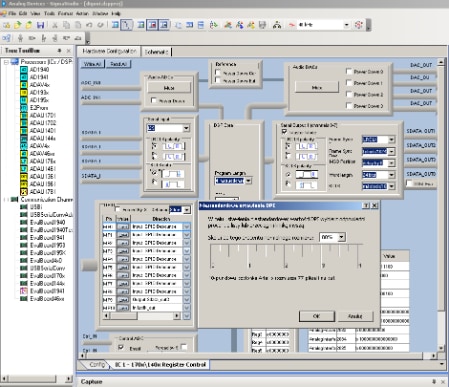
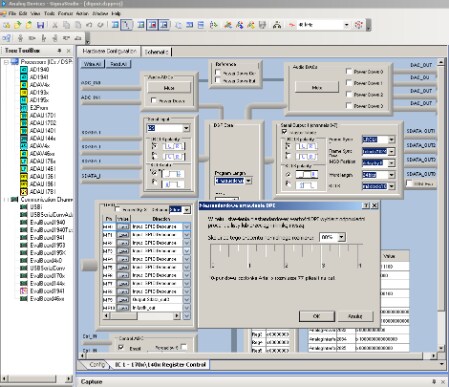
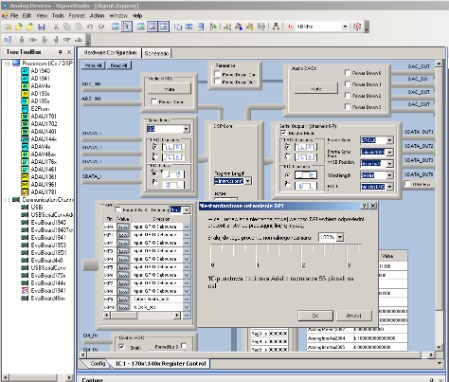
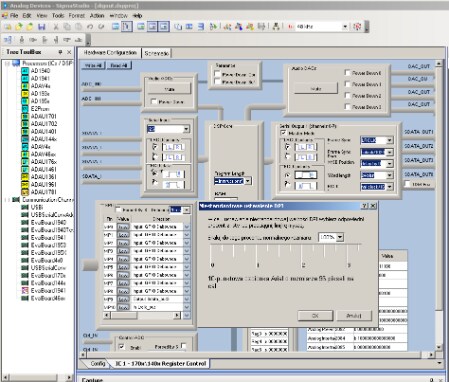
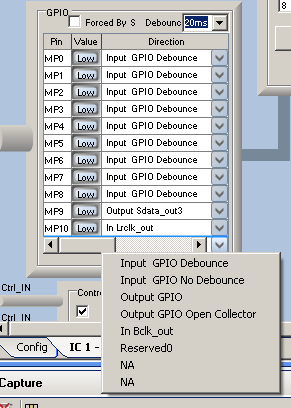

It looks like you are using the "Windows Classic" theme, which can cause some issues with the standard .NET forms if I remember correctly. Please try changing to the default Windows 7 theme if possible.
I'm not sure if this will work, but it's worth a try!
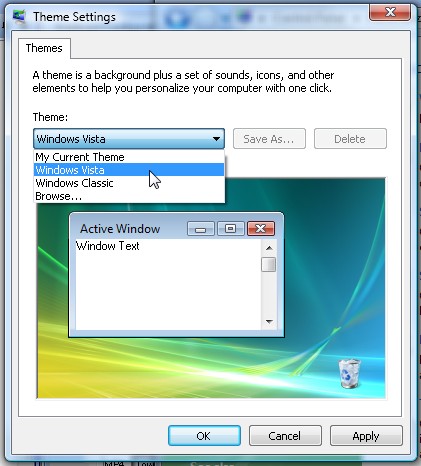
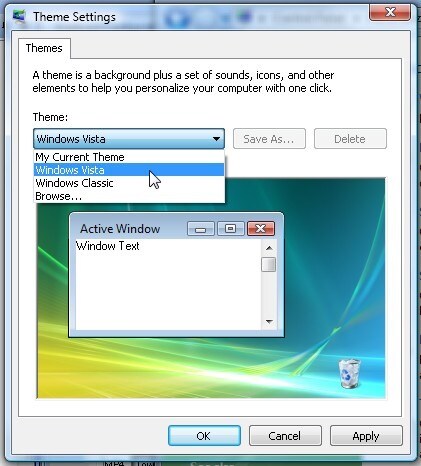
Windows 7 EN x86 was installed just for this test, without any changes in the display settings. In Windows XP changing to theme "Windows XP" - exactly the same problem.
Edit:
Ugh, In Windows 7 changing Display setting 100% to 125% makes:
https://ez.analog.com/servlet/JiveServlet/showImage/2-25919-5513/W7-120percent.png
Windows XP - no changes.
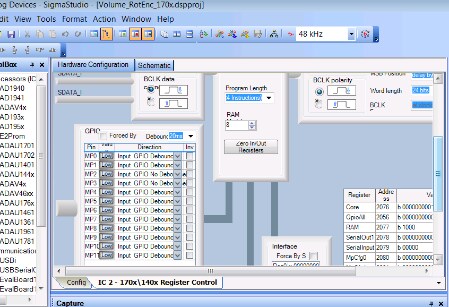
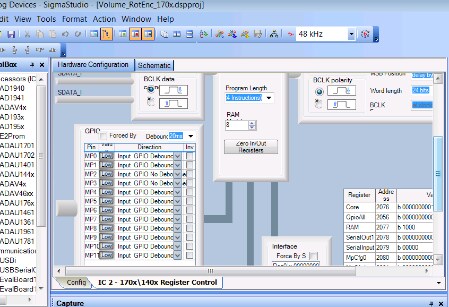
At the moment I'm not able to duplicate the issue you're seeing, so I'm not sure how I can proceed with helping you fix the problem. Do any other users experience this problem? If so, please post a description in this thread.
I get MP11 to display correctly.
Even if I resize the window, I get a scroll bar. The display content remains intact. Changing resolution also does not change anything.
Sorry, I could not replicate it.
Are you updated to the latest version of SigmaStudio (3.4)? This problem was seen by some other users in earlier versions of SigmaStudio but it seemed to have been fixed or at least helped in more recent releases.
Also, there is an important setting called DPI (dots per inch) that might need to be set. Please check the tutorial here, and make sure your DPI is set to 96:
This question has been assumed as answered either offline via email or with a multi-part answer. This question has now been closed out. If you have an inquiry related to this topic please post a new question in the applicable product forum.
Thank you,
EZ Admin
Please log in to reply.