ΣSigmaStudio Ask AI Русский Log in

SigmaStudio version 3.1.9.  ADAV46XX params File Control Address build error.

SigmaDSP & SigmaStudio Tim63 Mar 4, 2010 00:00 2 replies Original on forum ↗
Subscribe
Tim63 Question
Mar 4, 2010 00:00

operation as follows:

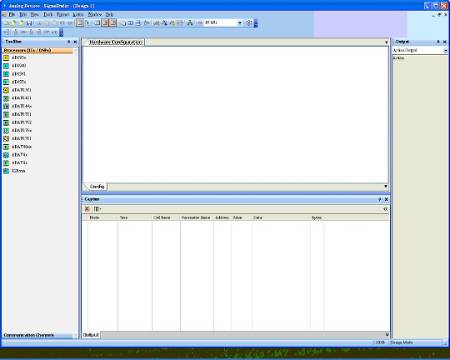
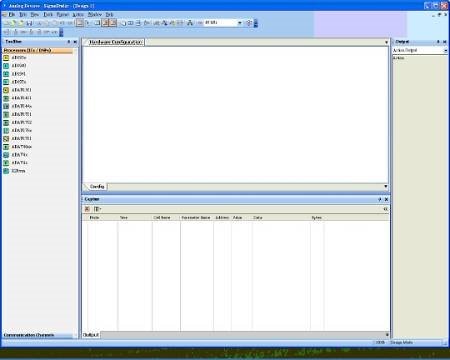
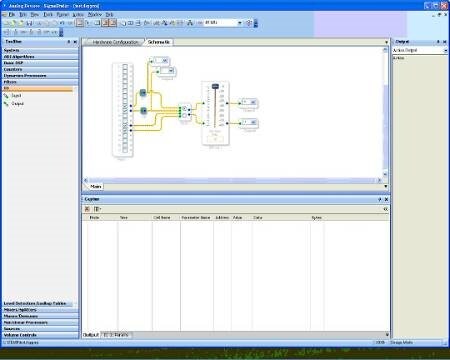
1. Open SigmaStudio 3.1.9

2. New Project

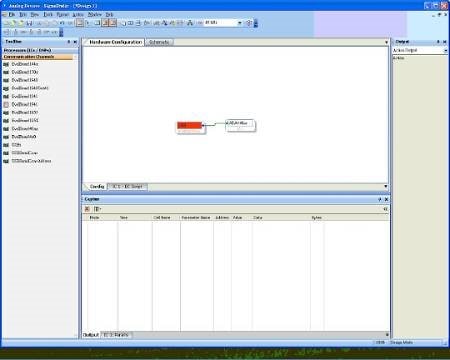
3. Select ADAV46XX Device and USB EvalBoard46XX

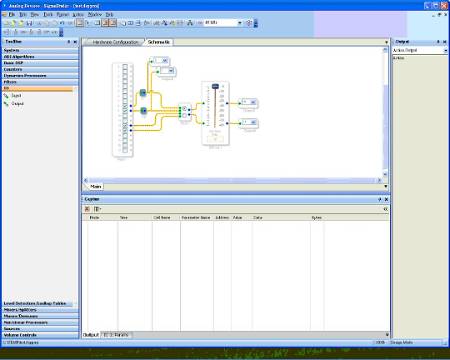
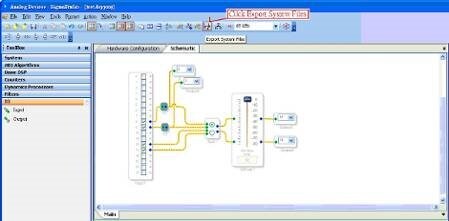
4. Audio Flow for Schematic

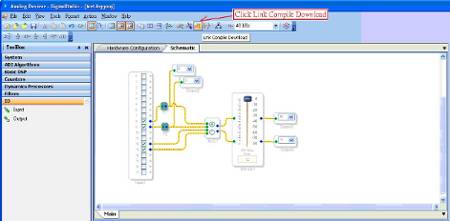
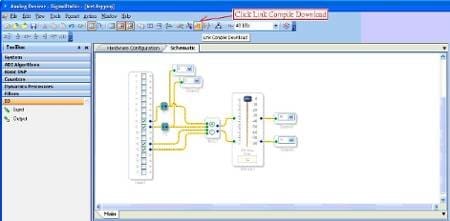
5.Click Link Compile Download icon

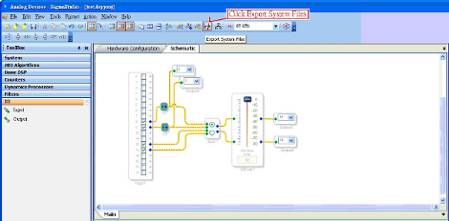
6.Click Export System Files icon

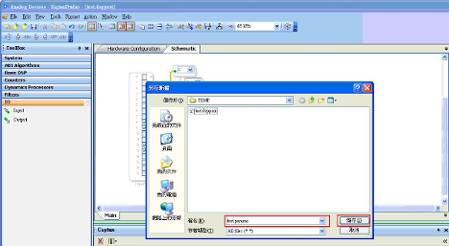
7. Save test.params File

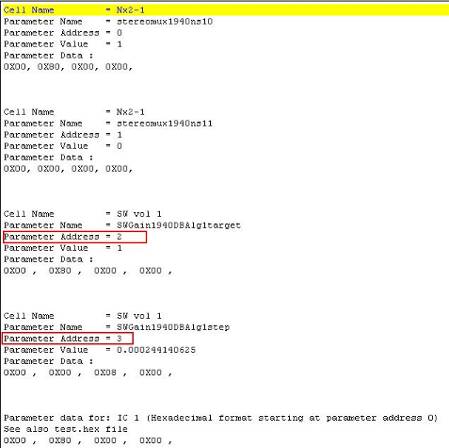
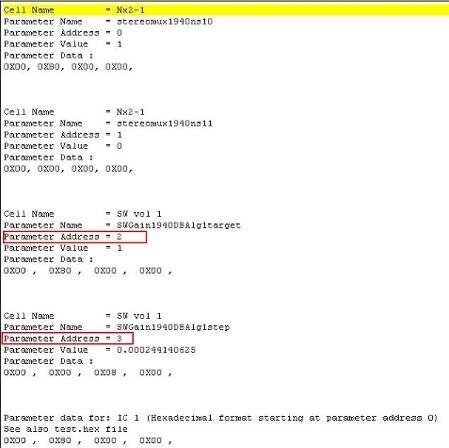
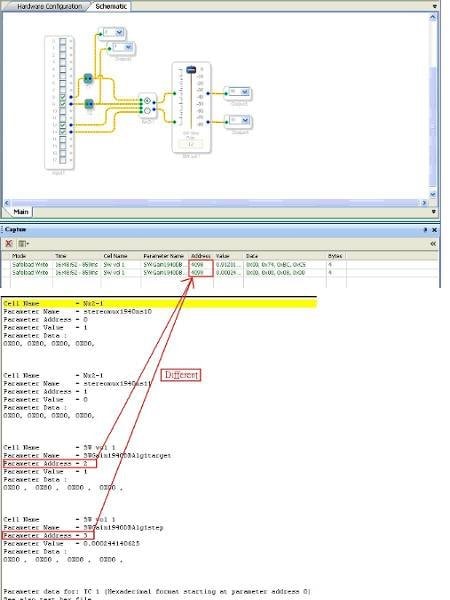
8. Open test.params File see SW vol1 Address

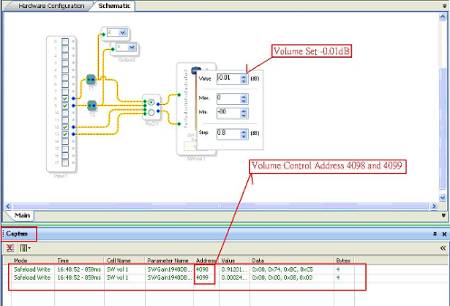
9. Set Volume (SW Vol1) to -0.01dB , Capture Window view SW Vol1 Control Address 4098 and 4099

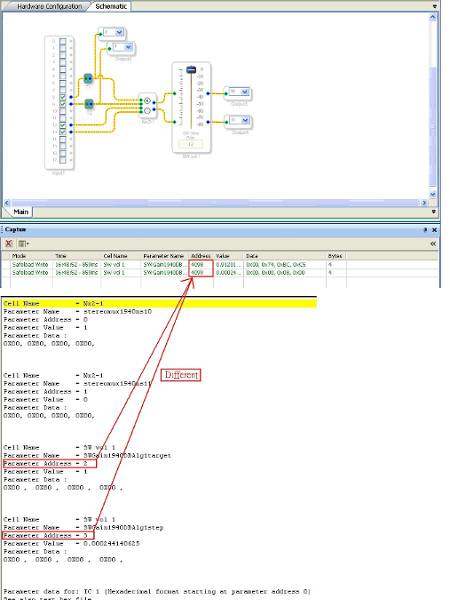
10. Capture Window view SW Vol1 Control Address 4098 and 4099 with test.params File Address 2 and 3 Different
c258a9afe67e9d0d31731c9d0b261109.jpg
c258a9afe67e9d0d31731c9d0b261109.jpg-450x360.jpg
4ed0141b6c2e659b0345304fd92781e2.jpg
4ed0141b6c2e659b0345304fd92781e2.jpg-450x360.jpg
a3654c283a1f12b273eeb1b14e7c67b6.jpg
a3654c283a1f12b273eeb1b14e7c67b6.jpg-450x360.jpg
bbee063322682b33b4c7bbb7e65d3562.jpg
bbee063322682b33b4c7bbb7e65d3562.jpg-450x360.jpg
ab94b55420da2ecf20a7493f849f7074.jpg
ab94b55420da2ecf20a7493f849f7074.jpg-450x221.jpg
adfcdcc3b92d2f8ad961436069830947.jpg
adfcdcc3b92d2f8ad961436069830947.jpg-450x221.jpg
5937537f61d88dc3d164d19625485196.jpg
5937537f61d88dc3d164d19625485196.jpg-450x246.jpg
1b0991cfb53a8f150347386c34f27a67.jpg
1b0991cfb53a8f150347386c34f27a67.jpg-450x448.jpg
ae5b0af57b929a648c4d406ab983ae05.jpg
ae5b0af57b929a648c4d406ab983ae05.jpg-450x306.jpg
ad7642094393b212e663a4b8d270fa3a.jpg
ad7642094393b212e663a4b8d270fa3a.jpg-450x600.jpg
ADIApproved Reply
Mar 9, 2010 00:00

The adresses that you're seeing in SigmaStudio's capture window are correct. The parameter RAM begins at hex address 0x1000. Addresses 4097 and 4098 (decimal values) correspond to addresses 0x1001 and 0x1002. The values shown in the output file are a known bug in the file generation. In order to get the correct values, you should add 4096 (0x1000) to the values shown there.

Note that you can view the addresses in hex format in the capture window by right-clicking in the window and selecting that option.

EZAdministrator Reply
Aug 2, 2018 00:00

This question has been assumed as answered either offline via email or with a multi-part answer. This question has now been closed out. If you have an inquiry related to this topic please post a new question in the applicable product forum.

Thank you,
EZ Admin