How to configure push button
Hello Everyone,
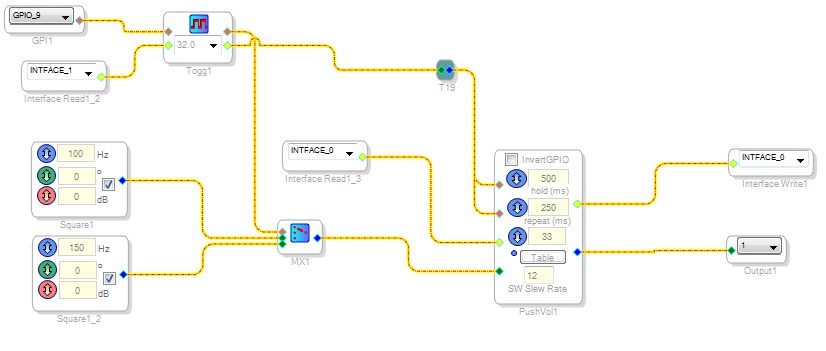
I am using ADAU1452, I want to control Pitch using push button. I tried with the below-mentioned setup:
But with this setup, the pushbutton is not working. Can anyone please tell that how to configure push button.
My application for this circuit is I want to control the pitch of transducer.
Please do the helpful.
Regards
Sandeep
Audio Signal Processors
adau1452
SigmaDSP Audio Processors
pushbottons
pushbutton
Hello Sandeep,
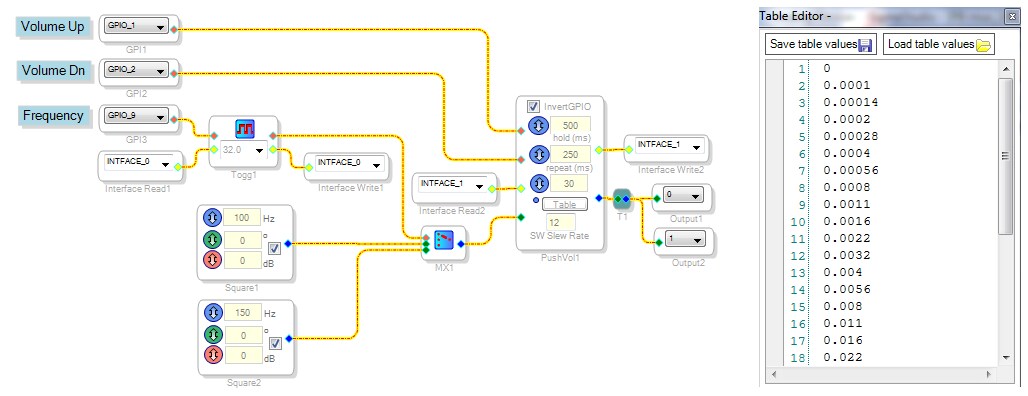
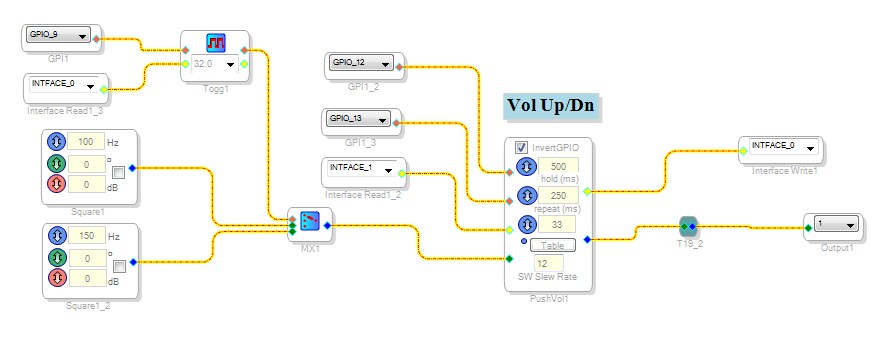
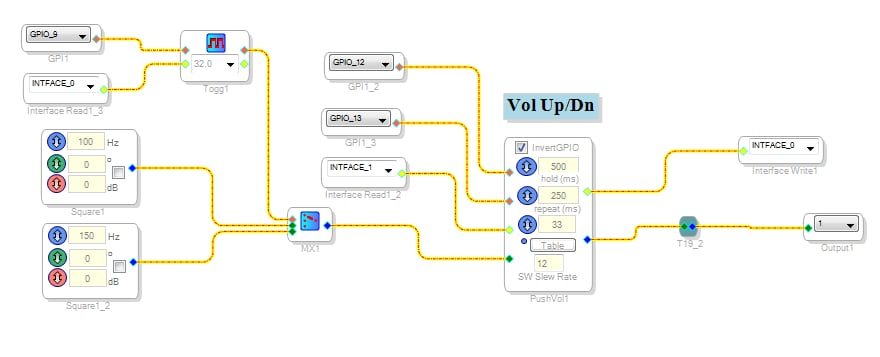
Your oscillator selection using a PB Toggle and MUX is fine, but some re-wiring is needed:
Each of the two GPIO Conditioning block needs its own Interface Read and Write blocks.
The PushVol doesn't know what to do since its UP and DN inputs are identical -- they must be separate.
If you haven't done so already, set up the Lookup Table in the PushVol block. A typical volume lookup would go from zero to 1.0 in more or less logarithmic steps. I attached an example table which you can load.
Since your PB Toggle and PushVol blocks total three pushbutton inputs, I show three GPIO inputs -- the actual MP pins to select for them depend upon your hardware. Although the example above is for a ADAU1452, I made an identical project for a ADAU1701 for testing on a ADAU1701MINIZ board -- because this board is equipped with three buttons.
Best regards,
Bob
Hello KJBob,
Thanks for your reply. I tried your given solution on ADAU1452MINIZ evaluation board but this is not working. Can u please tell hard configuration also if I have mistaken there. I have attached the schematic image below
Thanks and Regards
Sandeep
Hello Sandeep,
I built your project on a AD1452MINIZ board and got it to work.
Here's some details I needed to change:
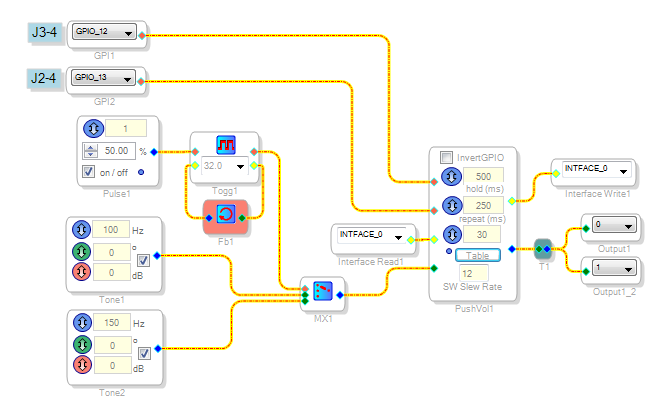
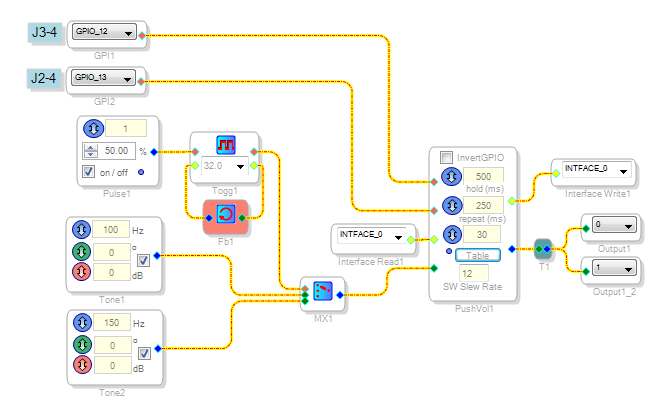
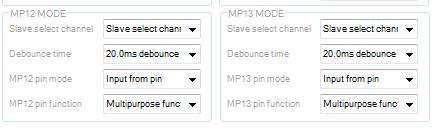
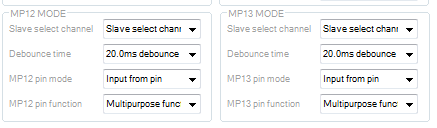
The PushVol block is wired correctly. Since you have not attached your project, I don't know if you have correctly set the Register Controls for the two multipurpose pins MP12 and MP13. Shown below are correct example settings.
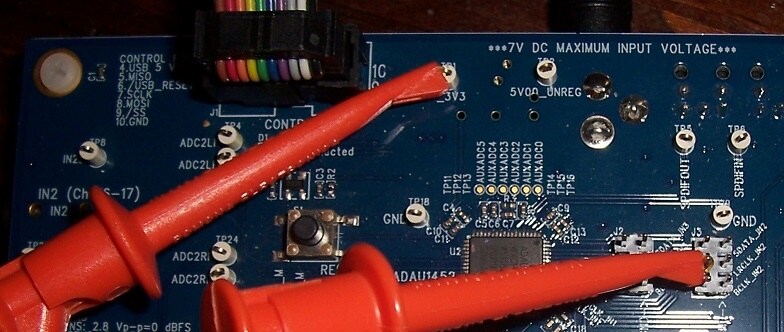
The MP12 and MP13 pins are accessed at headers JP2 and JP3.
By shorting each pin to 3.3V, I could get the volume to go up and down:
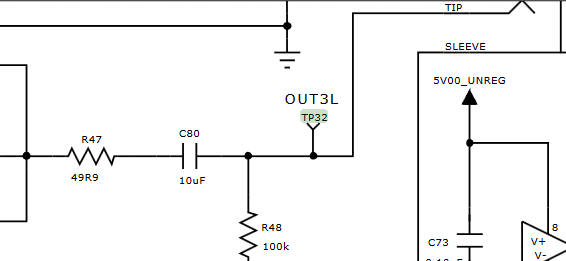
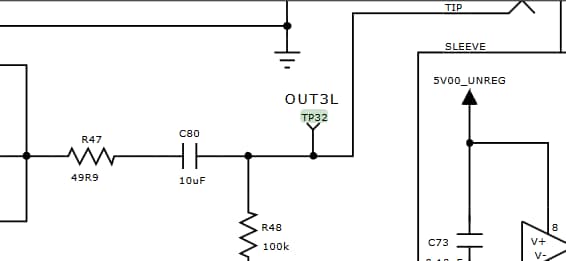
MP9 is supposedly available at TP32, but the schematic shows that this as an analog point:
Thus I haven't used any of the remaining MP pins on this board. I substituted a pulse generator for GPIO 9.
All the light green pins (for Interface Read/Write) must go somewhere. If you plan on not using this function, DaveThib recently suggested a novel replacement -- use a Feedback block as shown above to tie the two light green pins together.
Best regards,
Bob


Please log in to reply.