How do I modify this 2way project file to get the SPIDF output working on my HiFiBerry Beocreate 4ch amplifier?
I really need help on this or my boombox project is dead in the water!
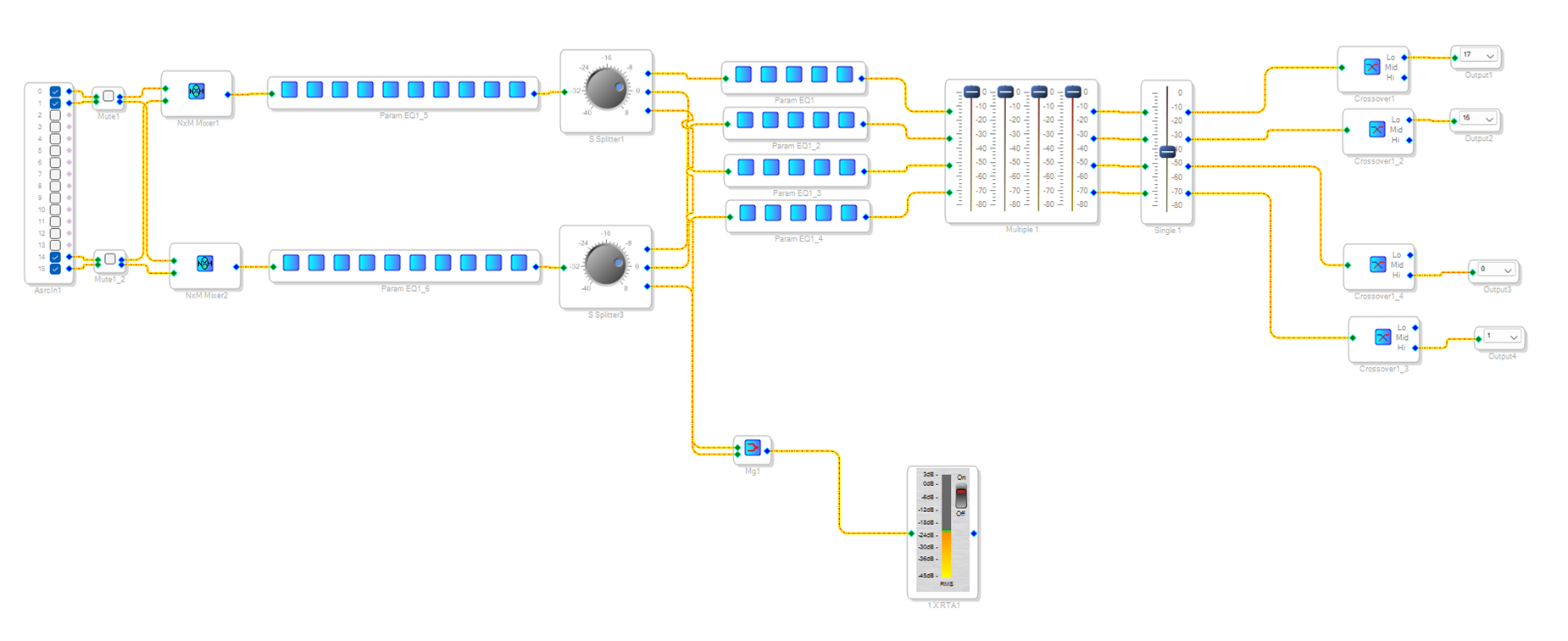
Here is a link to the 2-way project file I downloaded from HiFiBerry: https://www.hifiberry.com/wp-content/uploads/2017/10/2-way-eq.dspproj.zip . However, the only difference between the screenshot below and the project file I originally downloaded and modified is the 2way crossovers I added just before the outputs (and they work as intended).
But there is know SPIDF output in the sample project file I started with and modified, so adding the SPIDF output it is what I need help with. I already bought a DAC with optical/SPIDF input and two (left & right) RCA outputs to power a separate subwoofer amplifier I also purchased.
Preferably, I need a two channel SPIDF output added (or at least screenshots on how to add it myself).
Audio Signal Processors
HiFiBerry
adau1451
hardware
SPIDF Output
SigmaDSP Audio Processors
Beocreate
SPIDF
Show More
Hello e-_junkie, All assigned engineers are out of office currently. DaveThib will be back in the week of 7/22/2024 to answer your question!
Hello e-_junkie,
Please follow the steps below to enable SPDIF transmission.
Add SPDIF outputs from the tree toolbox as below.
Go to hardware registers >> Routing matrix, Like the below pic, Click the SPDIF TX (numbered as 1), a window will open then select the source as ''From DSP core program'' (numbered as 2).
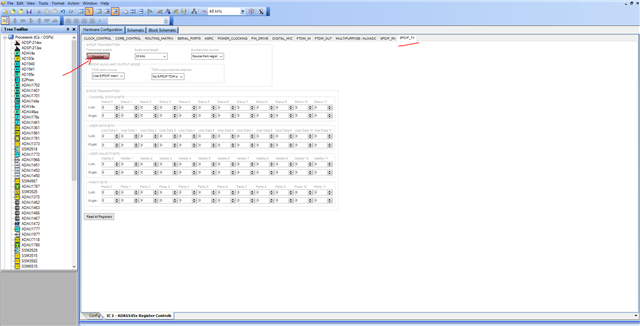
Then go to SPDIF registers tab and select enable like below,
Now you can see that the SPDIF will be transmitting the data.
Kindly do reply if you have further questions.
Regards,
Harish


Please log in to reply.