Why is the output of this 1761 dsp clipping?
Hello,
I'm trying to find out why the output of my dsp is clipping. I'm using a ADAU1761. I went ahead and tried my setup on an ADAU1X61EBZ eval board and it is clipping there as well.
I'm putting a 1.56Vpeak to peak 1kHz sinewave into pin 10 and pin 11(gnd). I've enabled the differential path in Sigma Studio and when I look at the output (I'm probing R13 and R14 on the eval board) I see a clipped signal.
It's my understanding that the input can be as high as the 1.56Vpp. Is this correct? I've checked and I'm providing 1.8V to the DSP for power.
I am uploading a picture of my input and output taken from an oscilloscope and the sigma studio project file.
Any help would be appreciated!
Thanks!
Audio Signal Processors
SigmaDSP Audio Processors
adau1761
Hello,
I am taking a quick look at this. Get back to you soon.
Dave T
Hello,
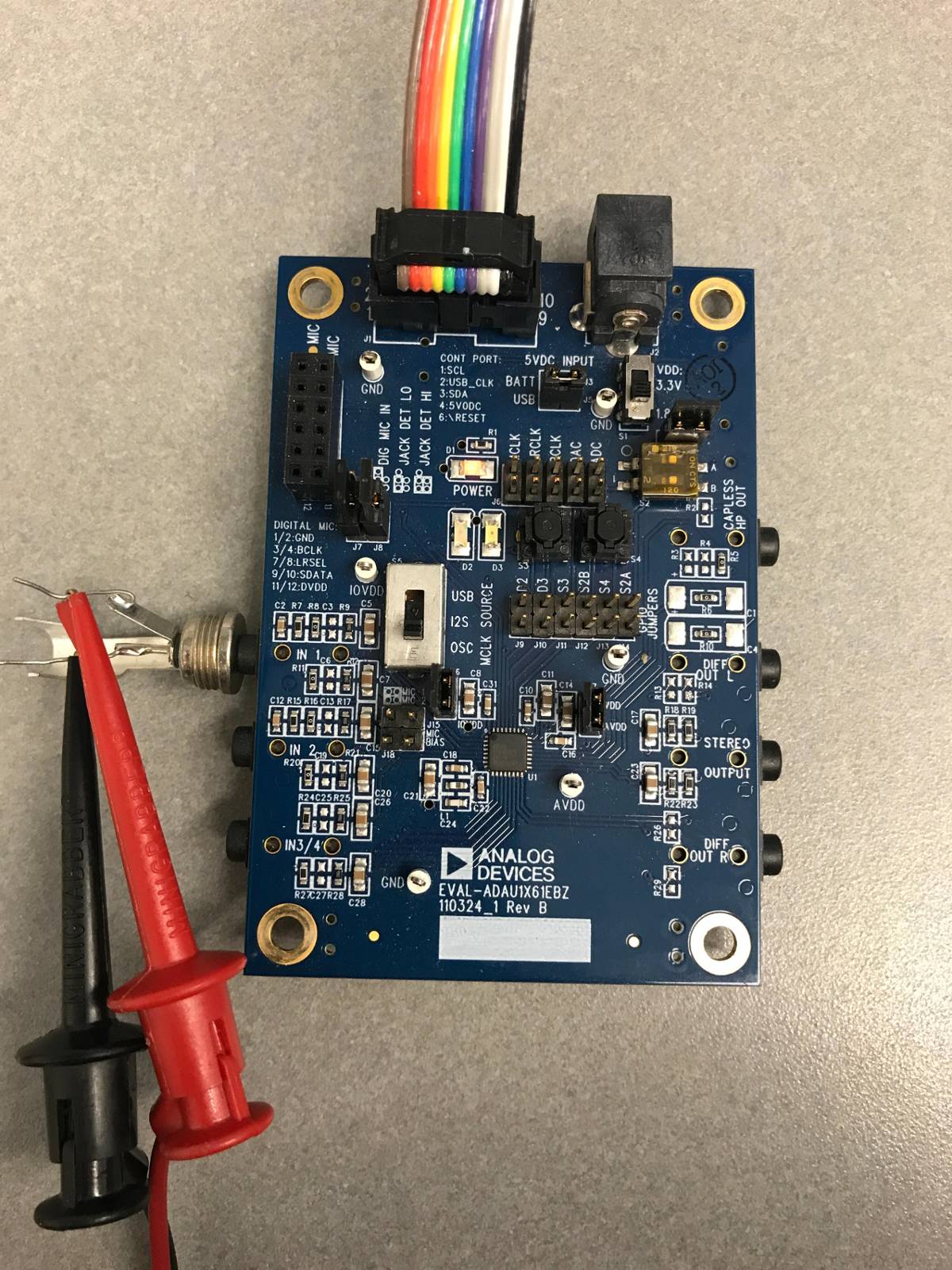
How exactly are you connecting the signal to pin 10 and 11? Are you connecting directly to the pin?
Dave T
Hello Dave,
Thank you for looking into this.
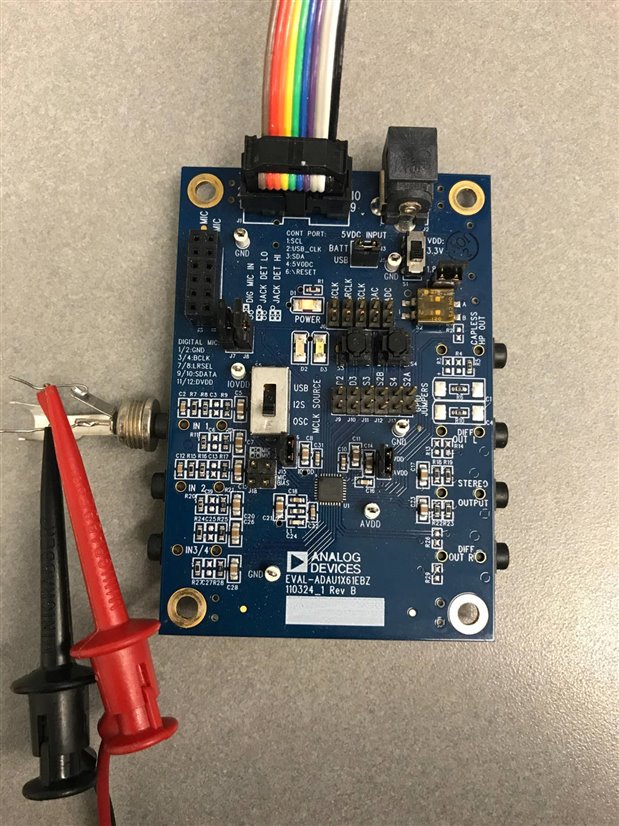
I am using a 3.5mm jack into J20 to provide the signal. I'll attach a picture as well.
Thanks.
Hi Dave,
Wondering if you've had some time to look at this. Were you able to recreate the problem?
Thanks again
Hello,
I am not 100% sure why you are seeing this clipping. I set this up in the lab and ran a 1.7Vpp signal into the ADC and the output was still fine. It was starting to clip at 1.8Vpp but it was a symmetrical clipping not just on the bottom. I ran it into the Audio Precision and the output looked fine. I looked at it on a scope and it looked fine.
What may be going on is that the balanced (differencial) output is not referenced to ground. In fact, the outputs of the DACs are sitting up at a common mode voltage. If you drive something that is referenced to ground then you will cut off the bottom of the waveform. Why I do not know if you are doing this is because if you are looking at R13 and R14 on a scope with nothing hooked up to the eval board output then you should not see this clipping.
The same thing applies to the input but those are cap coupled. This is why I asked if you were driving the pin directly where it would not be cap coupled.
So I think it is something in the way you have the outputs connected. Try cap coupling the output and it may make the difference.
I did use your project file so I know I am using the same settings. Plus, I did switch it all over to use 1.8V.
Dave T
Dave,
Thanks for your help. We're going to take a look at this today and see if we can nail down our problem. Good to know that we should still get a good output even at a 1.7Vpp input.
Thanks again.
Hi Dave,
An engineer and I here have both rebuilt this and tested it and he had no problem running 1.7Vpp into the dsp with a clean output and I still had clipping problems. I noticed he had his input polarity swapped from mine. When I swapped the polarity of his input I then saw the same clipping problems I had. We are both using the same eval board I referenced above and similar Audio Precision equipment for the signals.
So I went back to my eval board and swapped the polarity of my inputs on pins 10 and 11 and sure enough the clipping went away. My question now is why would that happen? Shouldn't the positive signal be going to pin 10 and the negative to 11? Do you think you could try replicating this?
Thanks again for helping me look into this.
Hello,
Ahh! Now I see what you are doing. The answer is "Don't Do that!"
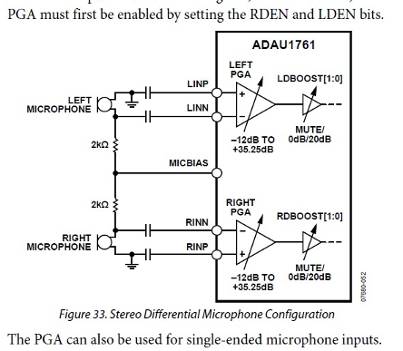
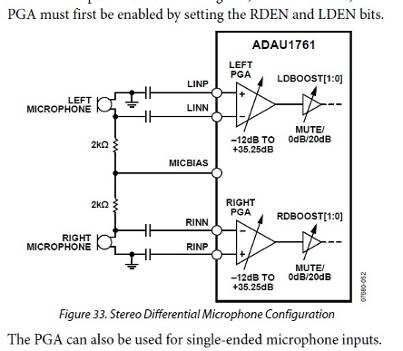
The inputs are not really full differential. They do have a reference input pin but it is not a true positive input with the same range and the negative PGA input. Have a look at this diagram in the datasheet:
You see the caption says, "Stereo Differential Microphone Configuration".
However, look at the schematic carefully and you will see that one side of the mic is grounded. So this is not actually full differential but pseudo differential. This is because of the internal architecture of the part. This part was built a number of years ago at this point and I was not around when it was built. I would have called this pseudo differential. So I am explaining that this is the way to use the part. I was able to replicate your issue on my bench here. It is more pronounced when running at 1.8V AVDD so you are at the corner of its performance. When I switch over to 3.3V for AVDD I do not see the problem. Even with a 3Vpp input signal there is little sign of the issue. The THD changes from 0.2% to 0.3% so there is a small difference.
So come into the negative input of the PGA and apply ground to the positive and you will be fine.
Dave T
Dave,
Thank you. I was going over those couple of pages in the datasheet wondering what I was missing. This was very helpful!
I'm going to mod some boards here and make sure this solution will work for me.
I appreciate your help. Thanks again!
Please log in to reply.