problem with 24 dB headroom available inside Sigma DSPs
Hi forum,
I am facing this problem when using an EVAL-ADAU1X61EBZ.
The manual of the ADAU1761 clearly states that
there is 4 bit available internally that provide 24 dB of extra headroom before saturating the DSP core internally.
the typical available input in the ADC is 1 Vrms
Please correct me if I am wrong but I am assuming that with 1 Vrms input I will have +24 dB inside the DSP before I clip the signal.
So I would expect to be able to boost a 1 Vrms input signal by 24 dB before I clip it.
But this is not what I experience, nor what I see inside SigmaStudio. I only seem to have 4 dB of headroom before the signal clips internally.
here is the experiment I am doing that does not give me the expected results:
I am feeding 1 Vrms input in IN1 of the EVAL-ADAU1X61EBZ
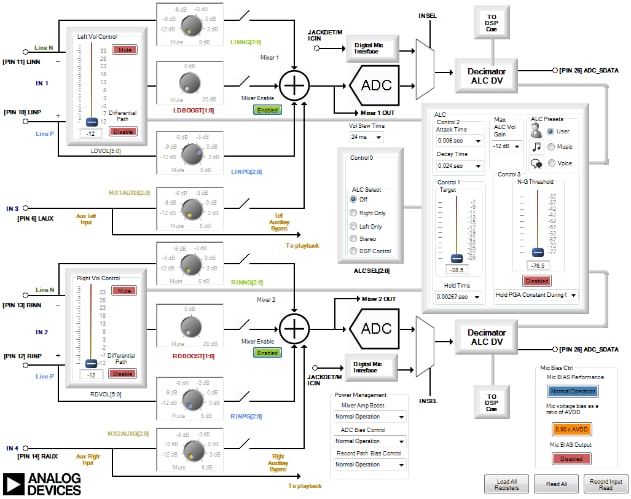
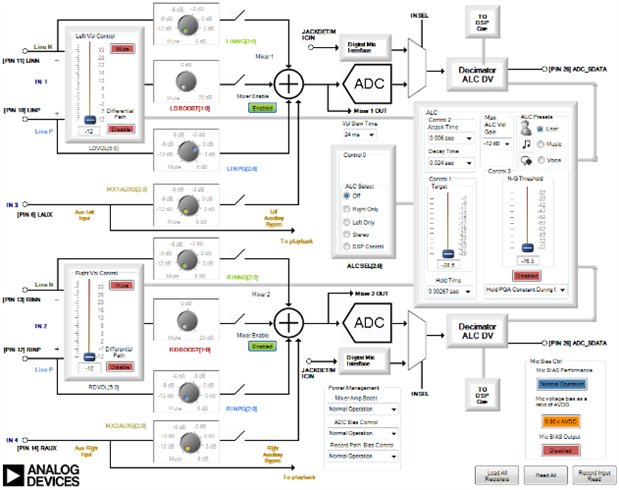
In the "Record Input Signal Path" of SigmaStudio I am using PIN10 of IN1 to pass the signal through the DSP
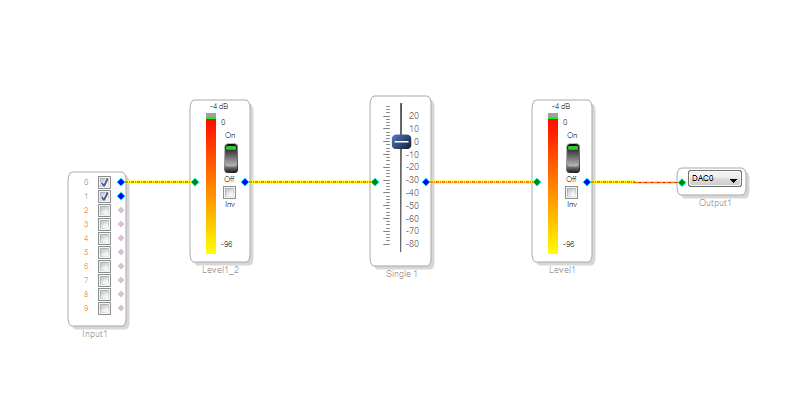
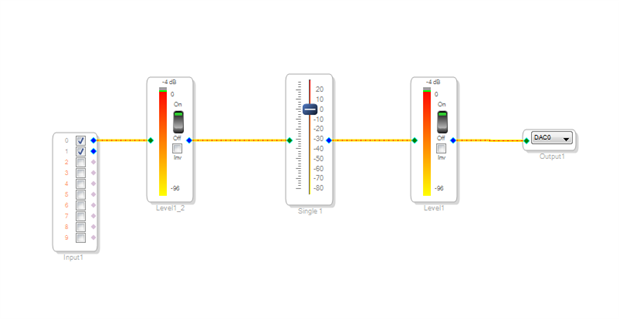
Inside the Schematic my design looks like this:
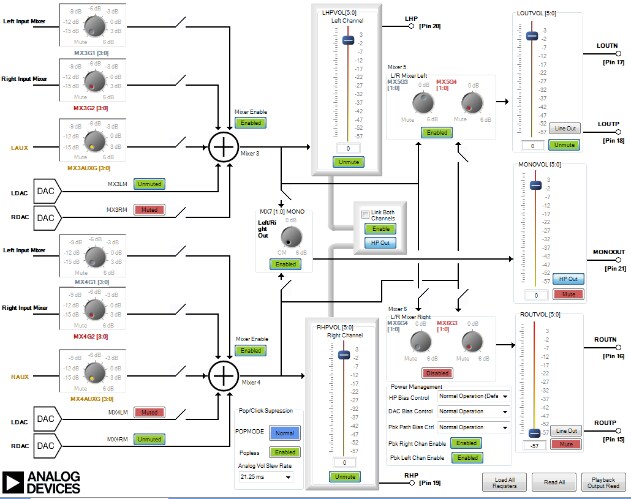
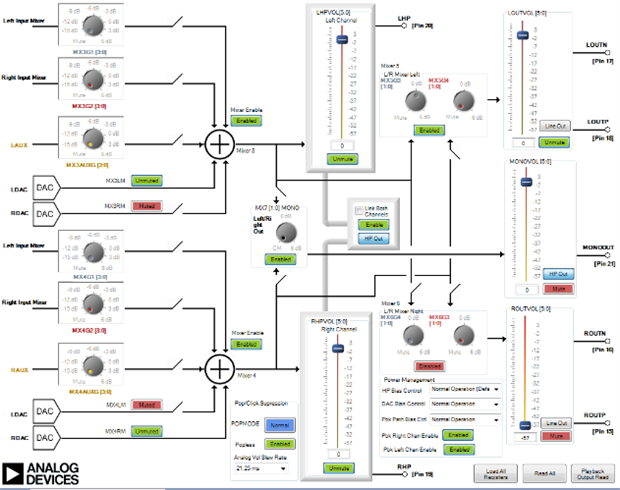
in the "Playback Output Signal Path" my comfiguration looks like this:
When I am measuring the DIFF OUT L output of the EVAL-ADAU1X61EBZ I am measuring 400 mV rms.
My questions are:
1) where is the 24 dB of headroom?
2) Why is there only 4dB of headroom appearing in the Schematic?
3) I would expect that my output would would also be 1 Vrms. Instead, it is 400 mV. Where is this attenuation coming from?
thank you for your time
Dimitris
Audio Signal Processors
SigmaDSP Audio Processors
adau1761
Hi Dimitris:
There is the analog section of the 1761, and the digital section of the IC.
The 1761 has an analog programmable gain before the ADC. (FYI, You can actually control that analog gain from the DSP )
There is also an analog section AFTER the DAC. From your picture a full scale signal is being fed into the ADC. You then use a level detector to display the input. Keep in mind that the level detector has some GUI (limitation) and can only display up to a given dB (as you show) however, this doesn't mean that the DSP is clipping at that point. A simple experiment where you gain your signal UP (by 24dB) followed by another volume, where you gain the signal down (by 24 dB) would be a perfect example on how to test the internal dynamic range of the DSP. IF you gain the signal up (for example by using 2 volume controls in series gaining the signal up 24+24dB) you will see (and hear) the DSP saturation effect. (of course to discard the clipping at the DAC, you will still need to gain the signal down 24 dB after applying a 56dB gain
It seems to me that your attenuation is coming from the Analog Section at the output of your DAC.
Please comment.
Miguel
This question has been assumed as answered either offline via email or with a multi-part answer. This question has now been closed out. If you have an inquiry related to this topic please post a new question in the applicable product forum.
Thank you,
EZ Admin
Please log in to reply.