ADAU 1451 slave i2c port trouble
I have a board which I upgraded from an ADAU1701, to an ADAU1451. The ADAU1701 was working perfectly I just needed more horsepower.
I connected the part with i2c control, using the slave port which is SDA on pin 30 and SCL on pin 31. I can not talk to the part at address 70, either with the processor or an ADUSBZ debug probe. I have strapped the two address pins 32, and 33 to ground which should give me the base address.
The processor can not enumerate the part on the 1451 but it did work on the 1701.
From Sigma Studio I just get a communcation error. When using an evaluation board (which is on SPI) I can program the part and have a debugged program as well.
Is there some trick to getting the part to start up in I2C mode (I interpret the datasheet that this is the default mode). Have I missed a pin strapping?
Does anyone have a working schematic of the ADAU145x running on a i2C slave port?
Help!
-david BTW
Audio Signal Processors
adau1451
SigmaDSP Audio Processors
adau1701
FYI,
I have looked at the i2C signals at the part and they are good. Clean with full levels. The input MCLK is present and running.
-david BTW
Hi David,
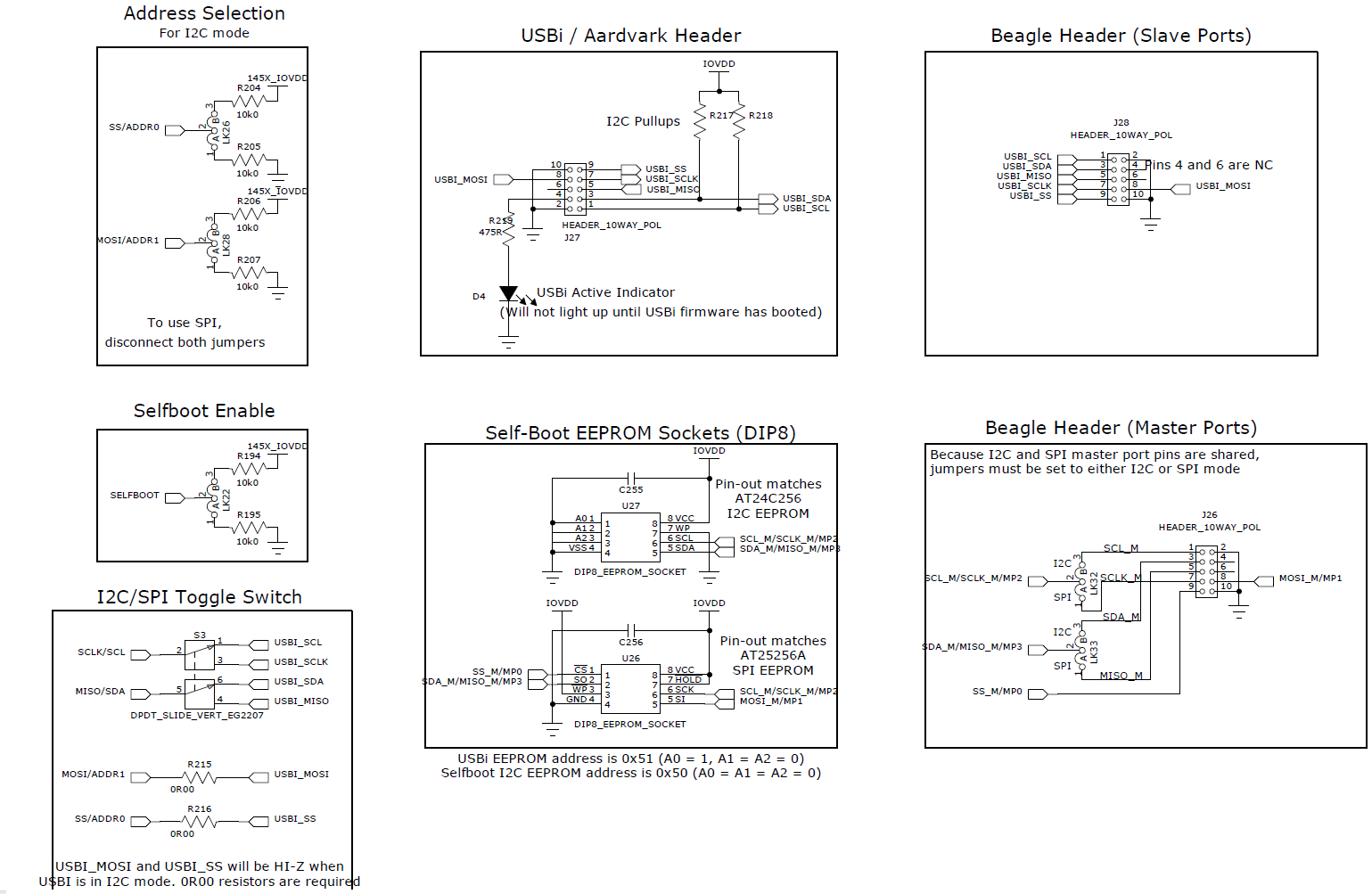
I have a board here which has the ADAU1450 populated, and it has a switch which will allow it to download in either SPI (slave select 0x0) or I2C (Address 0x70). Here is a screenshot of the SigmaStudio USBi's first I2C write to Address 0x70 with an acknowledge from the slave ADAU1450.
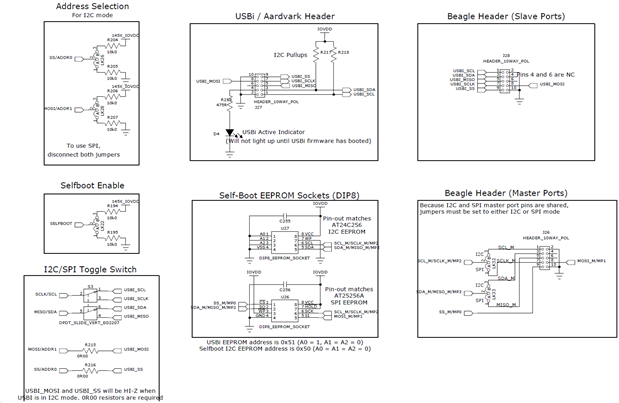
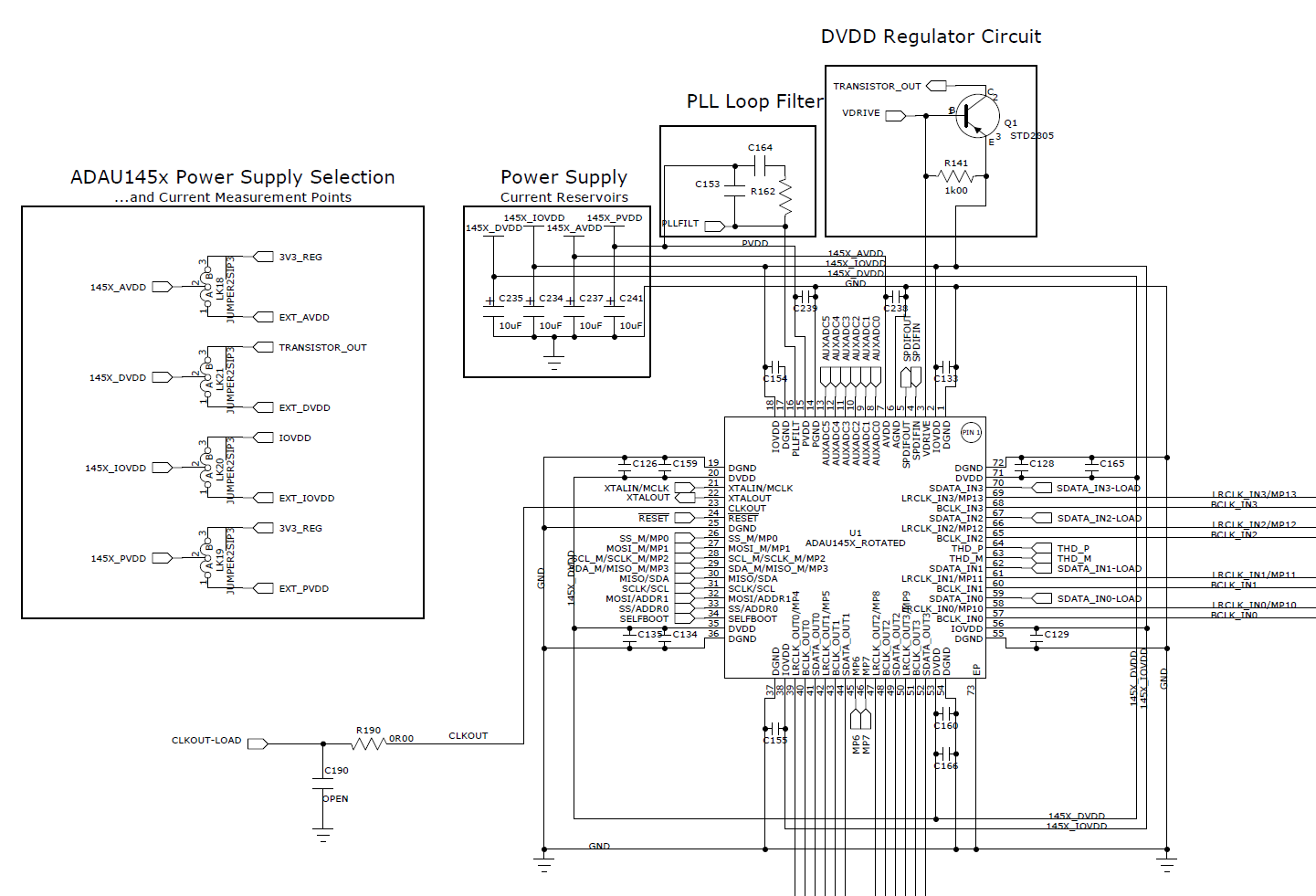
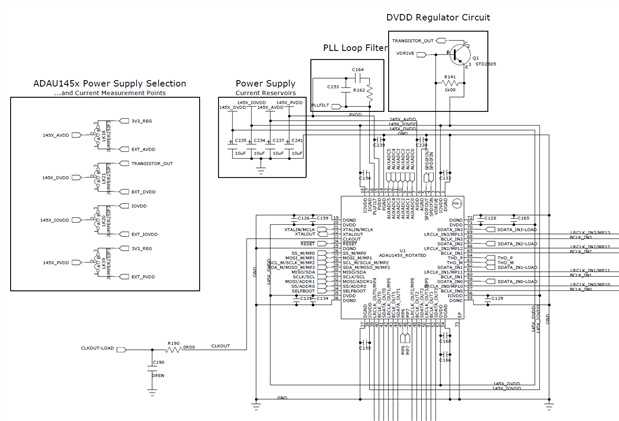
Here are the relevant parts of the ADAU145x schematics.
-JT


Thanks for the information. I will compare your schematic to mine, but a cursory view tells me I have it all hooked up correctly. I am going to try another board in case I just have a bad DSP chip on my primary one.
So far I am not getting any response from the I2C address.
One more question:
Will the part fail to start correctly when the applied clock is higher than 25 mHz? Our CPU supplies the audio clock which starts up at 36 mHz. Once booted it drops to 24.576 mHz, and becomes the master audio clock. My guess is that the PLL may not be locking at 36 mHz, and blocks some access. It seems as though I should still be able to access the PLL registers even when unlocked so I can set the divider and scaler.
-david BTW
This question has been assumed as answered either offline via email or with a multi-part answer. This question has now been closed out. If you have an inquiry related to this topic please post a new question in the applicable product forum.
Thank you,
EZ Admin
Please log in to reply.