NLMS block in sigmastudio
Hi,
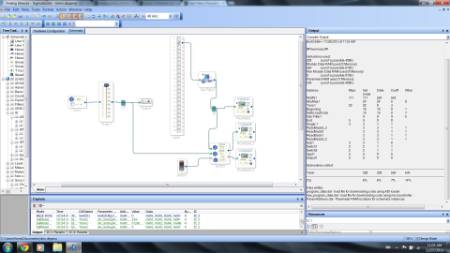
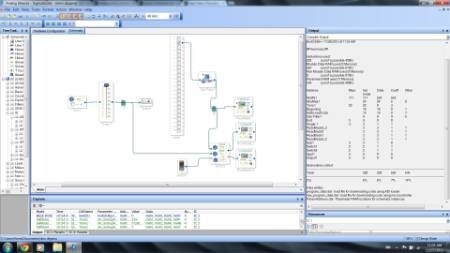
I am working on ANC project. I am trying to implement FxNLMS on ADAU1446 evaluation board. I am thinking of using NLMS block available in sigma studio to estimate the secondary transfer function offline. To estimate this secondary transfer function ideally we need white noise generator but for the timing I am using sine wave with freq 500Hz. The block diagram is as follows
This design uses ADAU1446 dsp core internal coefficients as seen in compiler window. I am just wondering Is there any way I can access these FIR filter coefficients?
My second question is how can I access error signal from NLMS block?
Audio Signal Processors
adau1446
SigmaDSP Audio Processors
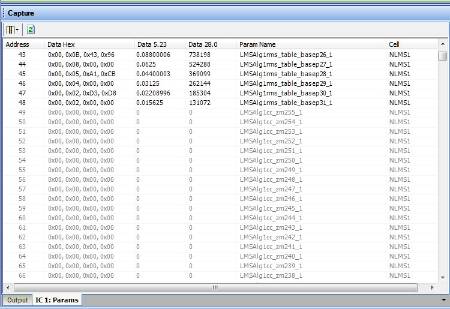
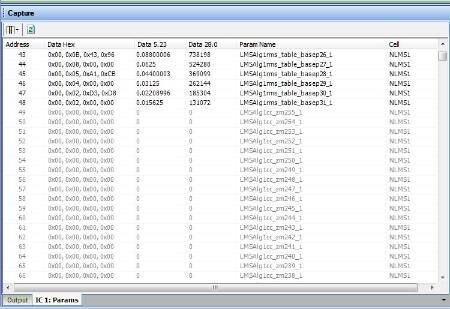
You can monitor the FIR coefficients using the parameter view of the Capture window. Just click the IC 1 : Params tab at the bottom of the capture window to see the full parameter RAM, including coefficients. You can click the refresh button to read the register values with the hardware connected to the computer.
Note... zm1 stands for "delay by 1", so zm1 is the first tap, zm2 is the second tap, et cetera.
I don't know of any way to access the error signal, since that is stored in modulo data memory, which is not accessible via the control port.
Thanks Brett
Is there easy way of bulk copy and paste fir coefficient from NLMS ram to FIR filter in sigma studio?
I think the filter was meant to be adaptive, so we didn't really make provisions for copy-pasting coefficients. We thought people would just use the adaptive function and not really concern themselves with the coefficients.
One way you could get a text file of the coefficients is to use the parameters window I described above. Click and shift-click to highlight a group of rows in the table, then right click and choose an option like "Copy to Clipboard" or "Save to File" to save the coefficients in a text file. This gets you at least part of the way to your goal. You'll then need to re-format the data so you can paste it back into an FIR filter.
Our FIR filter GUI does have an option to load coefficients from a text file, as long as the values are formatted properly.
Thanks Brett.
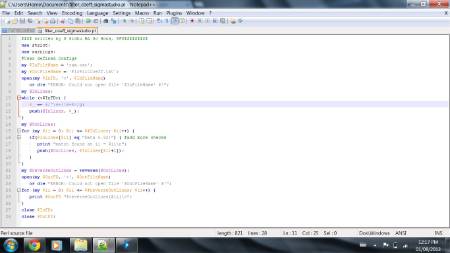
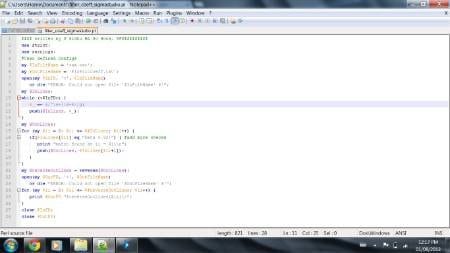
I made small perl script to solve the problem. Attached is script for other people.
Store data in ram.txt. The fir filter coefficients will be saved in FirFiltCoeff.txt.
Cygwin command: perl filter_coeff_sigmastudio.pl
Great, thanks! I have been meaning to learn Perl...
Please log in to reply.