Taming sloppy schematics
As a project grows ad-hoc, it tends toward an unholy mess. It seems the sovereign remedy is to take a deep breath and redraw the project with the same stuff but this time with hindsight, following standard schematic rules:
Have everything (except feedback) flow from left to right. Place sources and inputs along the left edge, outputs on the right edge.
Make compact functional sections holding their complex stuff within, leaving simple connections without. You can easily put these in hierarchy boards if desired, yet the result is cleaner even if you don't.
Use net (alias) names extensively. They help the most when redrawing the project (simply replacing wires in a spaghetti-wired project may only yield sparser spaghetti).
Use aliases for oft-repeated DC sources (such as zero "grounds"). DC sources are bulky and may clutter your project. They also consume two instructions apiece -- this surprised me as I had assumed they were like "byte_constant" directives needing only parameter RAM. When "Ran out of MIPS" is imminent, every little bit helps.
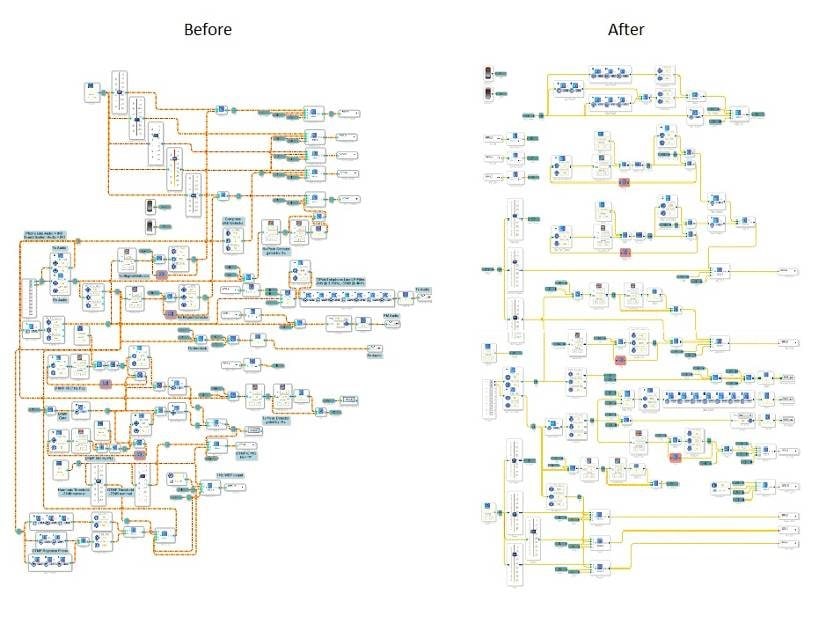
For example, here's two "aerial views" of a SigmaDSP project -- before, and after, a much-needed redraw (click anywhere on the photo to see it all) :
Neat projects, like well-structured C code, are easier to troubleshoot, modify, and maintain. By all means please share any of your favorite "cleanup" ideas with a comment on this thread.
mips
redraw
dc_source
sloppy
cleaner
clean
schematic
ground
alias
neat
cleanup
Show More
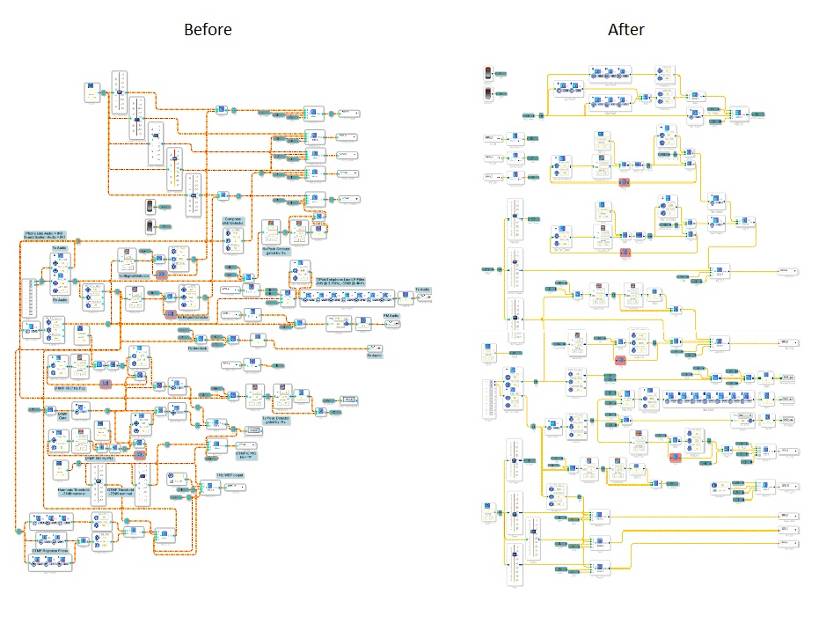
Thanks for sharing, Bob. If possible, could you share a slightly larger version of the graphic so it's easier to see? Unfortunately the resolution on the original is a bit too small to clearly see what's going on.
Thanks!
Brett
Brett.
I was able to make it a bit larger, hope it's clear enough now.
Bob
Thanks very much, Bob.
One caution -- aliases may not always work properly in v3.9 Beta, see
The alias problem was fixed with SigmaStudio 3.9.2
Please log in to reply.