Printing issue in SigmaDSP studio 3.5
Hi,
I tried to print out my schematic but only the 100% scaling works.
The problem is my schematic is bigger so I tried "Auto Fit" or a scaling below 100%.
But no setting besides 100% works i.e. the output is a white sheet of paper with a grey frame but no DSP blocks on it.
Any ideas?
Regards
Christian
sigmastudio
Hi Christian,
I'm getting OK results when I set both "Zoom" and "Scale" to Auto Fit. Would you try this?
When I say my results are "OK", I mean that the scaling works correctly. However, sometimes blocks on the very edge of the schematic are getting slightly clipped on the edge of the paper. Still, the scaling adjusts based on the size of the schematic, and it seems to work fine.
Hi Brett,
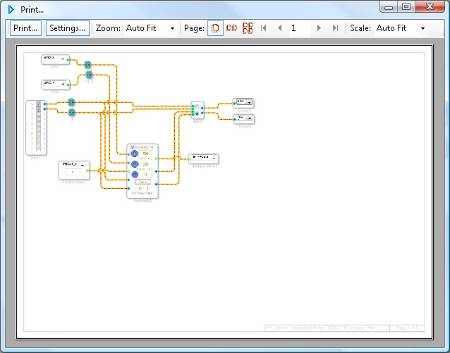
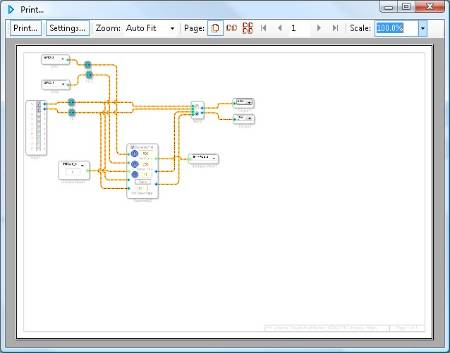
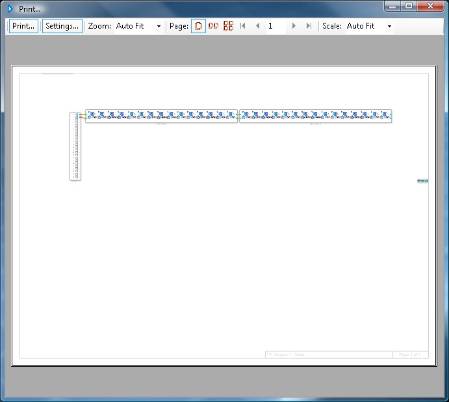
see attached my results.
With 100% I get only a part of my schematic on the paper (clipped on the edge).
With "Auto Fit" the sheet is empty.
In both cases I only get 1 page as output i.e. in case of 100% there aren't parts of the schematic on other pages.
It's a HP 8730w Notebook with Win XP 32Bit SP3 on it (German language settings).
Regards
Christian
Hi,
in the meantime I found another issue while printing the help.
I opened the help and selected the chapter "Algorithm Information" and wanted to print out the chapter including all subsections.
The result was an overlay of all subsections (see attached, Win XP 32Bit SP3).
My colleague tried this also and got the same result (Win7 Professional 64Bit).
Ideas?
Christian
Christian,
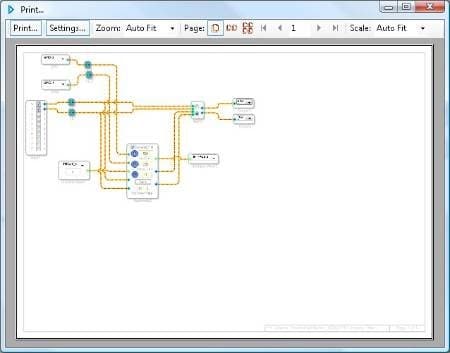
I will ask my colleagues to attempt this on an XP machine. I tried using my Vista machine and I had no problems at any zoom setting.
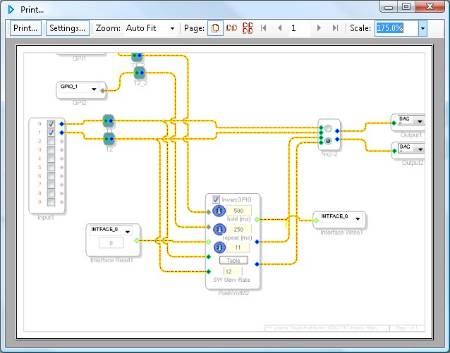
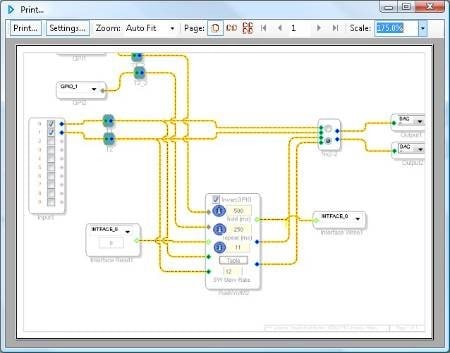
Hi Brett,
It's not an issue to print projects (also with different scalings) that fit on a page with 100% scaling (as your example here).
You should try a much bigger project e.g. add blocks to your example so that the width is 3-4 times of your current width.
The project should not fit to the print screen with a 100% scaling.
Trying to use "Auto Fit" in that case may cause then the same issue as I have also on a Vista machine.
Regards
Christian
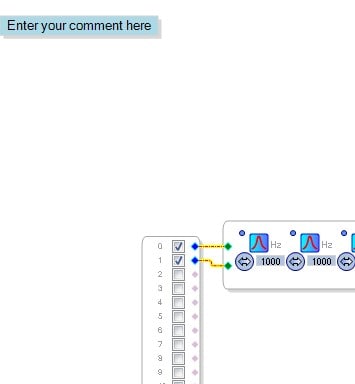
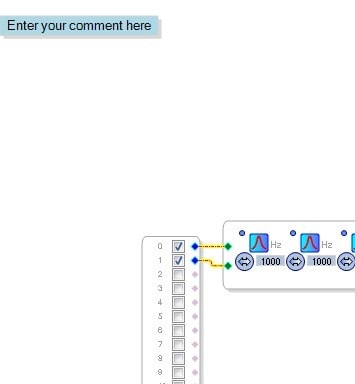
I think I found the problem. SigmaStudio is "framing" the print output incorrectly. It looks like you have to insert a little bit of a buffer in order to get the print area to look correct. I put some comment boxes on the top left and bottom right corners of my project and moved them around until the print area corrected itself.
This is obviously just a workaround. I'll try to get this fixed in the actual print function. It must just be calculating the borders of the project incorrectly.

Hi,
I had no success up to now with that workaround on my existing project.
I made a new one and that worked, I saved it and reloaded it and it worked.
Just the one I really need does not print out anything using a scaling beside a 100%.
I removed in that project everything except an input and a comment and it didn't work.
I moved the comment near the input and it worked.
I moved the comment back outside the 100% area and it didn't work.
I have no idea anymore so I think I will wait on the next release for a fix.
In the meantime I simply print out the schematic in peaces that fit on a 100% scaled page.
Or I rebuild my existing schematic starting with a new empty project and hopefully that works.
What about the help printing issue mentioned earlier in this thread?
Regards
Christian
Hi Christian,
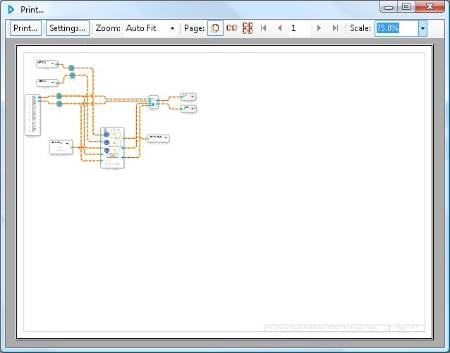
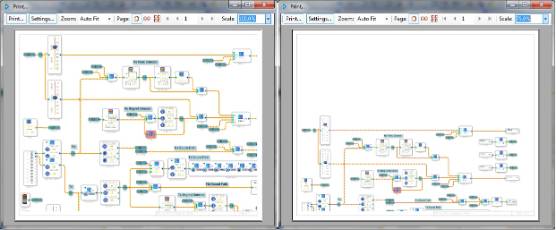
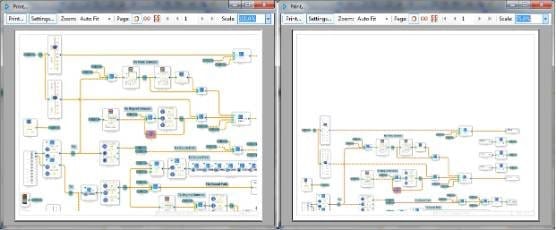
I'm having the same printing problem with SigmaStudio 3.7. A large project shows up blank in the print box, regardless of settings (I tried them all). After deleting about half the project it started to show up, producing the print box shown below, left at 100% scale:
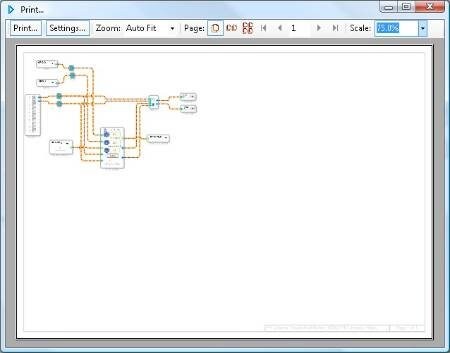
The box shows a good portion of the schematic, with the top left corner complete but the bottom right cut off. One would expect that with a smaller scale, the top left would stay put, and as everything shrinks, the bottom right portion would come inward to fit. Instead, at 75% scale (above, right), the whole image slides downward off the page. With larger projects than this one, the print image moves completely away, resulting in the blank print box.
I haven't found a workaround except to splice multiple screen shots into MS Paint (if the project fits horizontally on a widescreen with the toolbox turned off, this is easier than it sounds). Unfortunately you can't zoom out to help fit the screen -- the zoom in/out/normal controls are gone in Version 3.7. I assume this is to eliminate the "can't update any knobs or sliders" problem.
Best regards,
Bob
The printing capabilities in SigmaStudio are definitely limited. I think we are using some kind of library included in the Microsoft .NET framework and it's not optimized for printing anything larger than a sheet. I will bring this item up at our weekly software meeting.
This question has been assumed as answered either offline via email or with a multi-part answer. This question has now been closed out. If you have an inquiry related to this topic please post a new question in the applicable product forum.
Thank you,
EZ Admin
Please log in to reply.