EVAL-ADAU1X61EBZ
Hello,
I have problems to get the ADAU1761 DSP to work on the evaluation board (mentioned in title).
I have followed all the instructions in http://www.analog.com/static/imported-files/eval_boards/EVAL-ADAU1761Z.pdf on page 3 and 4, with no luck, I get no sound on the output. I connect each of the inputs in the Schematics to a Single Level Detector, they detect no input signal.
I have tried a white noise generator in SigmaStudio, still no output. I've even connected the white noise generator directly to the SLDetector, no signal.
In Hardware Configuration and Playback Output Signal Path tab I route both the LAUX and RAUX and get the input sound routed to the output. So, that's ok.
It seems as though the DSP doesn't start properly....What can be wrong?
Thanks,
Helge
Audio Signal Processors
processors and dsp
SigmaDSP Audio Processors
adau1761
Processors and Microcontrollers
Helge,
Let's debug this one step at a time. First, try this:
Plug in the USBi to the computer.
Check to make sure the I2C LED is lit on the USBi.
Plug in the USBi to the ADAU1761 board.
Check to make sure the POWER LED is lit on the ADAU1761 board.
Start SigmaStudio.
Create a new project.
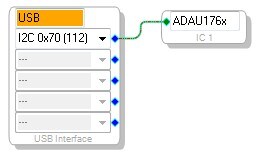
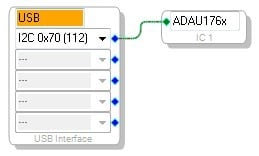
Add a USBi, an ADAU1761, and connect them.
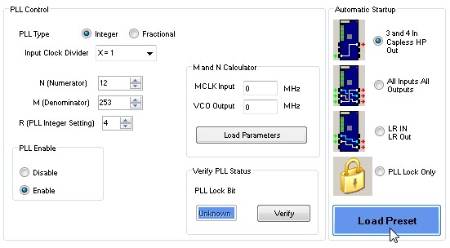
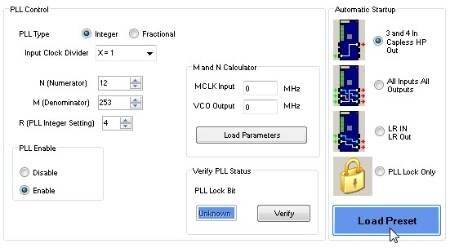
Click the Register Controls tab at the bottom of the screen.
Click the Load Preset button.
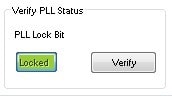
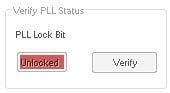
Check the PLL Lock Bit, and make sure you see "Locked" in the box.
Once you've completed this, post back here and we can continue. If you've made it this far, your USBi is working and the drivers are installed correctly.



Hi Brett,
Check on all points!
Actually, I've noticed one thing now. I have attached a project here for testing. When I use a project for the 1701evm with same schematic as attached everything works fine. That is, after clicking LinkCompileDownload the I2C LED on the USBi flickers for a second or two than goes steady and audio is correct. BUT for the attached project for 1761 evm, after LinkCompileDownload the I2C LED stays flickering and never goes steady. And nothing works.
Can this be a clue to what's wrong?
Regards
Helge
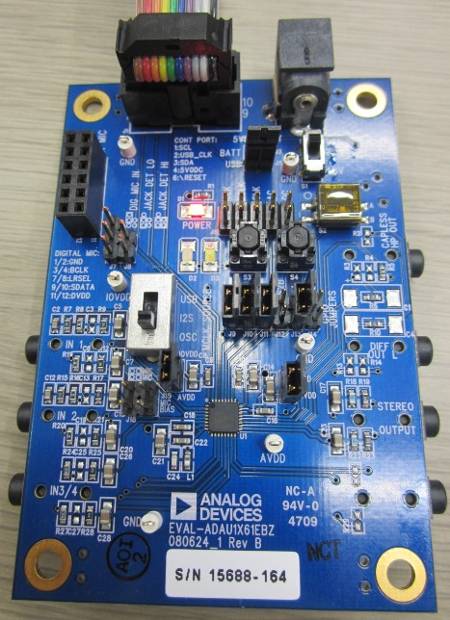
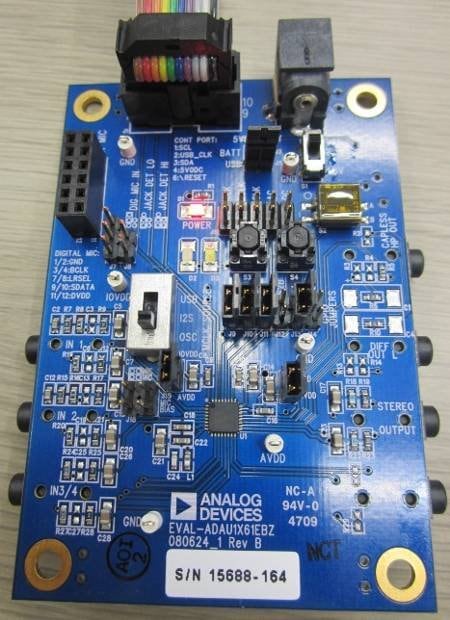
That project works fine on my board. The fact that you're able to read back the PLL run bit shows that communications are fine. My guess is that there might be an issue with the setup of your jumpers or switches. Can you double check your board against the attached photo?
Hi Brett,
Yes, I've trippel checked this. The only thing differ is the GPIO jumpers, where I use no jumpering. But this should not affect anything.
Can you re-create the flickering issue by setting any switch or jumper the wrong way?
/Helge
The fact that the USBi is working for your ADAU1701 EVB is a good sign. That means the USBi is not dead.
You're also able to write to and read control registers on the ADAU1761, but you're unable to read or write the program and parameters it seems.
Well, the PLL lock bit is showing a positive result, but let's try directly reading a register just to be sure.
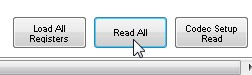
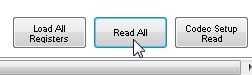
Try doing the same steps I had listed above. However, when you're finished, scroll to the bottom right of the register window and find the READ ALL button. Unless you have a very big monitor, you will probably have to use the scroll bars to find it.
Click the Read All button.
One of three results will happen.
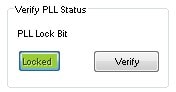
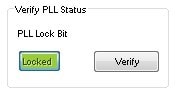
1. Communications success - PLL Locked.
The bar at the bottom of the screen will be green,
and the PLL locked bit will be green.
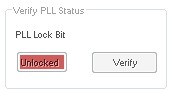
2. Communications success - PLL not locked.
The bar at the bottom of the screen will be green,
but the PLL locked bit is red.
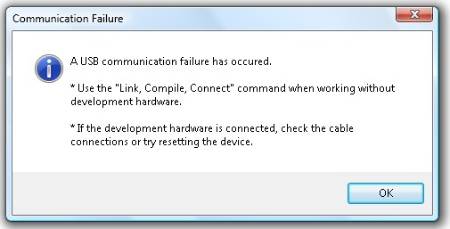
3. Communications Failure
You will see the following message:
And the communications bar will be "clear."
Please give this a try and let us know your results.






Hi Brett,
Yes, this works and I am up and running. The solution was a bit embarrassing. I had the wrong board. I had a 1361 eval board, which I didn't know we even had here...:P The boards looks exactly the same and has the same label EVAL-ADAU1X61EBZ. I discovered the mistake when I looked and the board with the loupe and discovered the "DSP" said "1361"!
Thank You for your efforts in helping me!
Best Regards,
Helge
Haha!
Well, I would rather have an embarrassing solution than no solution. In any event, this explains why you were able to write registers but not RAM - the ADAU1361 has nearly the same register map as the ADAU1761, but no RAM!
Best Regards,
Brett
This question has been closed by the EZ team and is assumed answered.
Please log in to reply.