Macros
I'm making an overly complex flow utilizing boolean modules and a couple dozen parts and it absolutely consumes my entire screen on my 24" monitor. When I'm done with my design (it will be getting bigger) I'll need to copy/paste it about 8 times and that will get out of control monitor footprint wise. Is there a way to create a macro or a "function" to make my design easier to handle?
Thanks.
Audio Signal Processors
function
adau1446
sigmastudio
SigmaDSP Audio Processors
SigmaDSP
macro
Show More
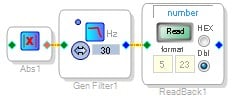
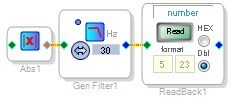
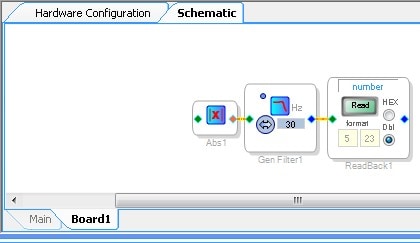
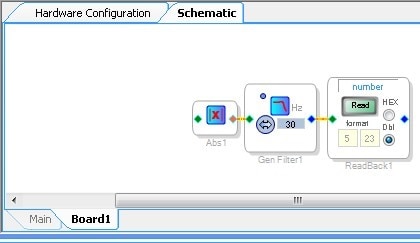
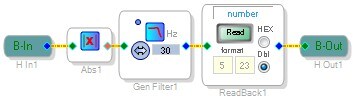
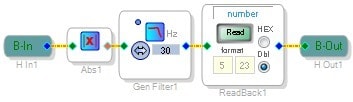
In SigmaStudio, there is a function called hierarchy boards, which I'll explain here. In this example, I created a DSP Readback cell with some basic level averaging using an absolute value and low pass filter. This is a very primitive level meter.
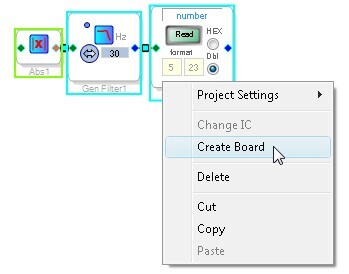
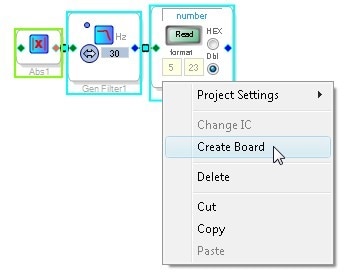
In order to create a hierarchy board from this set of cells, I select them all (including the wires connecting them), then right click and select "Create Board."
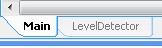
The cells are now moved to a new page called Board1. You can see the board tab in the bottom of the schematic screen.
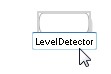
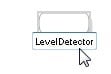
In the Main tab, the name of each board can be changed. I'll change mine to "LevelDetector."
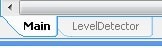
Now you can see the Main tab and the LevelDetector tab.
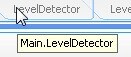
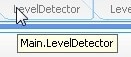
Mousing over each tab shows you its position in the hierarchy.
Now I'll add an input and output to my hierarchy board. These are found in the top of the toolbox.
After connecting them to my level detector function, it looks like this:
Note that corresponding input and output pins have been added to the LevelDetector board on the Main tab.
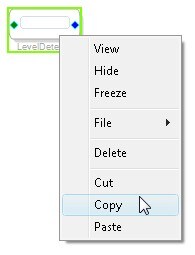
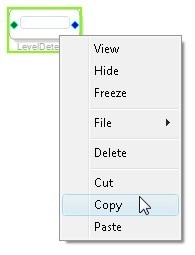
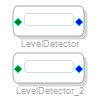
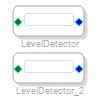
In order to duplicate this function, I can right click and select Copy...
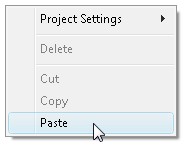
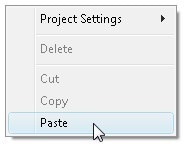
Then right click in a blank space in the project and select Paste.
This creates a duplicate.
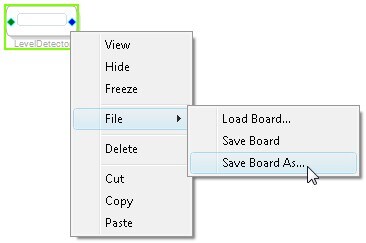
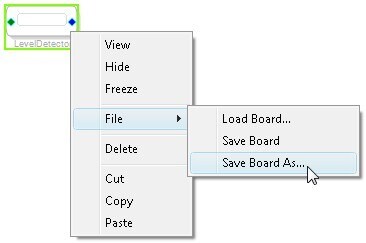
I can also save this function for later use by right clicking, then selecting "Save Board As...".
In a future project, I can add a Hierarchy Board...
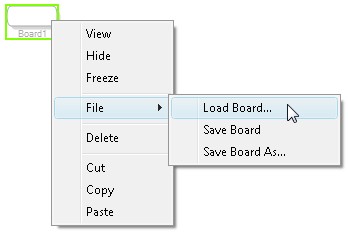
Then right click it and select "Load Board..." to open any of my previously saved functions (as long as they were created with compatible ICs).
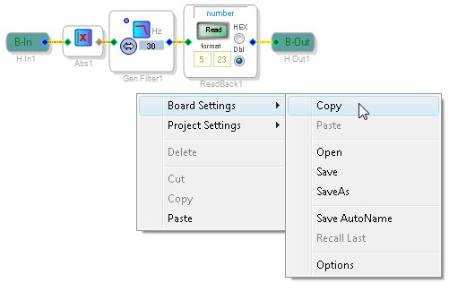
In my board tab, I can right-click in the blank space and access the Board Settings menu to copy, paste, save, or load all of the hierarchy board's parameter settings at once.
Message was edited by: BrettG 100621 - Attached project file




Perfect, Thank you!
This hierarchy tool is working great except I think I found a bug in Sigma Studio for multiple hierarchy layers. I presume that since it lets me do this then it is a supported feature of SigmaStudio.
Bug:
A form (main) with a hierarchy (main.sub1) module that has another layer of hierarchy (main.sub1.sub2). Save the sub2 board, this is performed normally and lets say it saves as a 10KB file. Drag a new board to the project and load it, everything works normally. Now edit sub2 in a "trivial" way try by adding a T to the output to make two outputs rather than just one. Now save it again and you'll see it becomes smaller, usually 6KB. When trying to load this smaller 6KB file. When loading this module it will contain the inputs with the rest of the modules gone.
Also, sometimes SigmaStudio just flat out crashes when dealing with these nested hierarchies.
Duly noted. I'll report to the software team. For now, stick to copy/paste, which works within the same project and between projects without issues.
Please log in to reply.